Last updated May 12, 2026: This draft targets the long-tail keyword "AI PDF summarizer with citations" for research and source-backed writing searches.
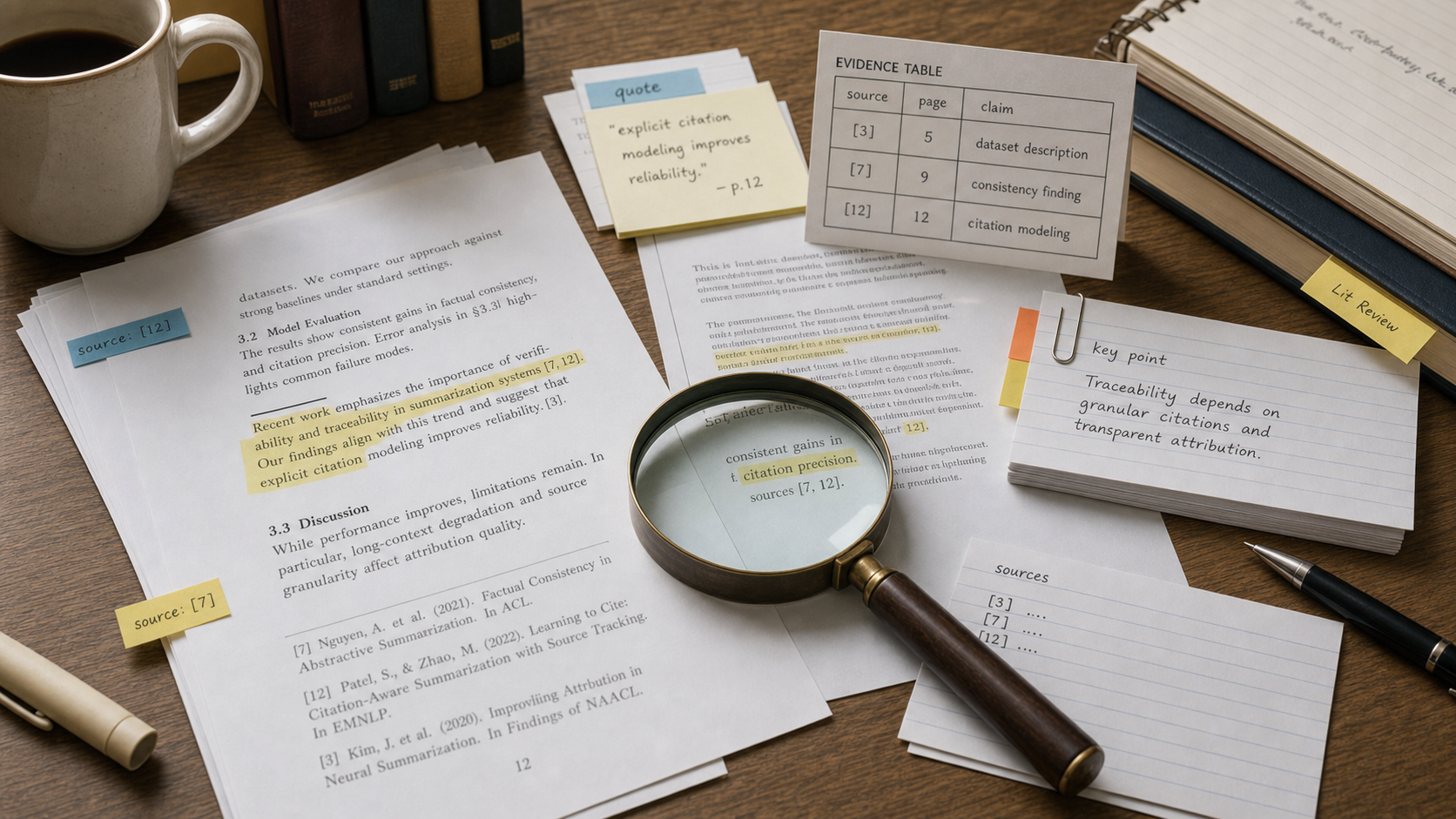
An AI PDF summarizer with citations can speed up research, but the citation layer is the part that decides whether the summary is useful or risky. A confident summary without traceable source passages is just a polished guess.
For new-site SEO, this topic is useful because search intent is specific: readers do not only want a generic PDF summary. They want summaries they can verify. Start with the AI research tools category, then compare tools such as NotebookLM, Adobe, and Perplexity by how well they preserve sources.
Key takeaways
- A useful PDF summary should link claims back to the original document.
- Page references are helpful, but exact source passages are better.
- Never trust citations until you open the cited page and verify the claim.
- Use AI summaries for triage, not as a replacement for reading important sections.
- For legal, medical, financial, or academic work, require human source review before publishing.
What makes an AI PDF summarizer trustworthy?
A trustworthy AI PDF summarizer shows where its claims came from, separates source-backed facts from interpretation, and makes it easy to open the original document. The test is simple: if you cannot trace an important claim back to a passage, do not use that claim as fact.
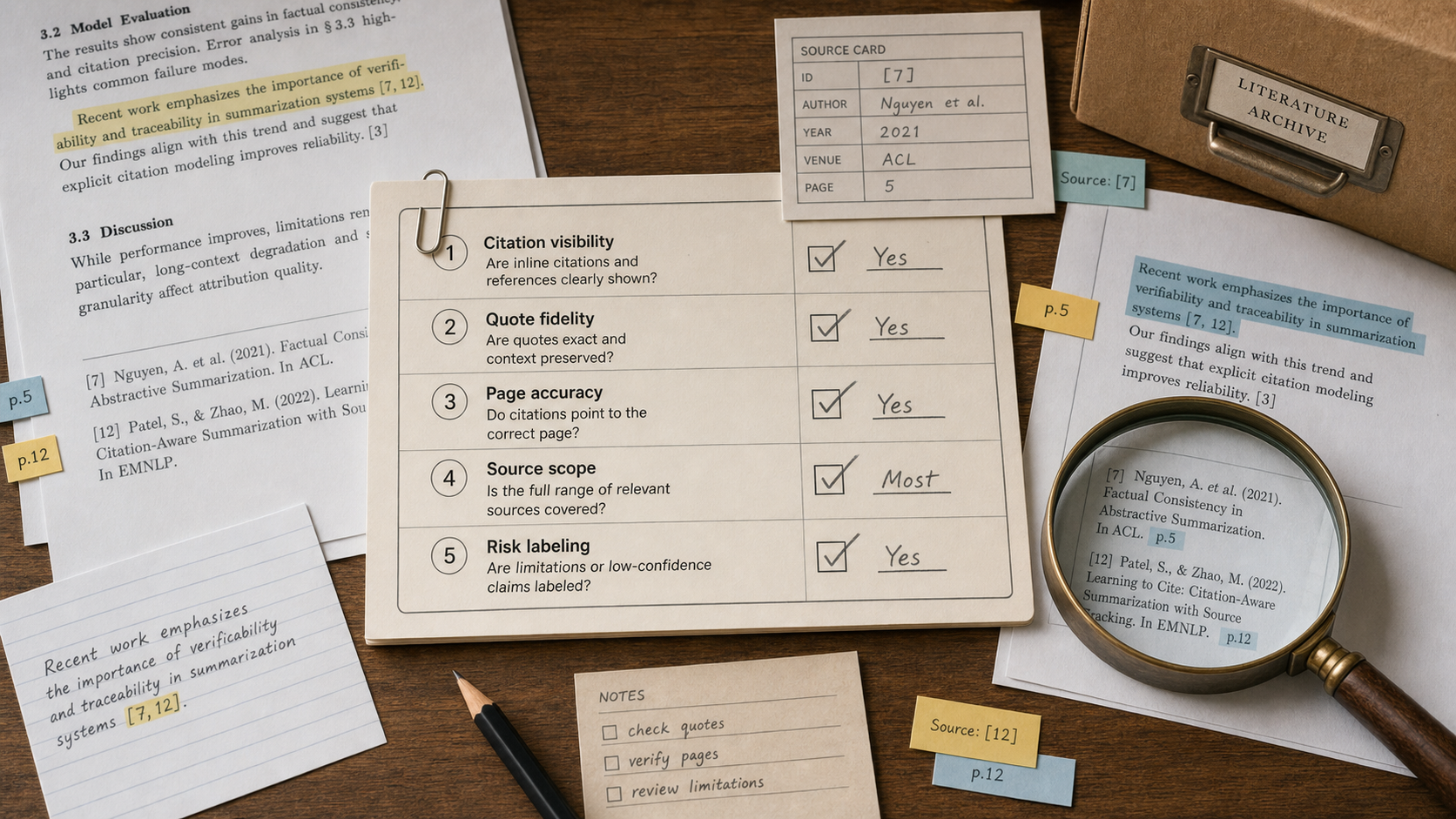
| Check | Why it matters | What to do |
|---|---|---|
| Citation visibility | Readers need to see where the summary came from. | Click each citation and confirm it opens the right page or passage. |
| Quote fidelity | LLMs can paraphrase too aggressively or invent wording. | Compare high-value claims against the source text. |
| Page accuracy | Wrong page references waste review time. | Spot-check at least five citations in a long document. |
| Source scope | The tool may ignore appendices, tables, or footnotes. | Ask whether the summary includes all sections you care about. |
| Risk labeling | Some claims are conclusions, not direct facts. | Mark interpretations separately from evidence. |
When should you use this workflow?
Use this workflow when reviewing research papers, vendor reports, policy PDFs, manuals, whitepapers, or product documentation. It is especially helpful when you need to scan many documents and decide which ones deserve a deeper read.
Do not use a PDF summarizer as the final authority for compliance, contracts, academic citations, clinical decisions, or investment research. In those cases, AI can help navigate the document, but the final interpretation needs a qualified reviewer.
Practical review checklist
- Upload only documents you are allowed to process with the tool.
- Ask for a short summary, then a source-backed evidence table.
- Verify the top five claims against the original PDF.
- Check whether tables, figures, and footnotes were included.
- Ask the tool to list uncertain or missing information.
- Keep the original PDF linked in your notes or article draft.
Final recommendation
Choose an AI PDF summarizer with citations when your goal is faster source review, not shortcut research. For broader comparison, start with the AI research tools directory and test tools on the same PDF before trusting the output.
E-E-A-T review notes
Experience: Before publishing, test one real PDF and add an editorial note showing how many cited claims were checked manually.
Expertise: Maya Bennett should keep this article focused on source-backed research workflows, citation review, PDF summarization, and evidence checking.
Trust: Keep the article clear that AI citations can still be wrong. Readers should verify important claims in the original source.
References
- Google guidance on helpful content - people-first content and source reliability
- NotebookLM help - official help center for source-based notebook workflows
- Adobe Acrobat AI Assistant - official product information for PDF AI assistance
Where to go next
Use these internal links to continue from the article into tool comparison, product pages, and related workflows.
- AI research tools - compare source-backed research and summarization tools
- NotebookLM - test source-grounded research workflows
- Adobe - review Acrobat and document AI workflows
- Perplexity - compare answer engines and citation behavior