Editorial note, draft prepared April 22, 2026: This draft should be updated with hands-on screenshots from at least three tools before publishing. Keep claims focused on workflow fit rather than absolute rankings.
AI data analysis tools are useful when they shorten the path from messy question to credible answer. They are risky when they make charts look confident before the data has been checked.
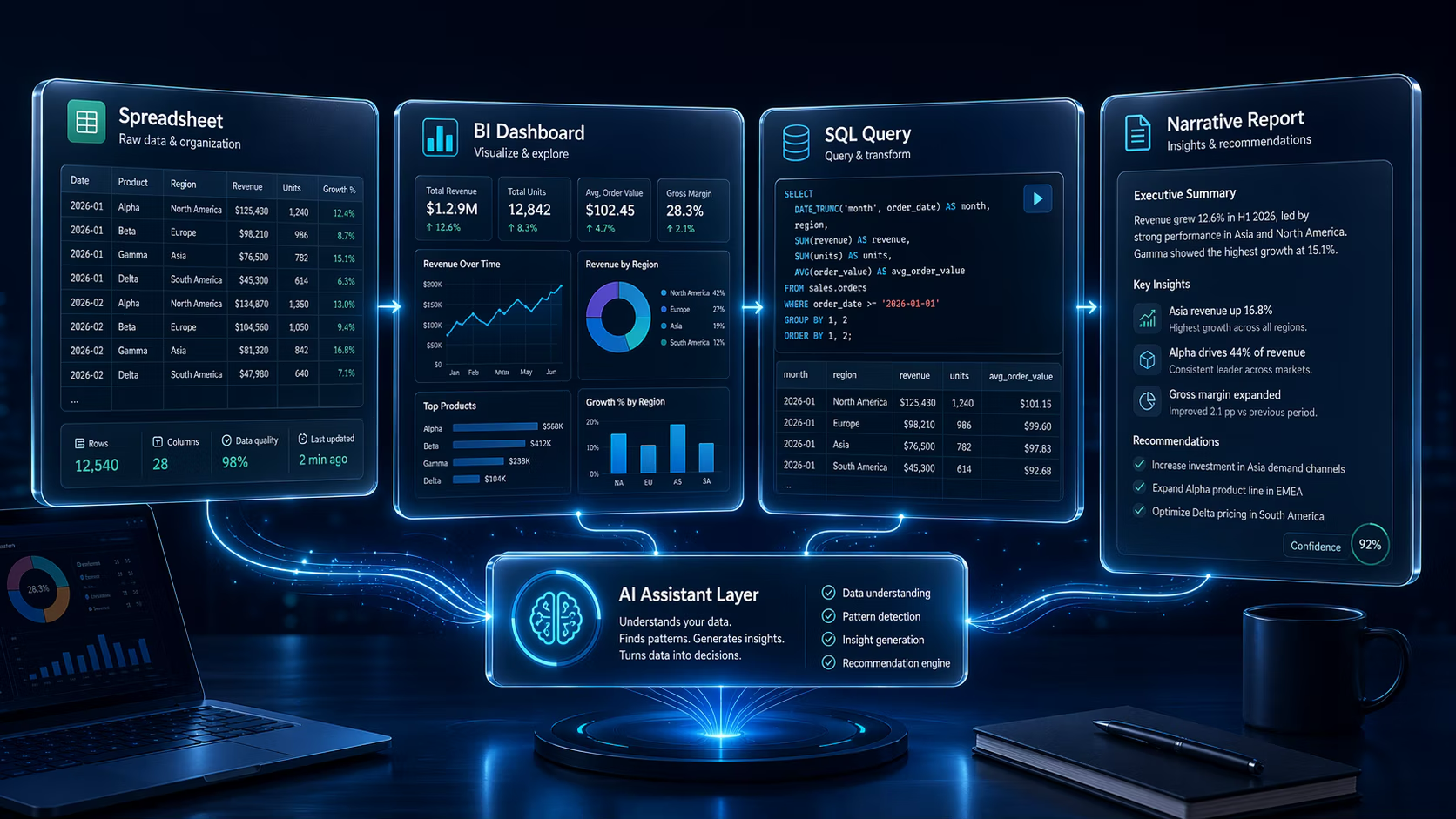
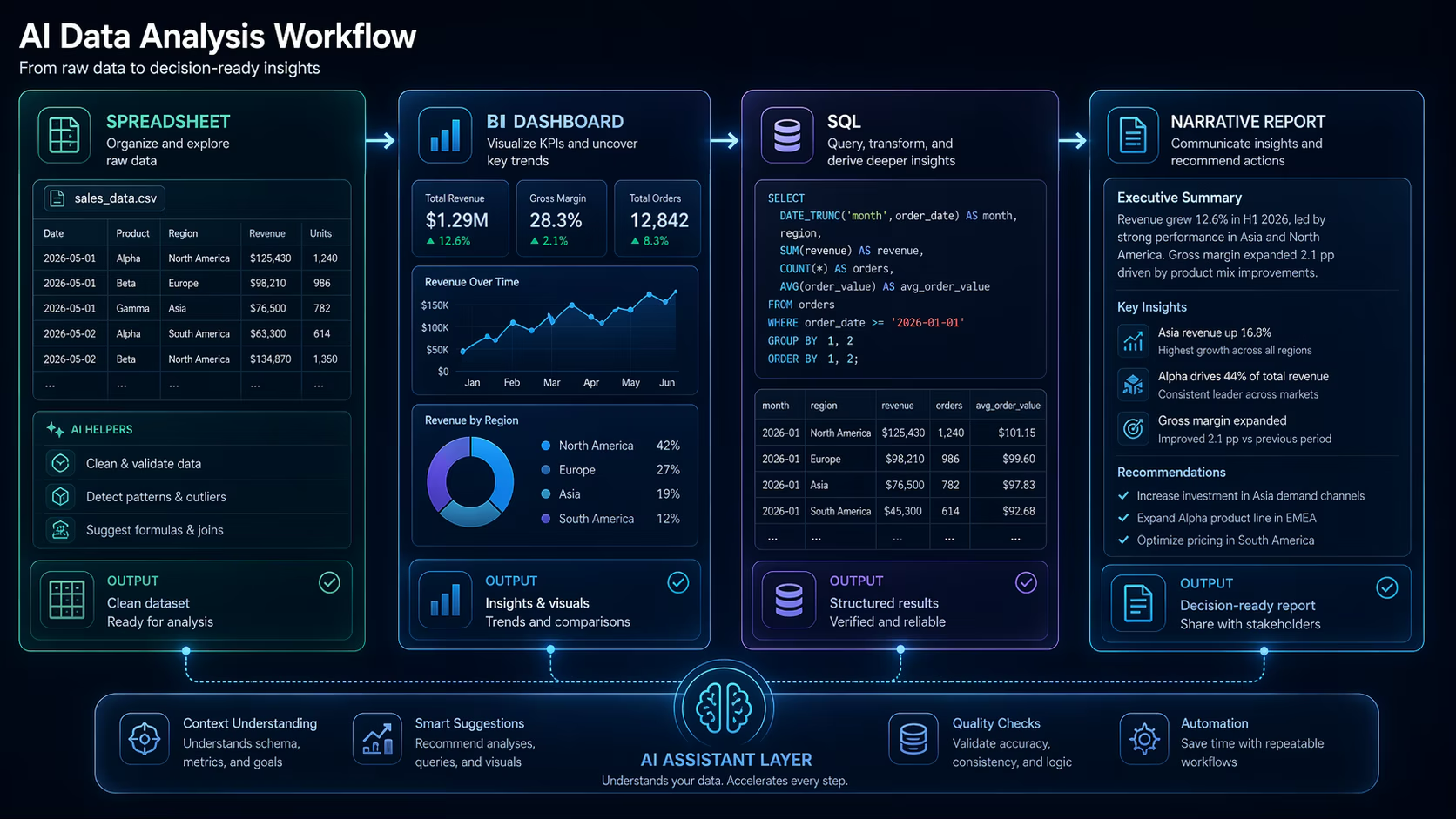
The best AI data analysis tools in 2026 help with four jobs: exploring data, writing queries, explaining trends, and turning analysis into charts or reports that a team can review.
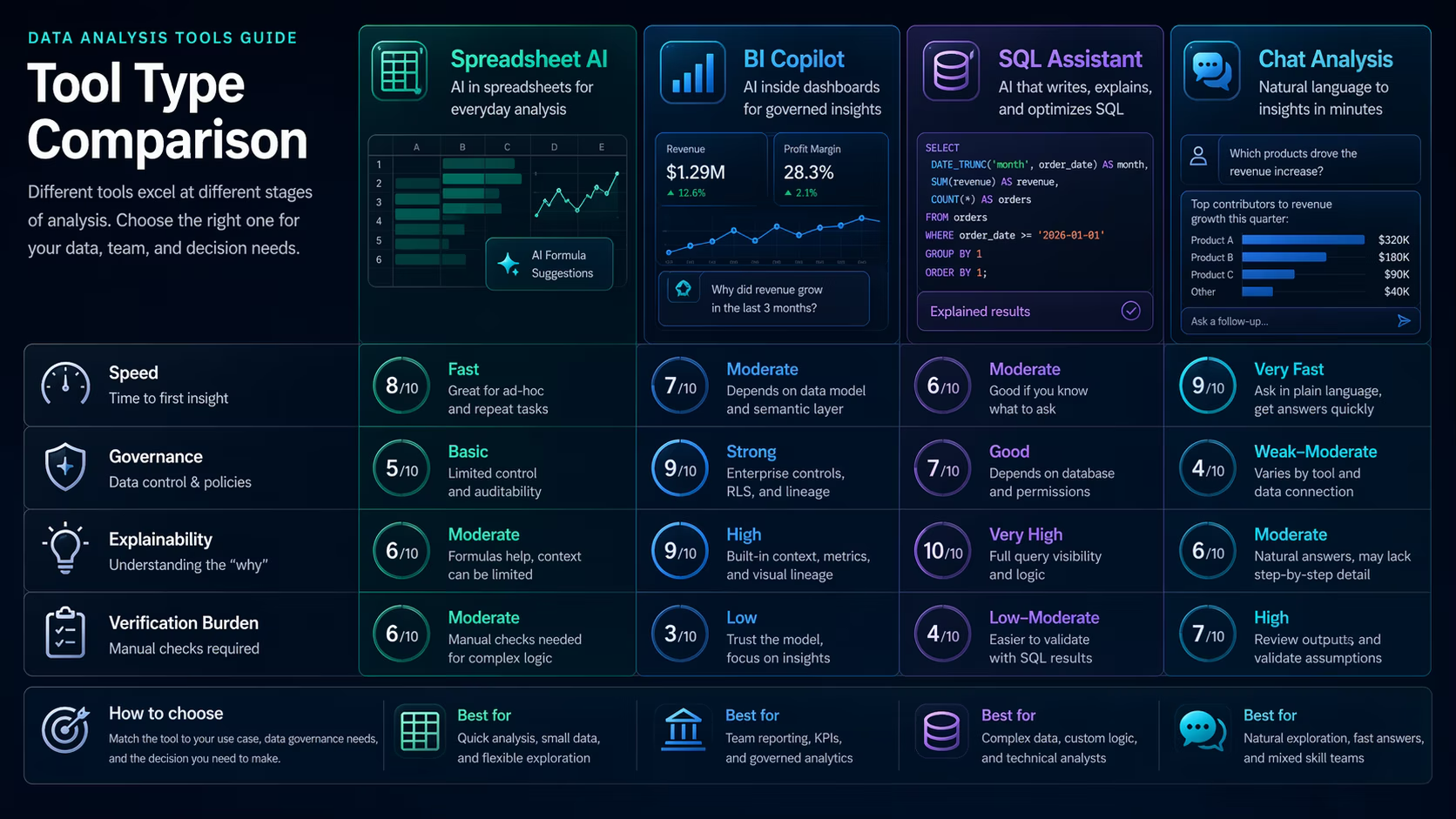
TL;DR: Choose AI data tools by workflow: spreadsheets for quick analysis, BI copilots for governed dashboards, SQL assistants for analysts, and general chat tools for explanation and draft reporting. Always verify data sources, calculations, and chart choices.
Who this guide is for
This guide is for analysts, operators, and managers comparing research and data tools for business reporting.
- Teams moving from manual spreadsheet work into AI-assisted analysis.
- Analysts comparing BI assistants, SQL helpers, and general AI chat tools.
- Readers looking for practical AI tool reviews instead of vague analytics hype.
The practical framework
Start with the data workflow, not the vendor pitch. The best tool depends on where the analysis happens.
| Workflow | Best tool type | Main verification need |
|---|---|---|
| Spreadsheet cleanup | Spreadsheet assistant | Formula accuracy and data types |
| Dashboard explanation | BI copilot | Metric definitions and permissions |
| SQL analysis | SQL assistant | Query logic and database context |
| Narrative report | General assistant | Source links and calculation checks |
Use spreadsheets for fast, low-stakes analysis
Spreadsheet-based AI is useful for cleaning columns, suggesting formulas, generating summaries, and creating first-pass charts. It is strongest when the dataset is small enough for a human to inspect.
The risk is silent error. Always check formulas, row counts, filters, and whether the tool changed data types while cleaning.
Use BI copilots when governance matters
BI assistants in tools such as Power BI and Tableau-style workflows are more useful when teams already have governed metrics, dashboards, and permission models. Natural language is helpful only if the underlying semantic layer is trustworthy.
If the company has conflicting definitions for revenue, active users, or churn, AI will not fix the governance problem. It may simply make the wrong answer easier to ask for.
- Confirm metric definitions before asking for trends.
- Check whether the user has permission to see the underlying data.
- Use AI explanations as drafts, not final business conclusions.
Use SQL assistants for analyst acceleration
SQL assistants are valuable when analysts need help writing joins, translating business questions into queries, or explaining legacy database logic. They work best with clear schema context and examples of expected output.
They should not bypass review. Analysts still need to inspect joins, filters, date handling, and whether the query answers the real business question.
| Analysis job | AI can help with | Human must verify |
|---|---|---|
| Data cleaning | Formula suggestions and transformations | Data types and missing values |
| Trend analysis | Narrative summaries | Metric definitions and sample size |
| SQL queries | Draft joins and filters | Business logic and performance |
| Visualization | Chart suggestions | Chart choice and misleading scales |
Implementation checklist
- Define the business question before opening the tool.
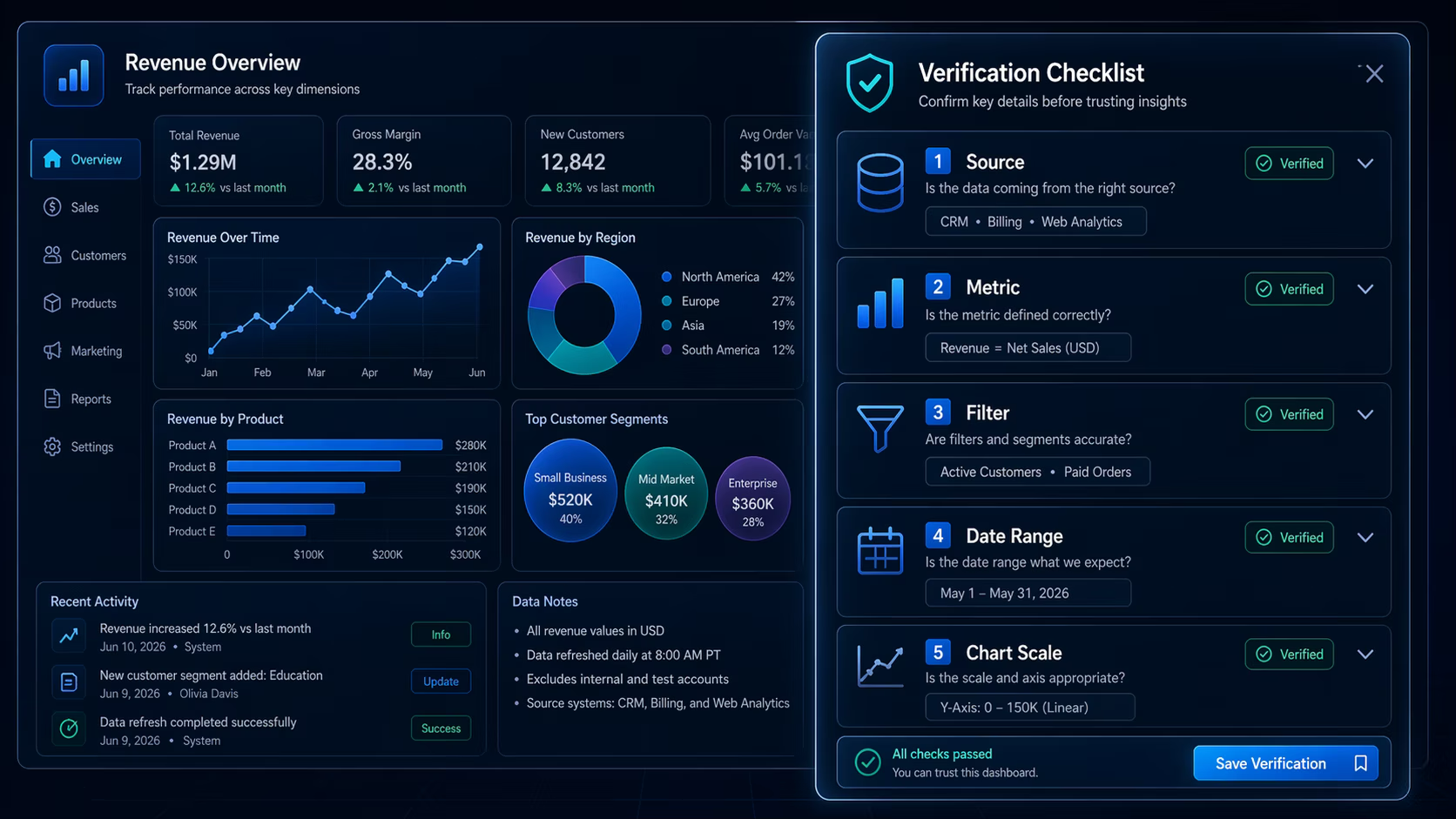
- Confirm the source table, date range, and metric definition.
- Ask AI to show assumptions and calculation steps.
- Verify formulas, joins, filters, and chart scales.
- Document what was checked before sharing the result.
E-E-A-T notes for editors
Sophia should add a mini benchmark with the same dataset across spreadsheet, BI, and chat workflows. This would create first-hand testing evidence and strengthen the recommendation.
References and further reading
- Microsoft Power BI blog - official updates for Power BI and Copilot capabilities
- Tableau Next and Agentforce overview - official Tableau AI and analytics direction
Where to go next
Use these related pages to move from research into tool selection, comparison, and implementation.
- Research and data tools - browse AI tools for analysis and research
- LumenLine tool page - review a site-listed tool Sophia can test in data storytelling contexts
- AI tools list - compare broader tool categories
Final recommendation
AI can make analysis faster, but it does not remove the analyst. The best workflow uses AI to draft queries, explanations, and visuals while humans verify the data, definitions, and decisions.