Best AI Tools 2026 for Beginners: A Practical First-Stack Guide
Editorial note (reviewed April 14, 2026): This draft was updated using the live AI Generator Tools database on April 14, 2026, which currently lists 2,129 active tools across 8 categories. We also checked official product or plan pages from OpenAI, Anthropic, Google, Midjourney, and Zapier so beginner examples reflect currently supported products rather than outdated listicles.
If you are new to AI, the best AI tools in 2026 are usually not the most viral ones. They are the tools that help you get useful work done in the first 10 to 30 minutes without confusing pricing, messy onboarding, or too many workflow changes at once.
That is why beginners need a first stack, not a giant ranking.
Quick answer
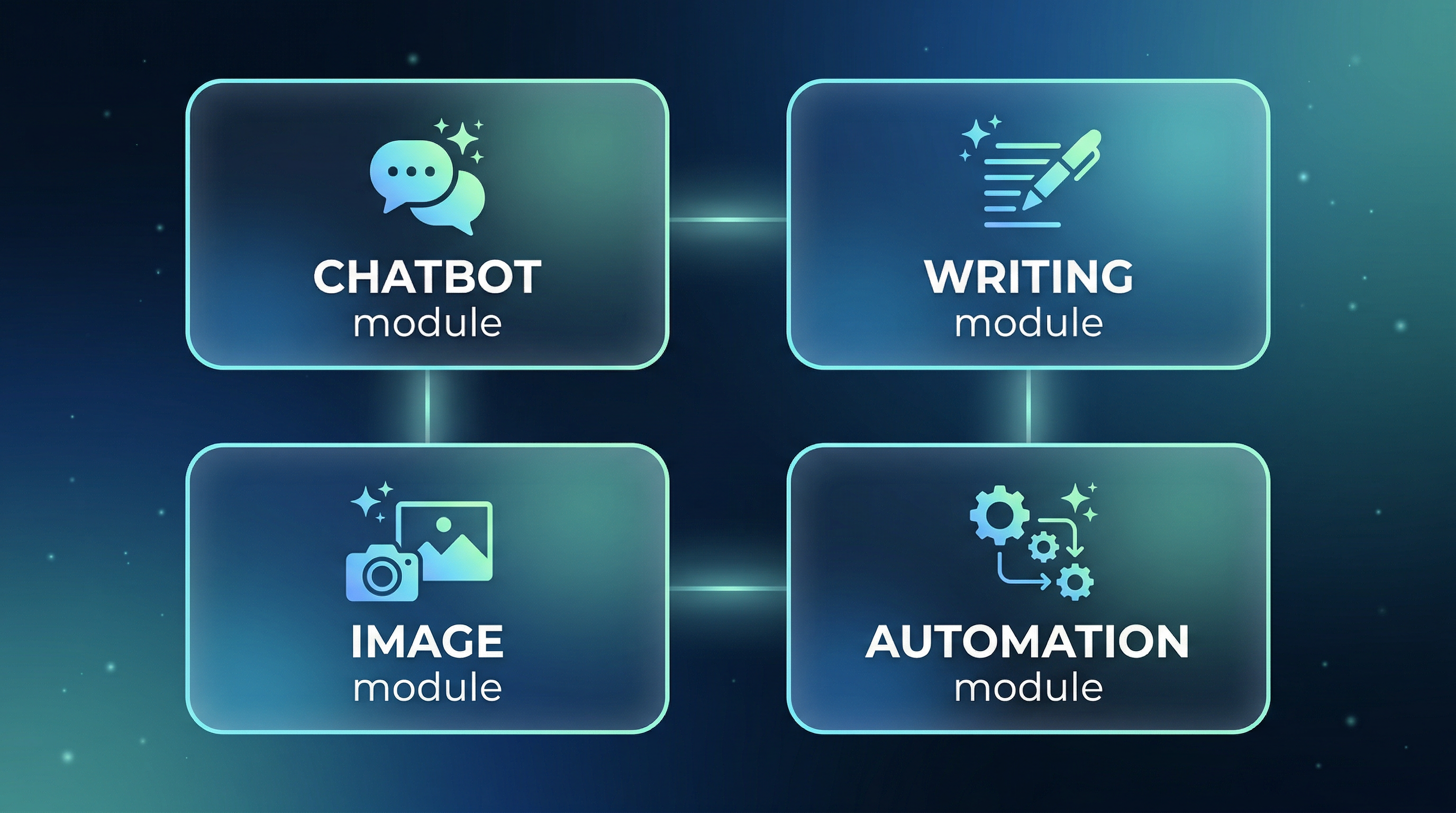
For most beginners, a practical starter stack still looks like this:
- One chatbot for writing, summarizing, planning, and questions
- One image tool if you create visuals, thumbnails, or design concepts
- One automation tool only after you repeat a workflow often enough
- One comparison platform to research tools before paying for them
The beginner-friendly starting stack

| Layer in your first stack | Why it matters | Good starting examples to research | What to verify before paying |
|---|---|---|---|
| Chatbot | Covers the widest range of beginner tasks | ChatGPT, Claude, Gemini | model limits, memory, file uploads, plan pricing |
| Image tool | Helps with visuals, concept art, thumbnails, and creative drafts | Midjourney and other image tools in the directory | commercial rights, learning curve, generation caps |
| Automation tool | Useful once you already repeat a task and want to remove manual work | Zapier-style automation platforms | app integrations, task limits, approvals, usage pricing |
| Discovery platform | Helps you compare instead of guessing | AI Generator Tools | always verify final details on the official product page |
Why beginners get stuck
Most beginner frustration comes from one of these patterns:
- buying too early,
- subscribing to too many tools at once,
- copying someone else's stack without matching it to your task,
- or choosing based on social hype instead of workflow fit.
The goal of this guide is to avoid those mistakes.
What to do first if you have never paid for an AI tool
Step 1: Pick one job to improve
Choose the most obvious job you want help with first:
- writing,
- brainstorming,
- note cleanup,
- image creation,
- research,
- coding,
- or repetitive admin work.
Do not start with five jobs at once.
Step 2: Use one general-purpose tool before buying a niche one
For many beginners, a chatbot is still the best first stop because it can cover:
- rough drafts,
- summaries,
- planning,
- checklists,
- ideation,
- and basic research support.
Only after that should you decide whether you also need a dedicated image, video, coding, or automation tool.
Step 3: Compare before you subscribe
This is where a comparison platform becomes useful. Instead of trusting memory, you can review:
- category,
- use case,
- pricing model,
- summaries,
- and related tools in one place.
That is much easier than opening ten vendor tabs and trying to remember which plan did what.
How AI Generator Tools helps beginners
For beginners, the biggest value is not “discovering every tool on the internet.” It is seeing the market in a cleaner structure.
After reviewing the live directory, the most useful beginner advantages are:
| Beginner need | How the platform helps |
|---|---|
| I do not know what category to start with | The directory separates tools into 8 core categories. |
| I want to compare before paying | Tool pages and summaries make early shortlisting faster. |
| I am worried about wasting money | Pricing labels reduce blind clicking. |
| I want to keep learning | Editorial content and news give more context than a plain directory. |
A simple 30-minute beginner workflow
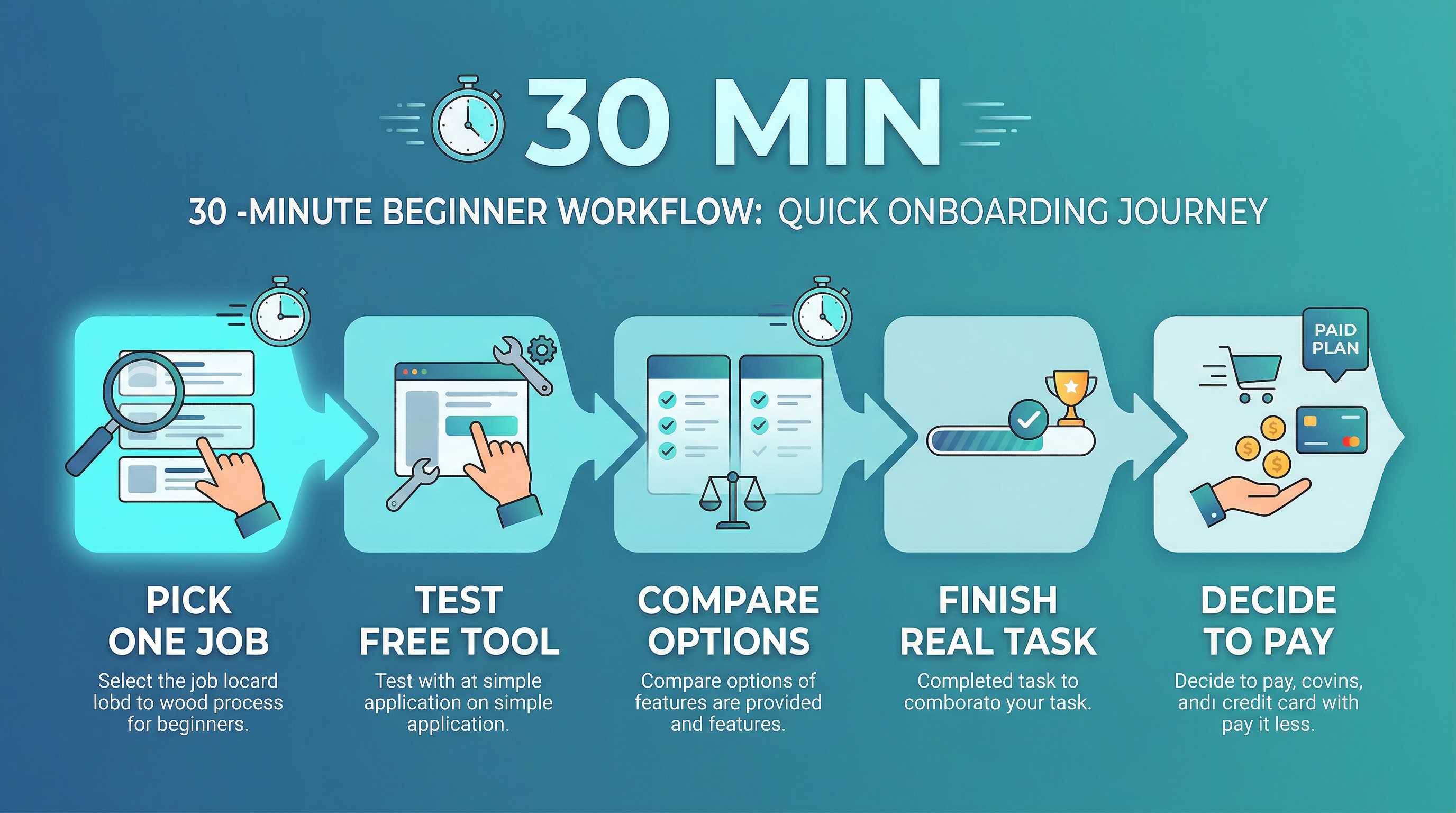
If you only have 30 minutes, use this sequence:
- Pick one task you want to improve.
- Open the most relevant category inside the directory.
- Shortlist 3 tools, not 30.
- Check the official pricing page for each one.
- Test the easiest or lowest-risk option first.
That alone will save beginners a lot of wasted subscriptions.
Which categories beginners should usually explore first
AI chatbots
This is still the easiest starting point because one tool can help with multiple tasks at once.
Image generation
This becomes useful quickly if you make social content, thumbnails, or visual concepts.
Writing and content
A good beginner category for solopreneurs, marketers, students, and operators who create text every week.
Automation
Very helpful, but usually not the first category to pay for. It makes more sense once you already have one repetitive workflow worth automating.
Beginner mistakes to avoid

- Paying for multiple subscriptions before one workflow is working
- Picking the most famous tool instead of the best-fit tool
- Skipping the official pricing page
- Trusting AI output without checking it
- Buying an automation platform before you have a stable process
How to know you are ready to pay
You are probably ready for a paid plan when:
- you use the tool every week,
- the free tier blocks real work,
- you know the exact use case,
- and you can explain the value in one sentence.
If you cannot explain the value clearly yet, you probably still need a trial or free tier first.
Final take
For beginners, the best AI tools in 2026 are the ones that create fast time-to-value without adding decision chaos.
That usually means:
- one flexible chatbot,
- one optional specialist tool,
- and one good comparison workflow before you start paying.
In that setup, AI Generator Tools is valuable because it helps beginners compare options more calmly and more systematically.
FAQ
What is the best first AI tool for most beginners?
Usually a chatbot, because it covers the broadest set of beginner tasks in one interface.
Do beginners need to pay for AI tools right away?
No. In many cases, free tiers are enough to learn the workflow and discover whether the tool is truly useful.
Is AI Generator Tools itself an AI model?
No. It works primarily as a discovery and comparison platform that helps you research tools more efficiently.
What is the biggest beginner mistake in 2026?
Paying for multiple tools before you know which workflow you are actually trying to improve.