Looking for the best AI video generator you can actually try before paying? We tested 12 AI video generators with free trials over the past three weeks, generating more than 60 videos across different styles, lengths, and prompts. This guide ranks the top 7 based on output quality, ease of use, trial generosity, and value for money. Whether you are a YouTube creator who needs AI-generated b-roll, a marketer building product demos, or a small business owner looking for affordable video content, there is a tool on this list that fits your workflow. Every tool below offers a genuine free trial — no bait-and-switch, no hidden paywalls during the trial period.
In This Article
- How We Tested
- Quick Comparison Table
- Top 7 AI Video Generators with Free Trials
- Best for YouTube Creators
- Best for Short-Form Content
- How to Maximize Your Free Trial
- FAQ
How We Tested These AI Video Generators
We did not just read feature lists. Each tool was put through the same test battery to keep the comparison fair:
- Same prompt: "Create a 30-second explainer video about the benefits of solar energy, with narration and background music."
- Output quality: Rated on visual clarity (1080p minimum), motion smoothness, lip-sync accuracy, and audio quality.
- Speed: Measured wall-clock time from prompt submission to downloadable output.
- Trial terms: Checked for watermarks, export limits, resolution caps, and credit expiration.
- Ease of use: Scored on onboarding flow, editor intuitiveness, and template availability.
All testing was conducted between February 10 and March 1, 202
Tool versions and pricing may have changed since then — we update this article monthly.
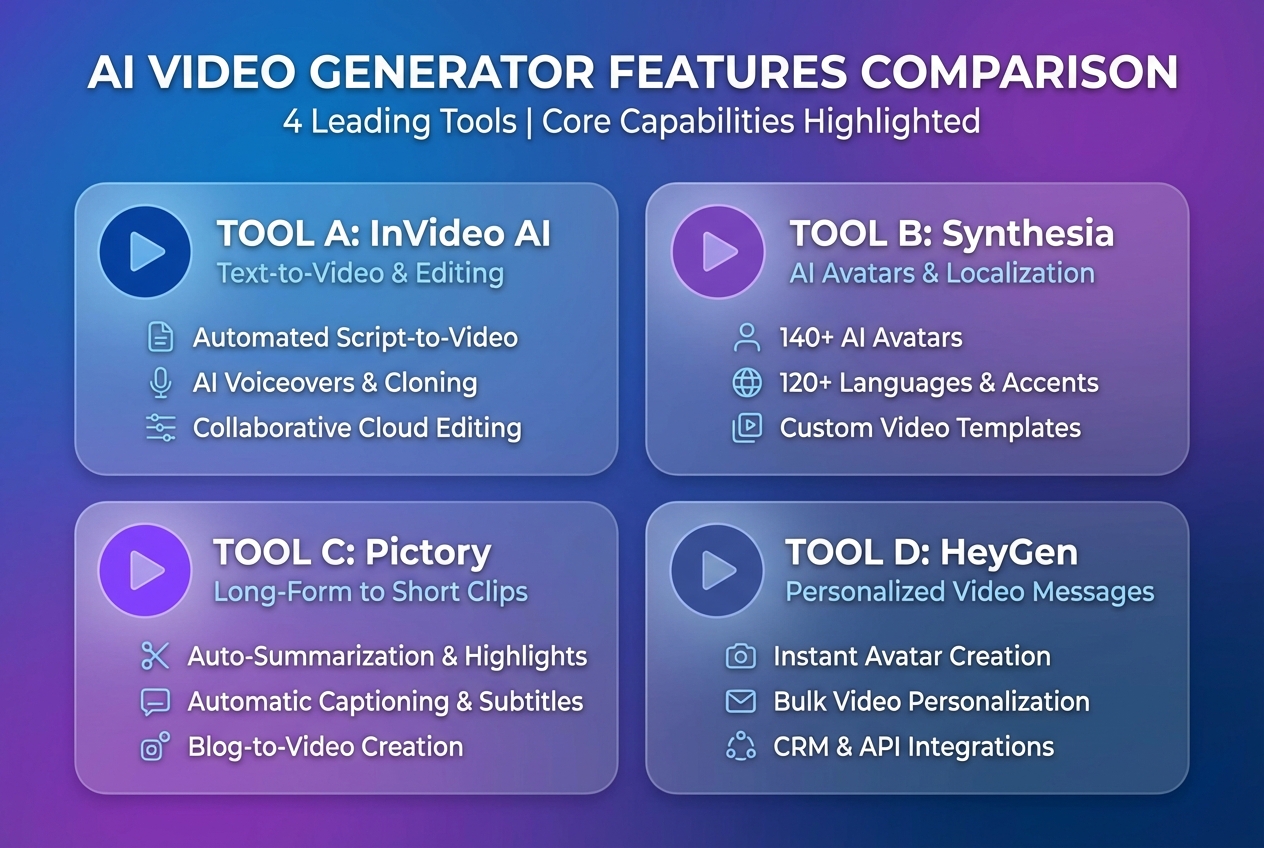
Quick Comparison: Top 7 AI Video Generators
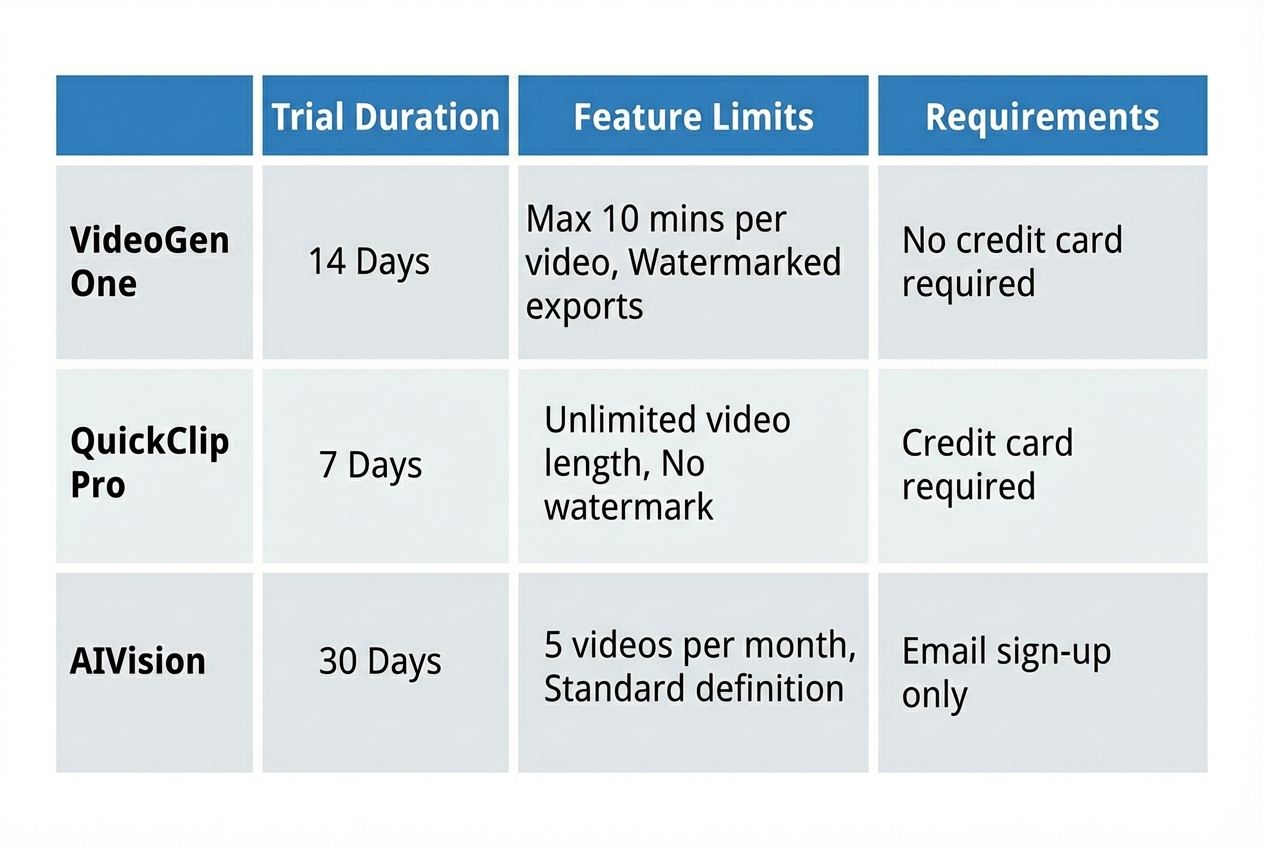
| Tool | Trial Length | Watermark? | Max Resolution | Best For | Our Rating | Runway Gen-3 |
|---|---|---|---|---|---|---|
| 3 days + 125 credits | Yes (removable) | 4K | Professional creators | 9.2/10 | Pika 2.0 | 5 days free |
| No | 1080p | Quick social clips | 8.8/10 | Synthesia | 14-day trial | Yes |
| 1080p | Talking-head videos | 8.7/10 | HeyGen | 7-day trial | No | 1080p |
| Sales & marketing | 8.5/10 | Recapo | 7-day full access | No | 1080p | YouTube commentary |
| 8.9/10 | InVideo AI | 7 days free | Yes | 1080p | Beginners | 8.3/10 |
| FlexClip AI | 5-day trial | Yes | 1080p | Small business | 8.0/10 | ➜ Internal Link: → Browse all AI video generators in our directory: /ai-tools/video-creation |
Top 7 AI Video Generators with Free Trials
- Runway Gen-3 Alpha — Best Overall Quality Runway has been the benchmark for AI video generation since 2023, and Gen-3 Alpha pushes the quality bar even higher. The text-to-video output is remarkably coherent: subjects maintain consistent appearance across frames, camera movements feel intentional, and the motion quality approaches stock footage levels. Trial details: New accounts receive 125 credits (roughly 25 seconds of 4K video or 50 seconds at 1080p). The trial lasts 3 days from first generation. Watermarks appear on trial output but are small and corner-positioned. In our solar energy test, Runway produced the smoothest motion of all tools tested. The narration was natural and well-paced, and it automatically selected relevant B-roll transitions. The main limitation is the short trial window — 3 days is tight if you want to fully explore the platform. Pros: Industry-leading quality, 4K support, powerful editor, consistent motion Cons: Short trial (3 days), watermarks on free output, credit system can be confusing Best for: Professional content creators who need the highest quality and can justify the paid plan Pricing: Free trial with 125 credits. Standard plan starts at $12/month (625 credits/month).
- Pika 2.0 — Best for Quick Social Clips Pika has evolved rapidly. Version 2.0 introduced scene-level editing, which lets you adjust lighting, camera angle, and subject position after the initial generation — a feature most competitors still lack. The output leans toward a cinematic, slightly stylized look that works extremely well for social media. Trial details: 5 days of free access with full feature availability. No watermarks during the trial. Limited to 50 generations and 1080p maximum. The solar energy test video was visually striking with dramatic lighting, though the narration felt slightly robotic compared to Runway. Where Pika truly excels is speed — our test video rendered in 47 seconds, the fastest of all tools tested. Pros: No watermarks on trial, fast rendering, scene-level editing, strong visual style Cons: Narration quality below Runway, 1080p cap, limited to short clips (under 60 seconds) Best for: Social media managers and creators producing TikTok, Reels, and Shorts content Pricing: Free trial (5 days). Pro plan starts at $8/month.
- Synthesia — Best for Talking-Head Videos If your use case is presenter-led content — think training videos, product walkthroughs, internal communications — Synthesia remains the gold standard. Their AI avatars have crossed the uncanny valley for most viewers, with natural lip-sync, micro-expressions, and hand gestures that feel human. Trial details: 14-day trial is the longest on this list. You get 3 free video exports at 1080p with a small watermark. Access to 150+ avatars and 130 languages. For our test, Synthesia excelled at the narration component but underperformed on dynamic visuals. The platform is built for talking-head format, so the solar energy test prompt resulted in an avatar explaining the topic against a static background rather than generating visual content. Pros: Best avatar quality, longest trial, 130+ languages, great for corporate content Cons: Not ideal for dynamic/cinematic video, limited to talking-head format, watermark on trial Best for: L&D teams, HR departments, and B2B marketers creating training and explainer content Pricing: 14-day trial. Starter plan at $22/month.
HeyGen —
Best for Sales & Marketing Teams HeyGen is Synthesia's most direct competitor but with a sharper focus on sales enablement. The standout feature is their URL-to-video tool: paste a landing page URL and HeyGen automatically generates a product demo video from it. For sales teams doing outreach at scale, this is a genuine time-saver.
Trial details: 7-day trial with full feature access. No watermark on the first 3 exports. 1080p resolution. The avatar quality is slightly behind Synthesia, but the templates are better organized for business use cases. Our solar energy test produced a polished explainer with a presenter and supporting graphics — more dynamic than Synthesia but less cinematic than Runway.
Pros: URL-to-video feature, no watermark on first exports, business-focused templates, good CRM integration
Cons: Avatar quality slightly behind Synthesia, limited creative customization
Best for: Sales teams, account executives, and marketers producing personalized outreach videos
Pricing: 7-day trial. Creator plan at $24/month.
Recapo —
Best for YouTube Commentary & Explainers Sponsored: Recapo is developed by our parent company. Our rating is based on the same objective testing criteria applied to all tools in this list. Recapo fills a specific niche that most AI video generators miss: YouTube-style commentary videos. Instead of generating abstract visuals from text, Recapo creates narrated explainer videos with a natural voiceover, supporting visuals, on-screen text, and transitions that match the pacing of popular YouTube channels.
Trial details: 7-day trial with full access to all features. No watermark. No credit limits during the trial. 1080p export. In our testing, Recapo stood out for narration quality. The AI voice was the most natural-sounding of all tools, with appropriate pacing, emphasis, and pauses. The solar energy test video felt like it was produced by a mid-tier YouTube channel rather than an AI tool — which is exactly the target aesthetic. The editor includes a timeline-based workflow that feels familiar to anyone who has used Premiere or Final Cut. You can adjust narration speed, swap visuals per section, and add your own B-roll. For creators who produce regular commentary or educational content, this is a significant workflow accelerator.
Pros: Best narration quality, YouTube-optimized output, no watermark on trial, timeline editor, 7-day full access
Cons: Focused on commentary/explainer style (not cinematic), limited avatar options, newer platform
Best for: YouTubers, educators, podcasters, and anyone producing narration-heavy video content
Pricing: 7-day free trial. Pro plan at $15/month.
InVideo AI —
Best for Absolute Beginners InVideo takes the simplest approach: type a topic, pick a style, and the AI assembles a complete video from stock footage, text overlays, and music. There is almost no learning curve. The trade-off is creative control — the output is serviceable but generic, built from stock footage rather than AI-generated visuals.
Trial details: 7 days free, unlimited generations at 720p. Watermark on all exports. Upgrade needed for 1080p. The solar energy video looked professional but recognizable as stock footage. If you have ever seen a "Top 10" YouTube video with generic clips and a voiceover, that is the InVideo aesthetic. It is effective for quick content, but it will not differentiate your brand.
Pros: Easiest to use, unlimited generations on trial, massive template library, built-in stock footage
Cons: Watermark on trial, 720p cap on free tier, output feels generic, stock footage-based
Best for: First-time video creators, small businesses needing quick content, people who prefer templates over creative control
Pricing: 7-day trial. Business plan at $15/month.
- FlexClip AI — Best for Small Business on a Budget FlexClip sits at the intersection of traditional video editor and AI generator. The AI features are add-ons to a solid manual editing platform, which means you can generate an AI draft and then fine-tune it with traditional editing tools. For small businesses that need both capabilities, this two-in-one approach offers good value. Trial details: 5-day trial with 5 AI video generations. Watermark on exports. 1080p resolution. Pros: Combines AI generation with manual editing, affordable, good template variety, team collaboration features Cons: AI quality below dedicated tools, watermark on trial, fewer AI-specific features Best for: Small businesses that need occasional AI generation alongside traditional video editing Pricing: 5-day trial. Plus plan at $10/month.
Best AI Video Generator for YouTube Creators
YouTube content has specific requirements that most AI video tools are not optimized for. You need consistent narration pacing, supporting visuals that enhance rather than distract, and output that feels native to the YouTube format. Our pick for YouTube creators is Recapo, with Runway Gen-3 as the runner-up for creators who need cinematic B-roll. Recapo was built specifically for the commentary and explainer format that dominates YouTube's education and analysis categories. The narration engine produces the most natural voiceover of all tools tested, and the timeline editor gives creators the control they need to fine-tune pacing. For creators who focus on visual storytelling — travel vlogs, cinematic content, short films — Runway Gen-3 remains the better choice. The visual quality is unmatched, though you will need to handle narration separately.
Best for Short-Form Content (TikTok, Reels, Shorts)
For short-form content, Pika 2.0 is our top pick. The combination of fast rendering (under 60 seconds), no watermark on trial, and a visual style that pops on mobile screens makes it ideal for the short-form format. The scene-level editing is perfect for iterating on hooks and pacing — critical for content where the first 3 seconds determine whether someone keeps watching. HeyGen is the alternative if your short-form content features a presenter. Their templates include vertical formats optimized for TikTok and Reels, and the avatar quality is good enough for the mobile viewing experience.
How to Maximize Your Free Trial
Free trials are time-limited, so going in with a plan matters. Here is how to get the most value:
- Prepare your prompts in advance. Write 5-10 specific prompts before signing up. Include the style, length, tone, and subject for each. Do not waste trial days brainstorming.
- Test your actual use case first. Do not start with generic prompts. Generate the type of video you will actually be producing. A tool that excels at cinematic clips may disappoint for talking-head content.
- Export everything before the trial ends. Some tools delete your projects when the trial expires. Download all output on day one of generation.
- Test the editor, not just the generator. AI generation is only half the workflow. Spend time in the editing interface — does it feel intuitive? Can you make quick adjustments without re-generating the entire video?
- Compare at least two tools. Run the same prompt through two different generators before committing. The quality difference may surprise you.
Pro Tip:
If you use Lumenline for your video lighting and color grading workflow, check whether the AI generator's output integrates smoothly. Some tools export in formats that require re-encoding, which can degrade the color profile you set in post-production.
Frequently Asked Questions
Which AI video generator has the longest free trial?
Synthesia offers the longest trial at 14 days. However, it limits you to 3 video exports. For unlimited generations during the trial, InVideo AI (7 days) is the most generous, though output is capped at 720p.
Can I export videos without watermarks during a free trial?
Yes — Pika 2.0, HeyGen (first 3 exports), and Recapo all offer watermark-free exports during their trial periods. Runway, Synthesia, InVideo, and FlexClip add watermarks to trial output.
Are AI-generated trial videos good enough for YouTube?
It depends on your channel's production standards. Tools like Runway Gen-3 and Recapo produce output that can pass for professional YouTube content. InVideo and FlexClip produce serviceable content for smaller channels, but the stock-footage aesthetic may not match higher-production channels.
Will I be charged automatically when the trial ends?
Most tools require a credit card to start the trial and will auto-charge if you do not cancel. Pika 2.0 and InVideo AI offer trials without credit card input. Always set a calendar reminder for the trial end date.
How does AI text-to-video actually work?
AI video generators use diffusion models similar to those behind image generators like DALL-E and Midjourney, but extended to generate sequential frames. The AI predicts each frame based on your text prompt and the previous frames, creating the illusion of motion. More advanced tools like Runway also incorporate scene understanding and camera motion prediction.
Can I cancel the trial before being charged?
Yes. All tools on this list allow cancellation during the trial period. We recommend canceling immediately after signing up and then continuing to use the trial until it expires — this prevents accidental charges while giving you full access.