
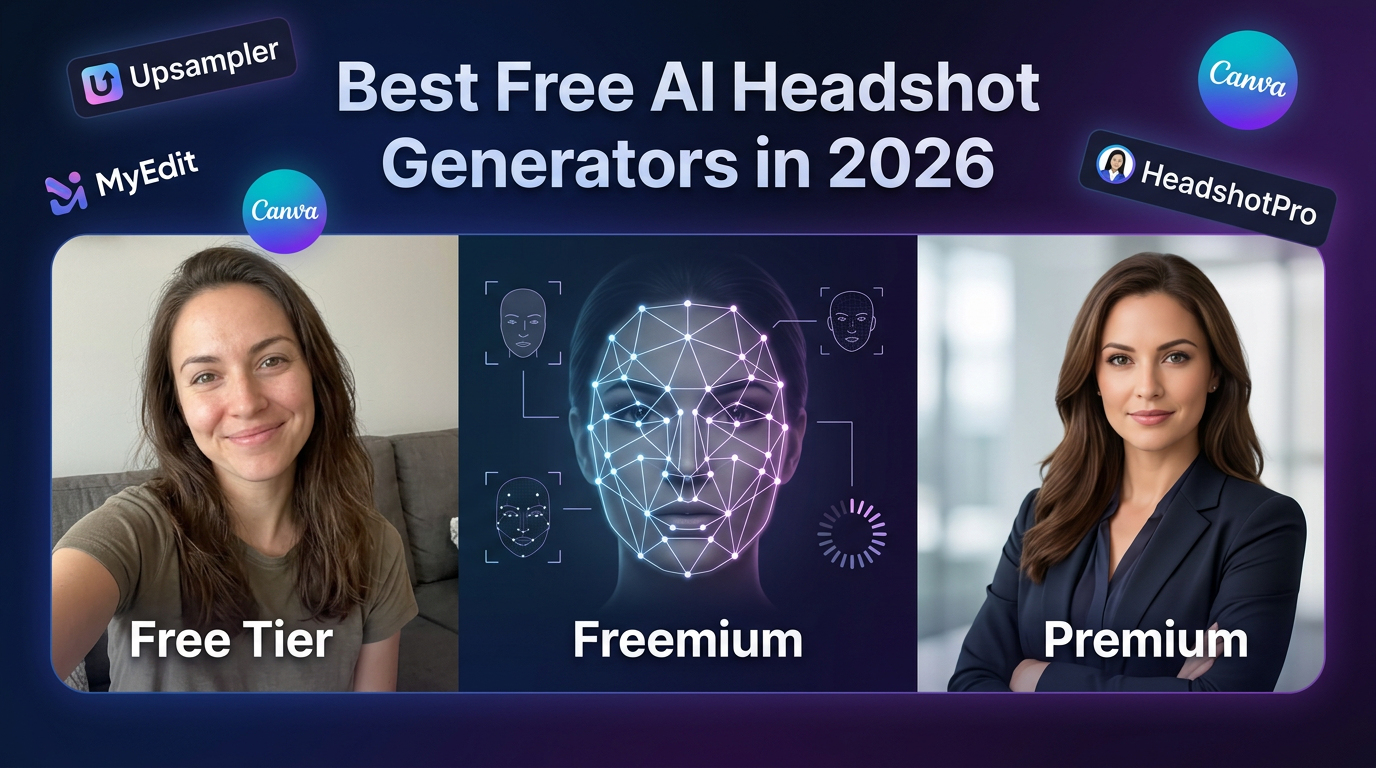
Free AI headshot generators attract people who want a no-risk way to improve a profile image, but free does not always mean useful. Some tools offer a real test drive, while others mostly offer a teaser that does not tell you much about final quality.
If you are comparing free options, the smartest question is not whether they are free. It is whether they can produce one or two believable business portraits before the workflow starts pushing you toward payment.
TL;DR: The best free AI headshot tools are the ones that give you a credible first result and enough variation to judge realism before you pay for anything else.
What to test in a free headshot tool
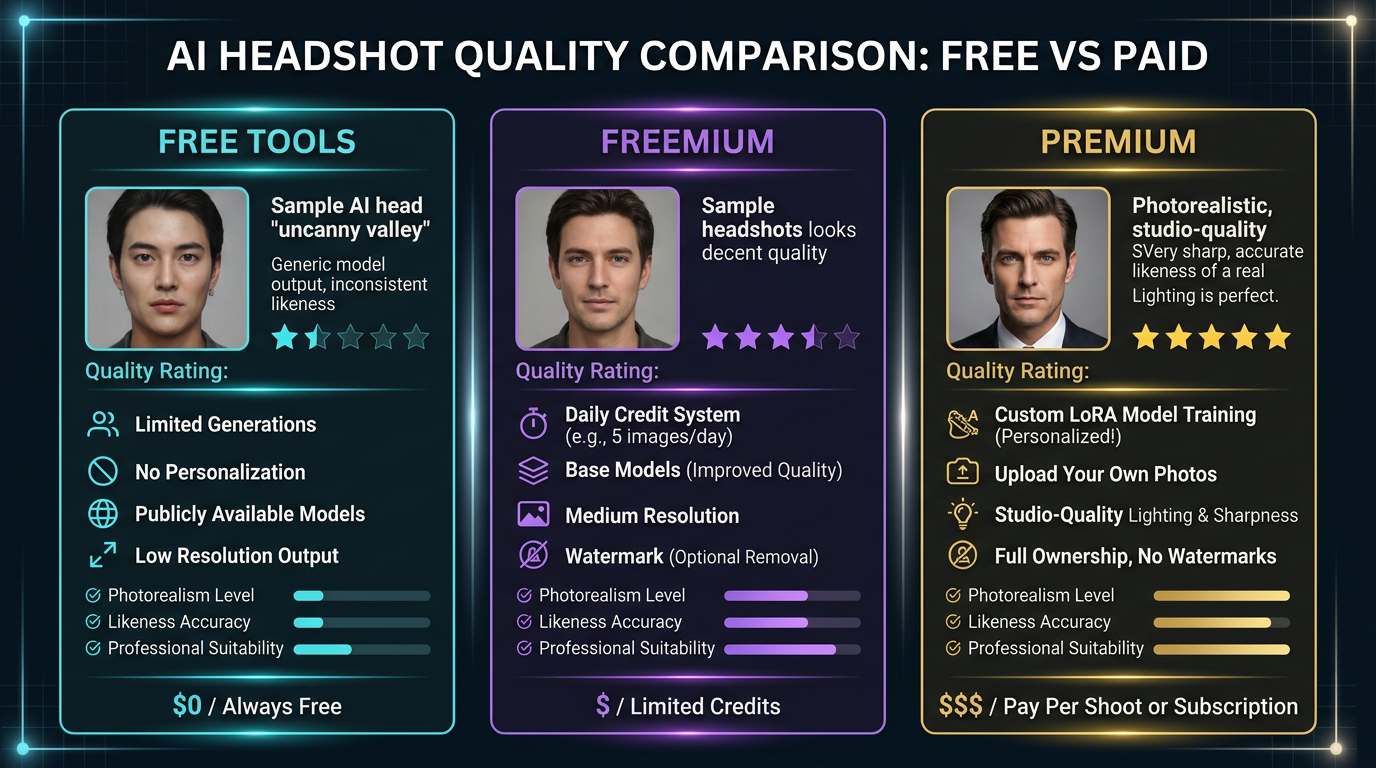
A free workflow should still answer the main quality questions.
- Check whether the output looks natural at full size, not only in thumbnail view.
- See if the tool gives you enough variation to evaluate consistency.
- Pay attention to whether the free plan is a real test or just a locked preview.
Free options worth trying first
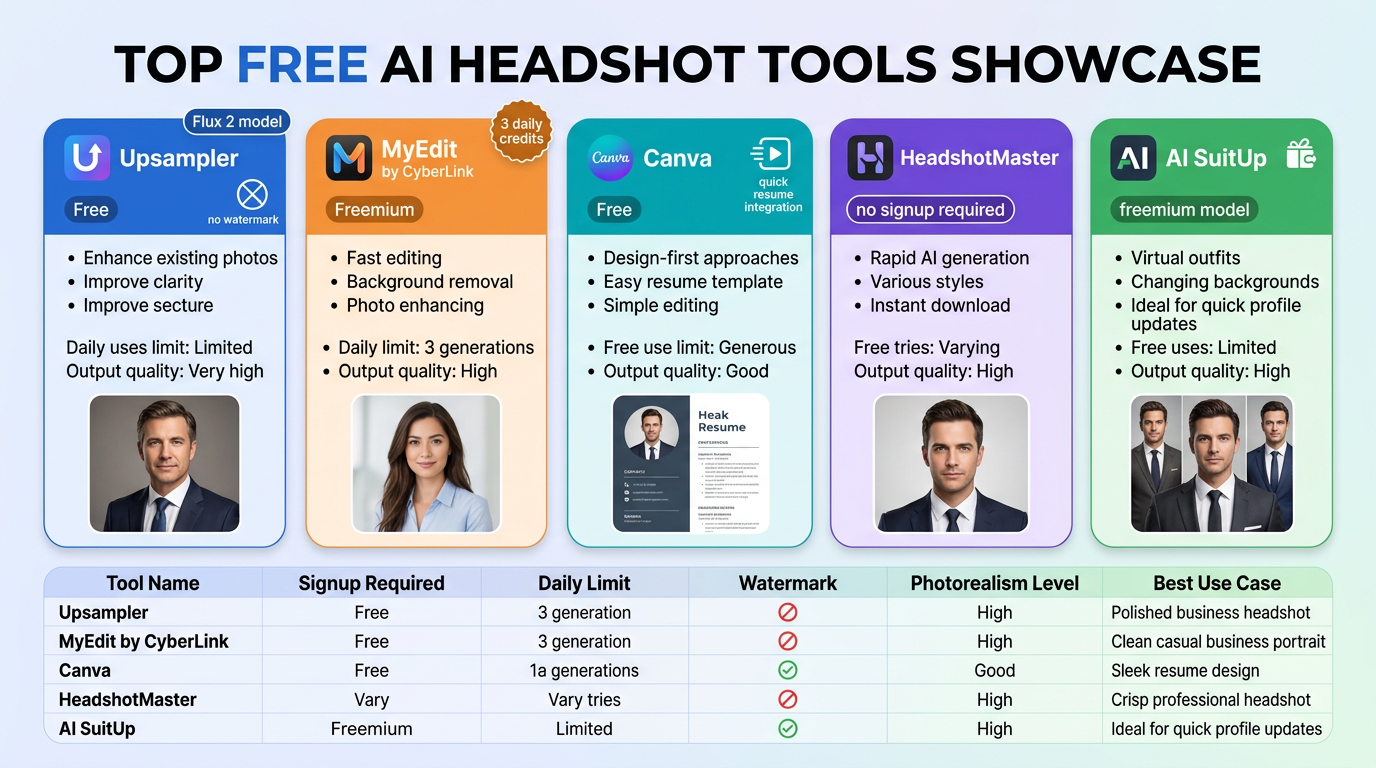
The strongest free tests usually come from a mix of specialist and generalist tools.
- Canva is worth testing for convenience and simple profile-image workflows.
- Photo-oriented AI editors can be useful if you are starting from a strong original image.
- Free trial tiers from headshot specialists are sometimes better than permanently free but weak tools.
- General-purpose image models can help with experimentation, though consistency is less predictable.
Who should use free tools
Free headshot tools are best for validation, not always for the final result.
- Job seekers can use them to test whether AI headshots are viable before paying.
- Small teams can use them to compare style and realism quickly.
- High-trust professional use cases may still need a stronger paid workflow.
What usually goes wrong
People usually make the same three mistakes when judging free tools.
- Choosing the most dramatic image instead of the most believable one.
- Not comparing multiple outputs before deciding the workflow works.
- Expecting a fully finished executive portrait from a minimal free tier.
How we evaluate tools in this category
This guide is attributed to David Thompson, AI Tool Reviewer & Product Curator at Generator AI Tools. Our review standard is simple: we look at workflow fit, output quality, ease of use, pricing clarity, and how much cleanup is needed before a result is genuinely usable.
- We compare beginner fit and team fit separately, because the easiest tool is not always the best long-term choice.
- We look at how much manual editing or troubleshooting is still needed after the tool does its job.
- We treat official pricing pages, product demos, and onboarding experience as part of the evaluation, not just the headline feature list.
What to verify before you choose
- Check the official pricing page for current limits, credits, and export rules.
- Look at current examples or demos to see whether the output style still matches your use case.
- Confirm whether commercial usage, licensing, or content rights fit the way you plan to publish.
Referenced product pages
The products mentioned above are linked to their Generator AI Tools profiles so readers can compare positioning, category fit, and current availability without leaving the research flow too early.
Bottom line
Free AI headshot generators are worth using as a filter. Let them show you whether the workflow feels promising, then decide if a stronger paid option is justified for the final image.



