Introduction
Creating stunning visuals no longer requires expensive software or years of design training. With the rise of free AI image generators, anyone can transform text prompts into professional-quality artwork in seconds. Whether you're a content creator needing blog illustrations, a marketer creating social media graphics, or an artist exploring new creative possibilities, these tools have democratized visual content creation.
But with dozens of options available, which free AI image generator actually delivers quality results without hidden costs? We tested 15+ popular tools and narrowed them down to the 7 best truly free options by evaluating image quality, ease of use, customization features, and commercial usage rights.
Quick Answer: If you want the best balance of quality, features, and truly free usage, Recapo and Leonardo.AI top our list in 2026.
But with dozens of options available, which free AI image generator actually delivers quality results without hidden costs? We tested 15+ popular tools and narrowed them down to the 7 best truly free options by evaluating image quality, ease of use, customization features, and commercial usage rights.
Quick Answer: If you want the best balance of quality, features, and truly free usage, Recapo and Leonardo.AI top our list in 2026.
But with dozens of options available, which free AI image generator actually delivers quality results without hidden costs? We tested 15+ popular tools and narrowed them down to the 7 best truly free options by evaluating image quality, ease of use, customization features, and commercial usage rights.
Quick Answer: If you want the best balance of quality, features, and truly free usage, Recapo and Leonardo.AI top our list in 2026.
The 7 Best Free AI Image Generators
Recapo Editor's Choice
Best for: All-purpose image generation with commercial rights
Pricing: Free tier: 100 images/day | Pro: $12/month Recapo has emerged as one of the most impressive free ai image generator options for creators who need reliable, high-quality output without watermarks or restrictive limits. Built on a fine-tuned Stable Diffusion XL architecture, Recapo excels at understanding complex prompts and delivering consistent, aesthetically pleasing results.
Key Features
- 100 free generations daily (no credit card required)
- Multiple aspect ratios (1:1, 16:9, 9:16, 4:3, 3:4)
- Style presets: Photorealistic, Anime, Digital Art, Oil Painting, 3D Render
- Negative prompt support for fine-tuned control
- Full commercial usage rights on free tier
Pros
- Exceptional prompt adherence
- Fast generation (under 10 seconds)
- No watermark on free outputs
- Strong community gallery for inspiration
Cons
- Limited to 100 images/day on free plan
- Advanced features (inpainting, outpainting) require Pro
Pro Tip:
Use the "Enhance Prompt" feature to automatically optimize your text prompts for better results—especially helpful for beginners learning prompt engineering.
Leonardo.AI
Best for: Game assets and character design
Pricing: Free tier: 150 tokens/day | Paid plans from $10/month Leonardo.AI started as a tool for game developers but has evolved into a versatile free ai image generator suitable for any creative project. Its strength lies in producing highly detailed character portraits, concept art, and game-ready assets.
Key Features
- 150 free daily tokens (roughly 15-30 images)
- Custom model training on your own artwork
- Alchemy mode for premium quality
- Real-time canvas for iterative editing
- Texture generation for 3D models
Pros
- Outstanding character consistency
- Active Discord community with daily challenges
- Regular model updates and improvements
- Good free tier allocation
Cons
- Steeper learning curve for beginners
- Best results require understanding of token system
Microsoft Designer (Image Creator)
Best for: Microsoft ecosystem users and quick social graphics
Pricing: Completely free with Microsoft account Powered by DALL-E 3, Microsoft's Image Creator offers one of the most accessible free ai image generator experiences. Integrated into Microsoft Designer and Bing Chat, it delivers impressive quality without any usage limits.
Key Features
- Unlimited free generations
- DALL-E 3 quality without OpenAI subscription
- Direct integration with Microsoft Designer templates
- "Boosts" system for faster generation (replenishes weekly)
- Mobile app available
Pros
- Truly unlimited free usage
- Excellent text rendering in images
- Seamless workflow with other Microsoft tools
- No watermark
Cons
- Requires Microsoft account
- Slower generation without boosts
- Less control over advanced parameters
Playground AI
Best for: Collaborative creation and mixed image editing
Pricing: Free tier: 500 images/day | Pro: $15/month Playground AI stands out with its unique canvas interface that allows you to combine AI generation with traditional image editing. It's perfect for creators who want more control over the composition process.
Key Features
- 500 free images daily (one of the highest limits)
- Canvas-based mixed editing
- Multiple AI models (Stable Diffusion, DALL-E, proprietary)
- Outpainting and inpainting tools included
- Collaboration features for teams
Pros
- Generous free tier
- Unique canvas workflow
- Good variety of models to choose from
- Active development and new features
Cons
- Free images are public by default
- Interface can feel cluttered initially
Ideogram
Best for: Text-in-image generation
Pricing: Free tier: 25 prompts/day | Plus: $8/month If you need AI-generated images with readable text—whether for logos, posters, or social media graphics—Ideogram is the free ai image generator you want. It consistently outperforms competitors at rendering accurate, legible text.
Key Features
- Industry-leading text rendering
- Multiple style presets
- Remix feature for variations
- Clean, simple interface
- Good prompt understanding
Pros
- Best-in-class text accuracy
- Clean, modern interface
- Useful remix functionality
- Growing style library
Cons
- Limited to 25 prompts/day on free tier
- Fewer customization options than competitors
Stable Diffusion WebUI (AUTOMATIC1111)
Best for: Power users and local deployment
Pricing: Free (open source, runs locally) For users who want complete control and don't mind technical setup, the open-source Stable Diffusion WebUI remains the most powerful free ai image generator available. Running locally means no limits, no subscriptions, and full privacy.
Key Features
- Completely free and unlimited
- Thousands of community models available
- Advanced features: ControlNet, LoRA, embeddings
- Inpainting, outpainting, upscaling built-in
- Full parameter control
Pros
- No usage limits whatsoever
- Most feature-rich option
- Complete privacy (runs locally)
- Massive community and resource library
Cons
- Requires GPU (ideally 8GB+ VRAM)
- Steep learning curve
- Technical setup required Note: If local setup isn't feasible, services like Mage.Space offer hosted Stable Diffusion with generous free tiers.
Canva AI (Magic Media)
Best for: Non-designers creating marketing materials
Pricing: Free tier: 50 uses/lifetime | Pro: $12.99/month Canva's integrated AI image generator is perfect for users already in the Canva ecosystem. While the free tier is limited, it's ideal for occasional image generation within design projects.
Key Features
- Built into Canva's design platform
- Text-to-image and image-to-image
- Multiple style options
- Direct placement in designs
- Brand kit integration (Pro)
Pros
- Seamless design workflow
- Easy to use for beginners
- Good template integration
- Commercial rights with Pro
Cons
- Very limited free tier (50 lifetime uses)
- Quality varies by prompt complexity
Comparison Table
| Tool | Free Tier | Best For | Commercial Use | Learning Curve |
|---|---|---|---|---|
| Recapo | 100 / day | All-purpose image generation | Yes | Easy |
| Leonardo.AI | 150 tokens / day | Character design | Yes | Moderate |
| Microsoft Designer | Unlimited | Quick graphics | Yes | Easy |
| Playground AI | 500 / day | Mixed editing | Public-only on free tier | Moderate |
| Ideogram | 25 / day | Text inside images | Yes | Easy |
| Stable Diffusion | Unlimited | Power users | Yes | Hard |
| Canva AI | 50 total | Marketing materials | With Pro | Easy |
How to Choose the Right Free AI Image Generator
Consider Your Primary Use Case
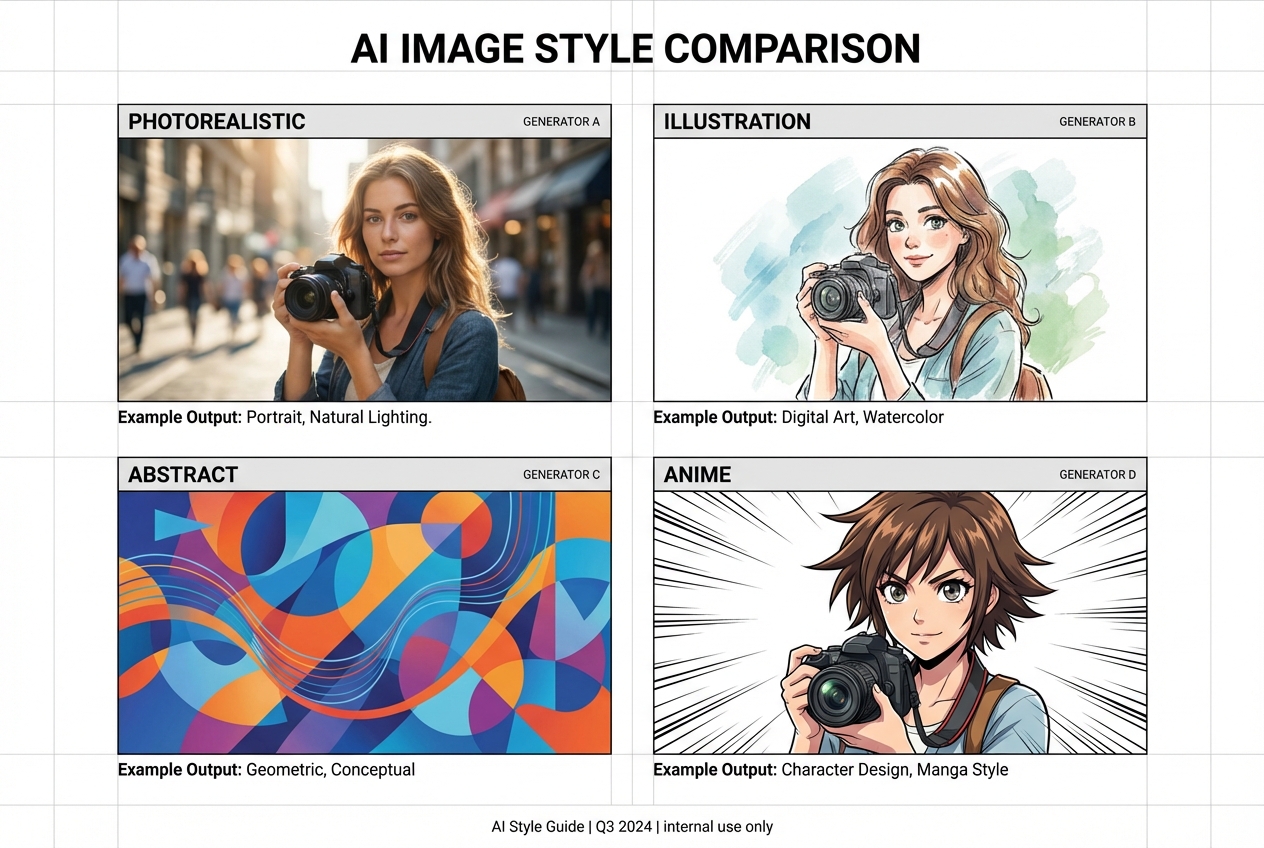
- Social media content: Microsoft Designer or Recapo for speed and quality
- Character design/art: Leonardo.AI for consistency and detail
- Marketing materials: Canva AI for integrated design workflow
- Text-heavy graphics: Ideogram for accurate typography
- Maximum control: Stable Diffusion for advanced users
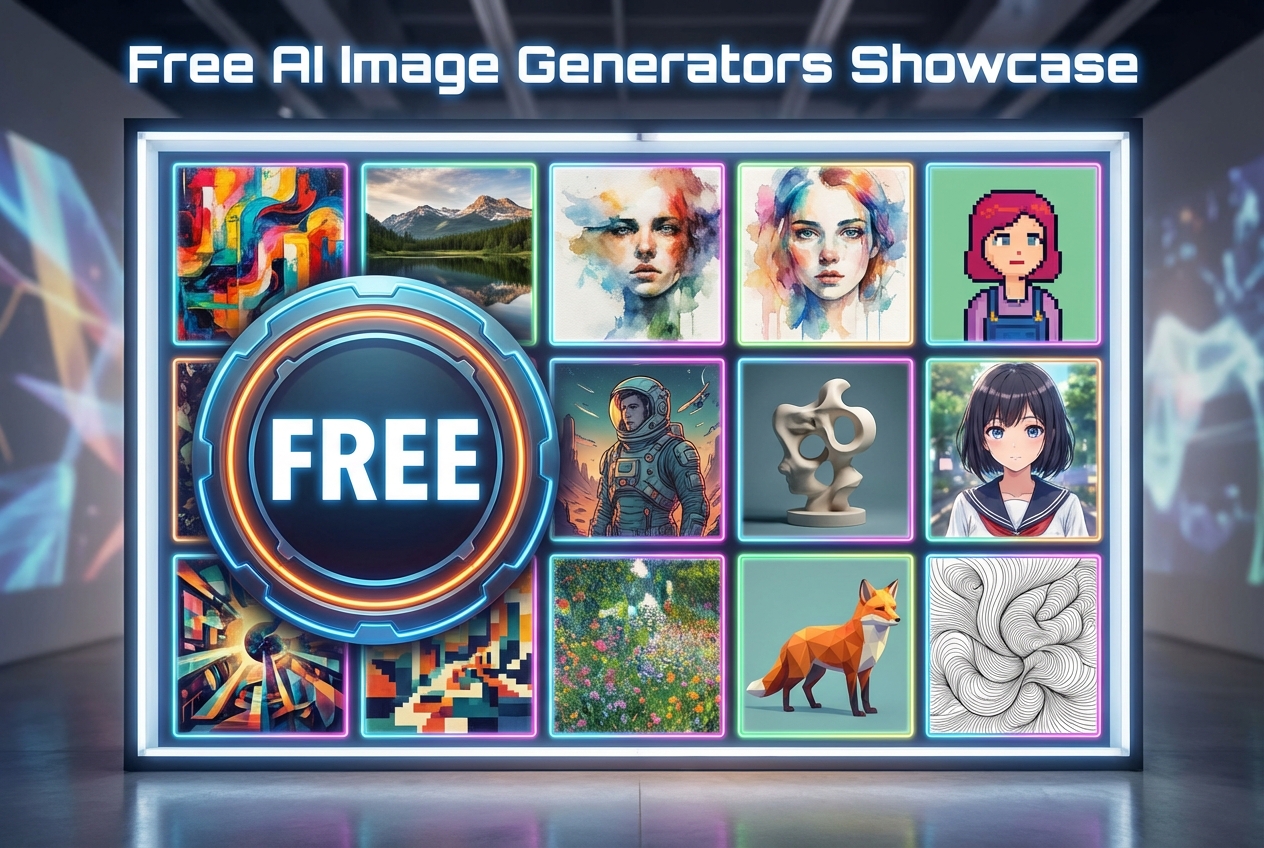
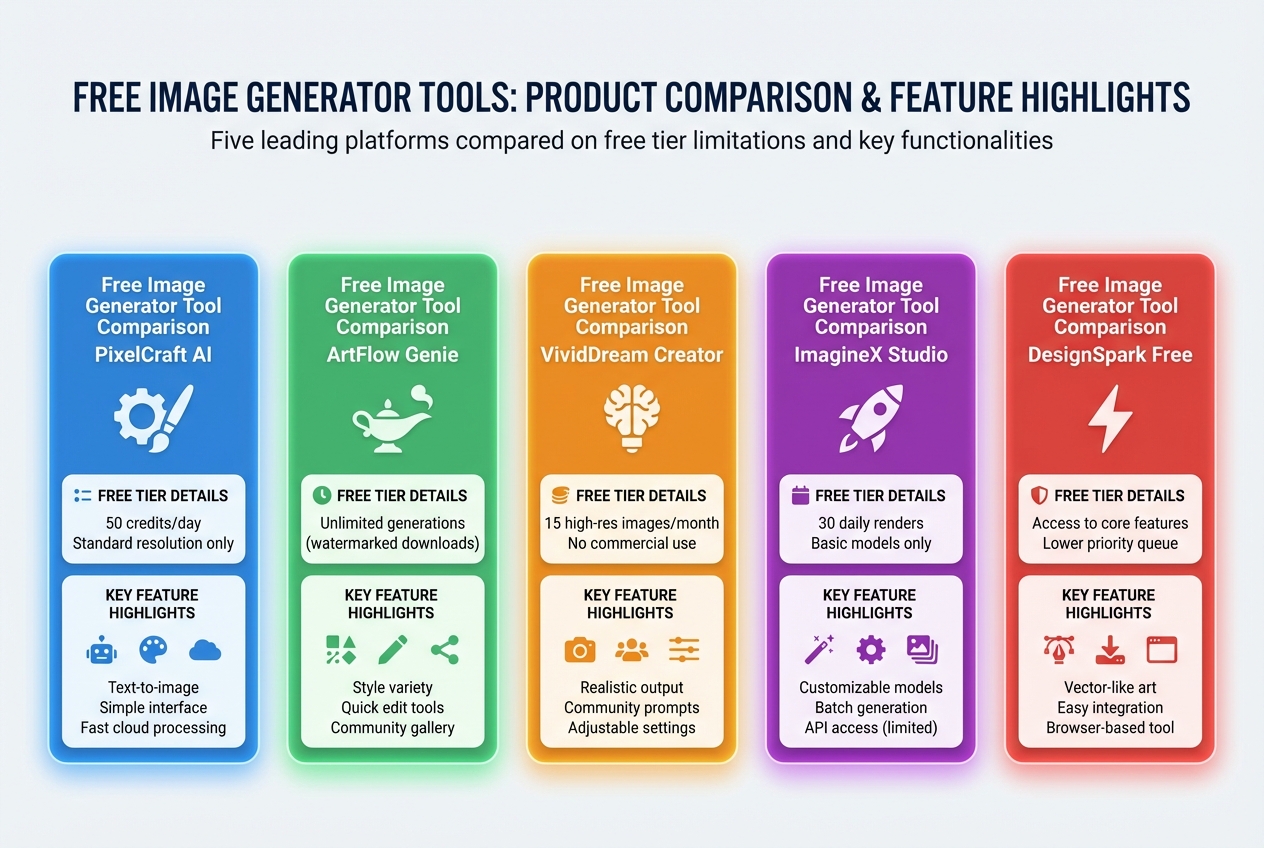
Visual overview of the free AI image generators that balance quality, speed, and commercial usability most effectively.
Use this image as a quick frame for the article: some tools win on image quality, some on ease of use, and others on how much real work you can do before hitting free-tier limits.
Evaluate the True Cost
Many "free" tools have hidden limitations:
- Watermarks on free outputs
- Lower resolution for free users
- Non-commercial licenses on free tier
- Queue times or slower generation All tools in our list offer genuinely usable free tiers with commercial rights (where noted).
Test Prompt Consistency
Try this standard test prompt across multiple tools:
"A serene Japanese garden with cherry blossoms, morning mist, a small wooden bridge over a koi pond, soft pastel colors, Studio Ghibli style" Compare how well each tool captures:
- The specific elements (bridge, koi, cherry blossoms)
- The requested style (Ghibli aesthetic)
- Overall composition and coherence
Tips for Better AI Image Generation
- Be specific: Instead of "a dog," try "a golden retriever puppy sitting on a sunny beach, looking at the camera, shallow depth of field"
- Use style keywords: Include art styles like "oil painting," "cinematic lighting," "anime style," or "3D render"
- Specify quality modifiers: Words like "highly detailed," "8k resolution," "professional photography" can improve output
- Leverage negative prompts: Tell the AI what to avoid (e.g., "blurry, low quality, extra limbs, watermark")
- Iterate and refine: AI generation is probabilistic—generate multiple versions and refine your prompt based on results
Frequently Asked Questions
Are free AI image generators really free?
Most offer genuinely free tiers with daily or monthly limits. However, "free" typically means:
- Usage limits (daily generations)
- Feature restrictions (advanced tools require paid plans)
- Possible watermarks (though our recommended tools don't add these) Always check the specific terms—none of our top picks require payment for basic usage.
Can I use free AI-generated images commercially?
It depends on the tool:
- Recapo, Leonardo.AI, Microsoft Designer: Commercial use allowed on free tier
- Playground AI: ⚠️ Free outputs are public; commercial use requires paid plan
- Stable Diffusion: Full commercial rights (open source) Always verify current terms of service, as policies can change.
What's the best free AI image generator for beginners?
Microsoft Designer offers the easiest entry point with unlimited free generations and no learning curve. For slightly more control without complexity, Recapo provides an excellent balance of features and simplicity.
Do free AI image generators have watermarks?
Our recommended tools (Recapo, Leonardo.AI, Microsoft Designer, Ideogram) do NOT add watermarks to free-tier images. Some other tools may—always check before generating.
How do free AI image generators compare to Midjourney?
Midjourney offers exceptional quality but requires a paid subscription ($10+/month). Free alternatives like Recapo and Leonardo.AI approach Midjourney's quality for most use cases, especially with well-crafted prompts. Midjourney still leads in artistic coherence and "vibe," but the gap is narrowing.
Can I generate images of real people or copyrighted characters?
Most reputable free ai image generator tools have safeguards against generating:
- Real individuals without consent
- Copyrighted characters (Disney, Marvel, etc.)
- NSFW or harmful content These restrictions apply regardless of free or paid status.
Conclusion
The landscape of free ai image generator tools has never been more competitive—or more capable. Whether you need quick social media graphics, detailed concept art, or marketing visuals, there's a free tool that fits your needs. Our top recommendations:
- Best overall: Recapo (quality + generous free tier)
- Best for beginners: Microsoft Designer (unlimited, simple)
- Best for characters: Leonardo.AI (consistency and detail)
- Best for text: Ideogram (accurate typography) Start with our comparison table, test 2-3 tools with your typical prompts, and you'll quickly find the right fit for your creative workflow. and generate your first 100 images at no cost.