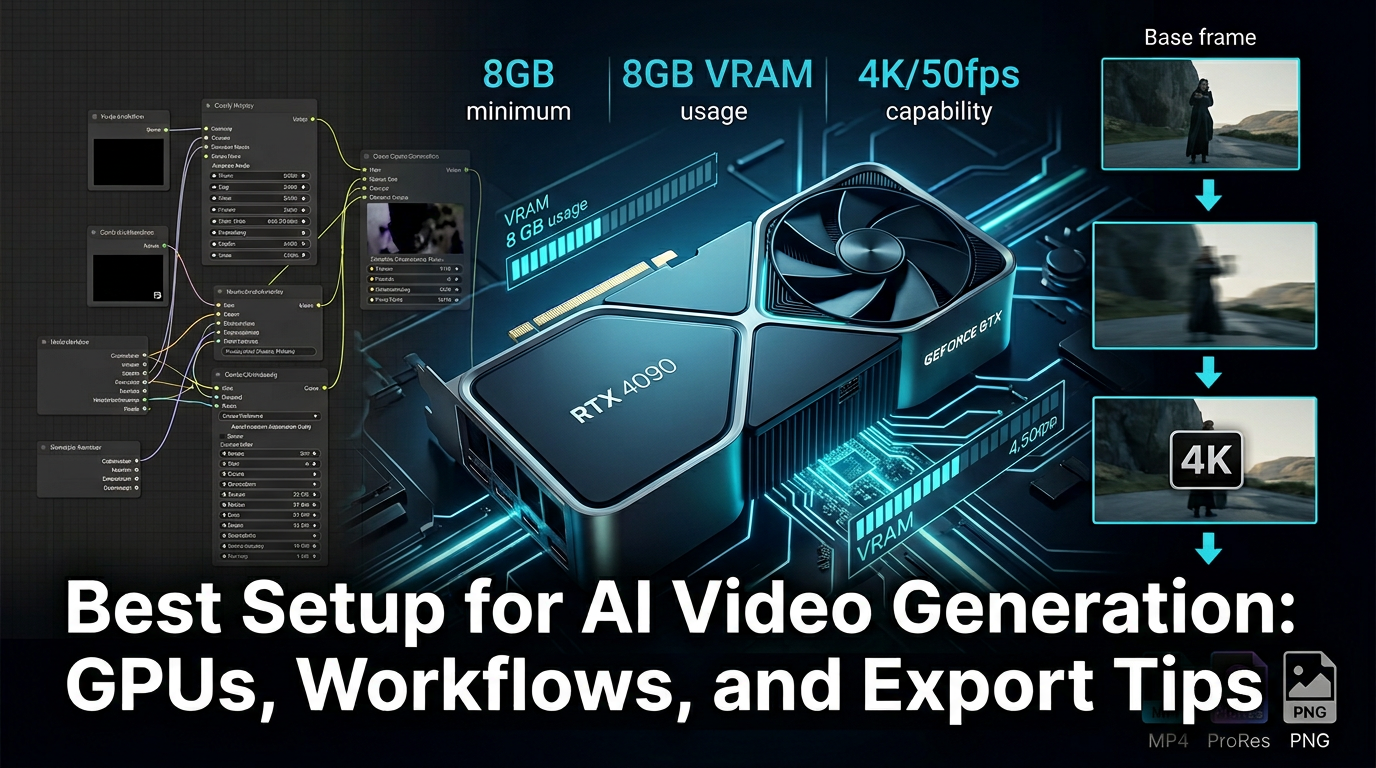
The best setup for AI video generation is not always the most expensive setup. What matters is whether the machine, workflow, and export process match the kind of videos you are actually making.
A creator turning out short social clips needs a different setup from a team iterating on ads, and both need something different from a studio experimenting with longer cinematic sequences.
TL;DR: Start by matching hardware and workflow to output length, quality expectations, and iteration speed. Spend on the bottleneck you actually have, not on a spec sheet that looks impressive in isolation.
Know where the bottleneck really is
Most people blame hardware too early.
- If generation is cloud-based, your real bottleneck may be queue time or tool limitations rather than your local machine.
- If editing and export are local, RAM, GPU, and storage speed matter much more.
- Workflow clarity often saves more time than chasing a slightly stronger component.
A practical baseline setup
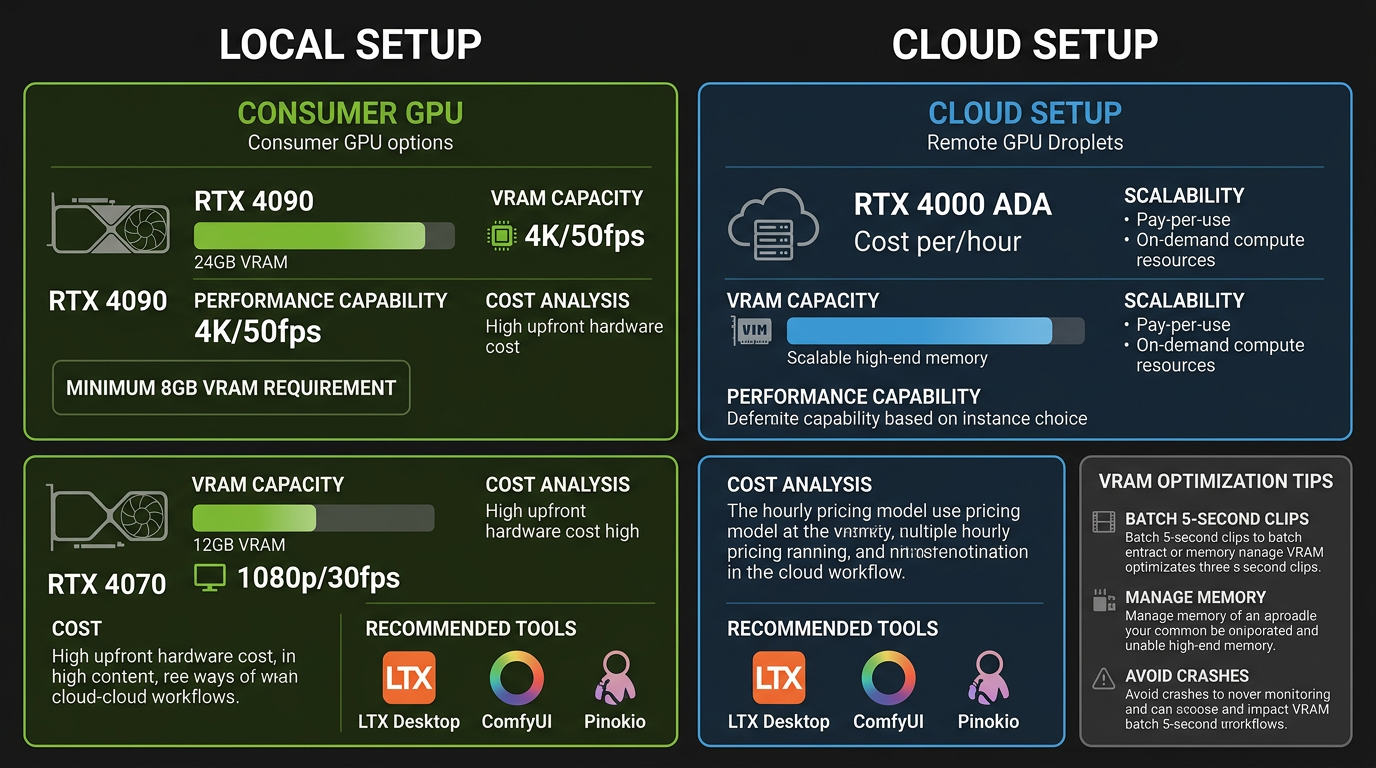
Most creators do not need a heroic workstation to get started.
- Use enough RAM to keep editing, asset management, and browser-based generation tools from competing with each other.
- Prioritize fast storage for footage, cache, and exports.
- If local generation or heavy editing is part of the workflow, a stronger GPU makes the most visible difference.
Build the workflow around iteration, not only output

A good setup makes testing fast.
- Keep prompts, reference assets, and export presets organized from the start.
- Separate rough generation, edit pass, and final export into clear steps.
- Use templates for repeatable clip sizes and publishing formats.
Do not forget the post-generation layer
Generation is only one part of the stack once you publish at any real frequency.
- If you turn clips into narrated or recap-style content, Recapo adds an AI video commentary layer that can fit after generation.
- If the format leans into short-drama commentary, LumenLine is worth evaluating as part of the publishing workflow.
- You can also check the official product pages at recapo.ai and lumenline.ai.
How we evaluate AI video workflows
This guide is attributed to Ben Carter, AI Image & Video Producer at Generator AI Tools. We judge video tools by output consistency, render speed, workflow control, export usefulness, and whether the tool can support repeatable publishing instead of one-off demos.
- We pay close attention to motion stability, artifact frequency, and how much fixing is required after generation.
- We separate simple creator workflows from team workflows, because fast clips and production-ready output are not the same job.
- We treat pricing, queue time, and export restrictions as product quality signals, not just billing details.
What to verify before you choose
- Check current limits on duration, aspect ratio, watermarking, and export quality.
- Verify whether the tool's strongest examples match the type of video you actually need to ship.
- Confirm whether the workflow covers only generation or also editing, narration, and publishing steps you need downstream.
Referenced product pages
The products mentioned above are linked to their Generator AI Tools profiles so readers can compare positioning, category fit, and current availability without leaving the research flow too early.
Bottom line
The best AI video generation setup is the one that removes the bottlenecks in your specific workflow. Start from the videos you need to ship, then build hardware and tools around that reality.