
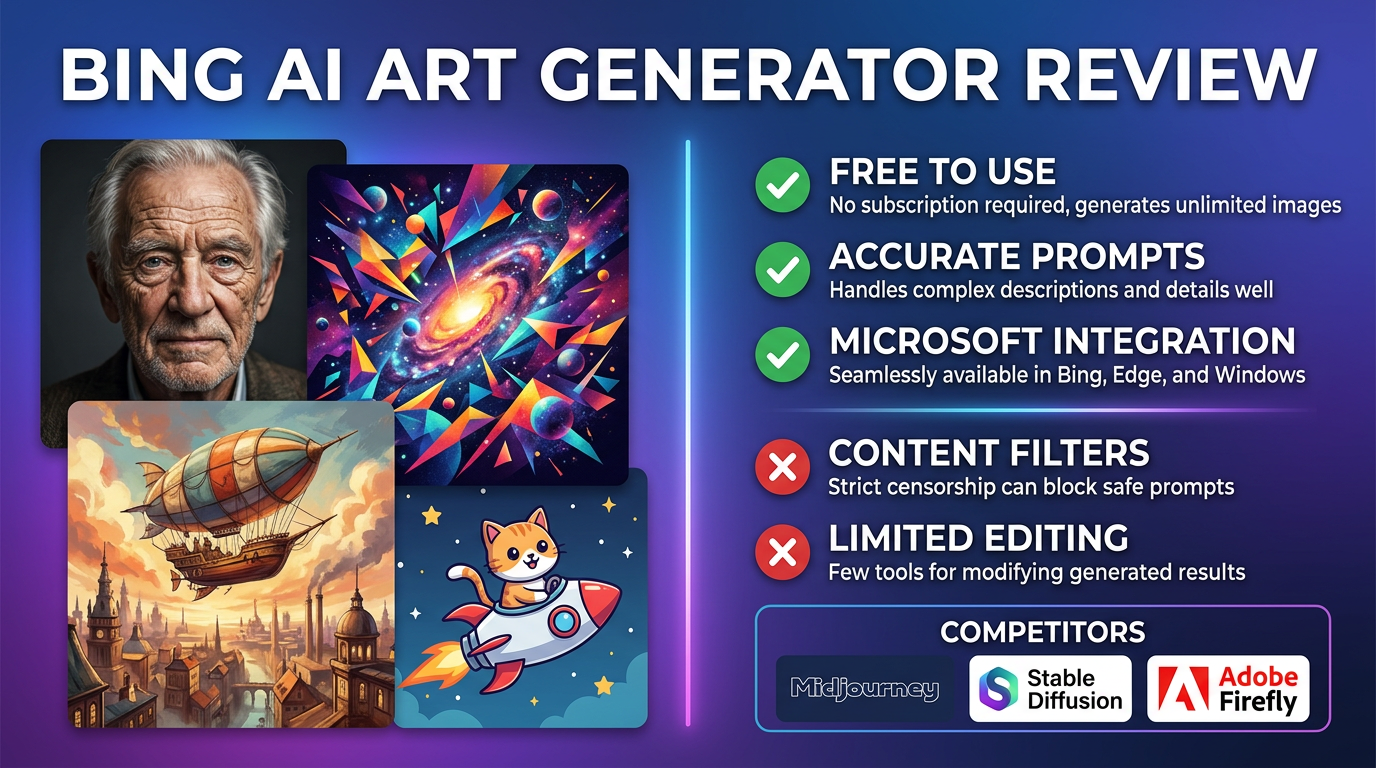
Bing AI Art Generator is attractive because it lowers the barrier to image generation for mainstream users. If someone already spends time in Microsoft's ecosystem, the tool is much easier to discover and test than many specialist creative products.
That convenience is real, but it raises the same question as every accessible AI image tool: is it good enough for real creative work, or is it mainly useful as a casual entry point?
Quick verdict: Bing AI Art Generator is easy to access and easy to test, but serious creators will still want to compare it against stronger output-first image tools before relying on it.
What it does well
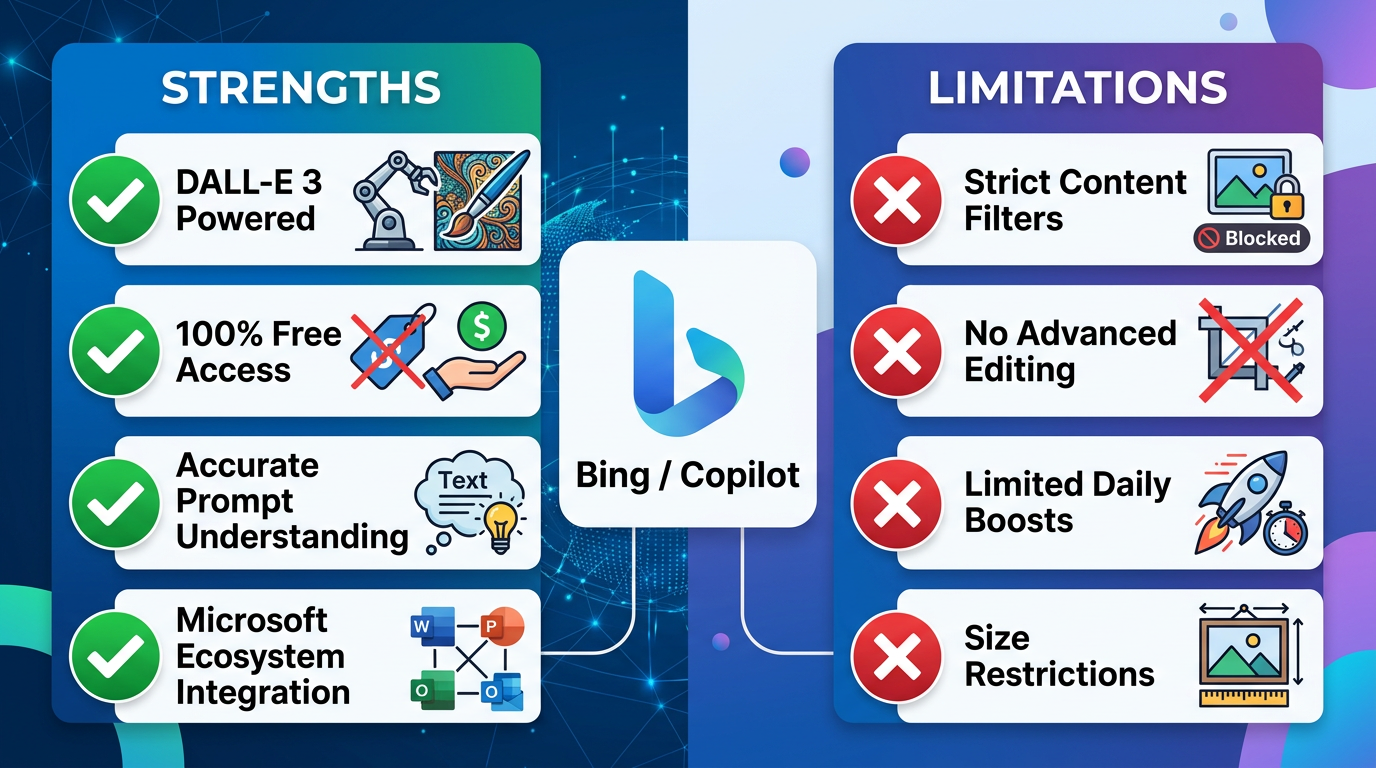
Its biggest advantage is simplicity and reach.
- It is easy for mainstream users to try without much setup friction.
- It can work well for quick concept exploration and everyday image requests.
- It lowers the learning curve for people new to prompt-based image generation.
Where it starts to feel limited
The tradeoff is that ease of access does not guarantee deep creative control.
- Output control is more limited than what advanced users often want.
- Consistency can become an issue for repeatable branded work.
- It may feel more useful for casual ideation than for professional asset creation.
Who should actually use it
The best fit depends on what kind of image work you are actually doing.
- Good for everyday users testing prompts and rough concepts.
- Useful for fast idea generation in low-stakes workflows.
- Less convincing for designers who need tight style control and repeatability.
Alternatives worth considering
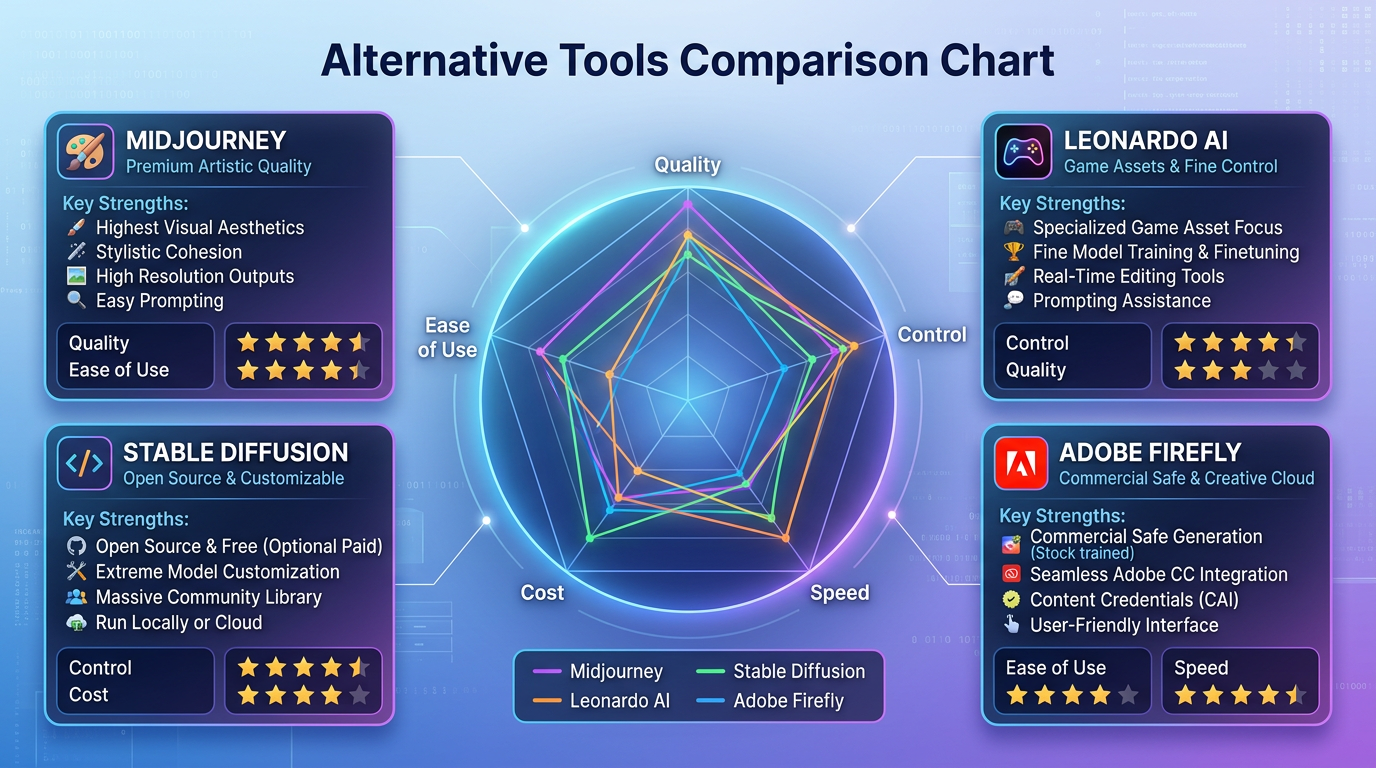
Anyone doing more serious image work will compare Bing against stronger dedicated tools.
- Midjourney is stronger for stylized visual quality.
- DALL-E workflows are often easier for flexible prompt iteration.
- Stable Diffusion-based tools suit users who want more granular control.
How we evaluate tools in this category
This guide is attributed to David Thompson, AI Tool Reviewer & Product Curator at Generator AI Tools. Our review standard is simple: we look at workflow fit, output quality, ease of use, pricing clarity, and how much cleanup is needed before a result is genuinely usable.
- We compare beginner fit and team fit separately, because the easiest tool is not always the best long-term choice.
- We look at how much manual editing or troubleshooting is still needed after the tool does its job.
- We treat official pricing pages, product demos, and onboarding experience as part of the evaluation, not just the headline feature list.
What to verify before you choose
- Check the official pricing page for current limits, credits, and export rules.
- Look at current examples or demos to see whether the output style still matches your use case.
- Confirm whether commercial usage, licensing, or content rights fit the way you plan to publish.
Referenced product pages
The products mentioned above are linked to their Generator AI Tools profiles so readers can compare positioning, category fit, and current availability without leaving the research flow too early.
Bottom line
Bing AI Art Generator is most valuable as an easy access point into AI imagery. It becomes less compelling when the work needs repeatable quality and deeper creative control.



