
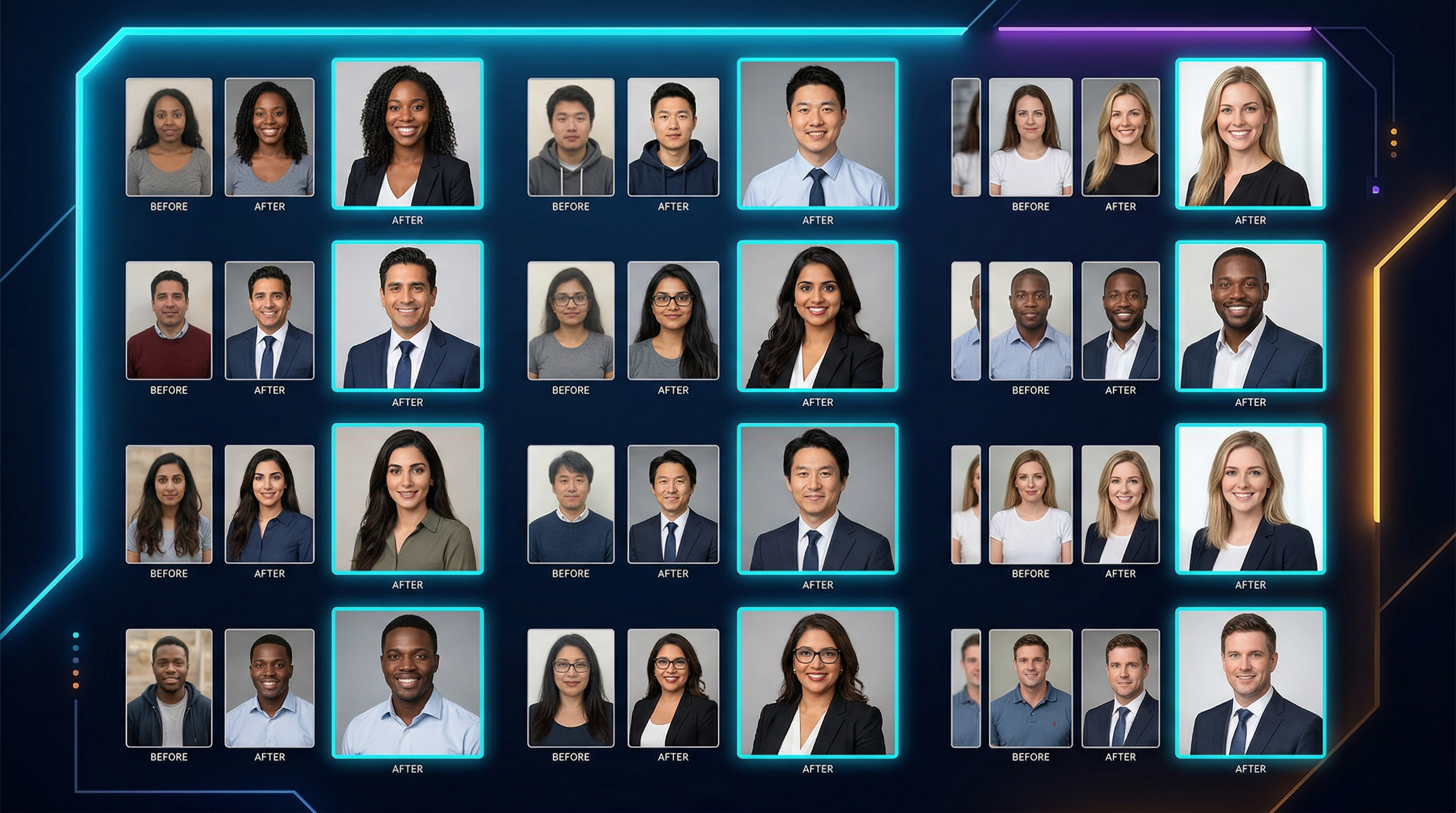
Canva AI Headshot Generator is built for people who need a respectable profile photo without booking a photographer or wrestling with pro editing software. That makes it attractive for freelancers, job seekers, founders, and teams updating profile pages in bulk.
The real test is not whether it can make a striking image. It is whether the output looks believable enough to use on LinkedIn, team pages, bios, and outbound profiles without feeling overprocessed.
Quick verdict: Canva is convenient and beginner-friendly, but it works best when you prioritize speed and simplicity over the last mile of realism.
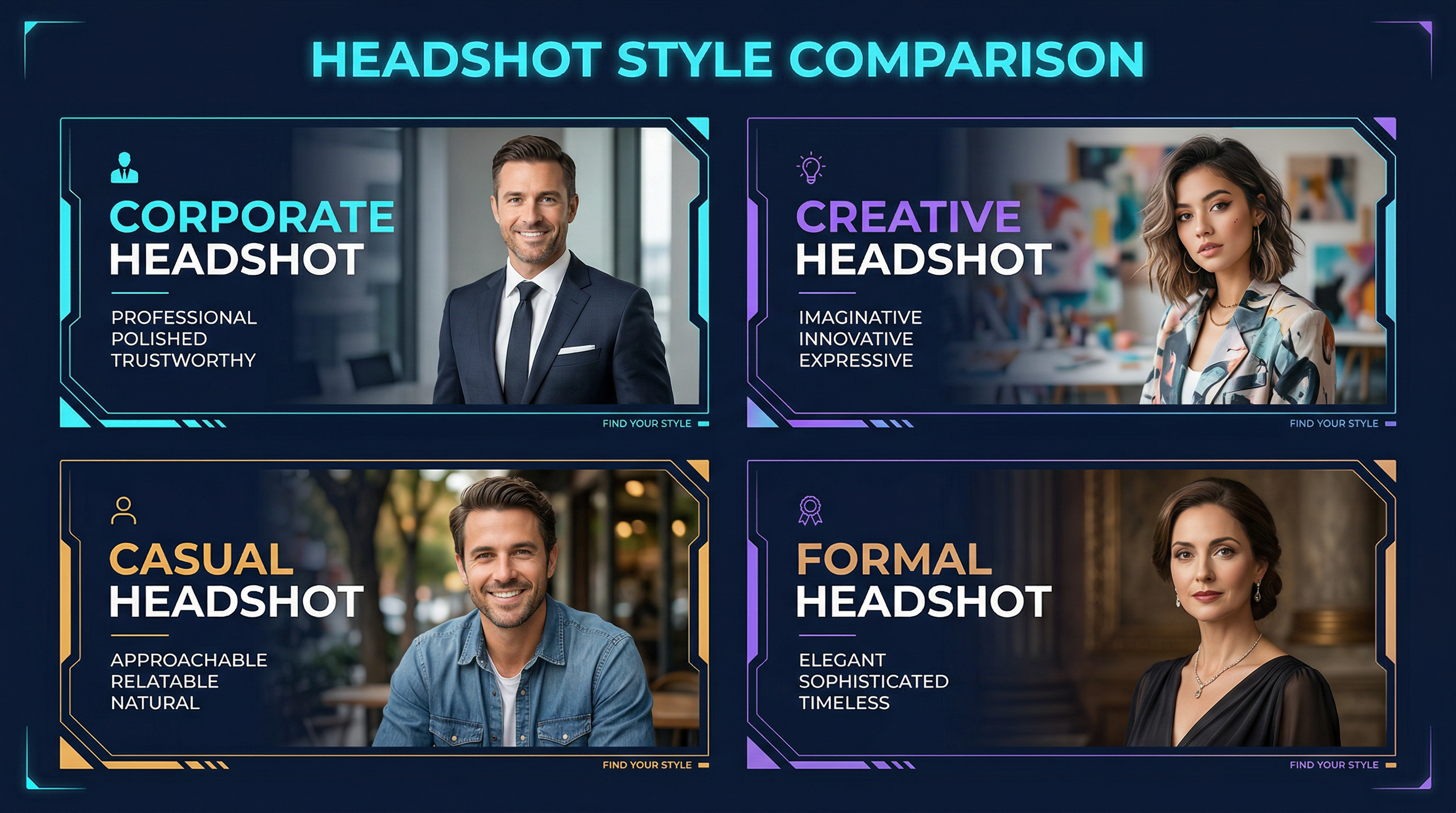
What it does well
The strongest part of Canva's approach is convenience.
- The workflow is approachable for non-designers.
- It fits naturally into a broader content workflow if you already use Canva.
- It can produce serviceable profile images quickly for everyday business use.
Where it starts to feel limited
The tradeoff is that convenience can cap realism.
- Results may look slightly polished or synthetic when viewed closely.
- Consistency across multiple outputs is not always perfect.
- Users who want agency-grade realism may still prefer specialist headshot tools.
Who should actually use it
Think about where the image is going to live.
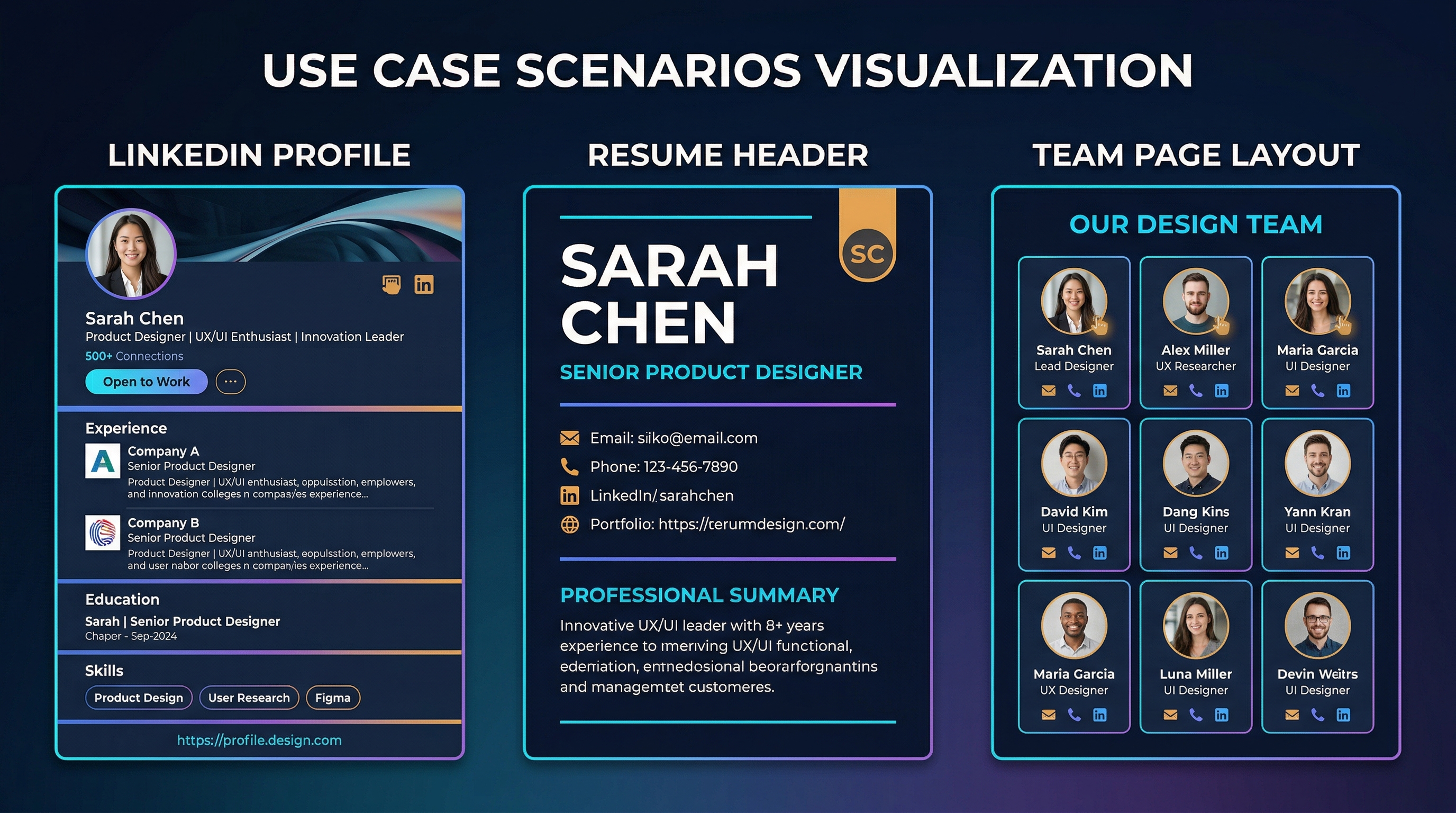
- Good fit for LinkedIn updates, about pages, internal directories, and creator bios.
- Less ideal for executives, speakers, or high-trust use cases where subtle realism matters more.
- Worth testing first if you already live inside Canva and want one less tool in the stack.
Alternatives worth considering
If realism is your main priority, the shortlist changes.
- HeadshotPro is often chosen for higher-polish business portraits.
- BetterPic is useful when consistency and realism matter more than design convenience.
- Aragon is another option people test when they want a more dedicated headshot workflow.
How we evaluate tools in this category
This guide is attributed to David Thompson, AI Tool Reviewer & Product Curator at Generator AI Tools. Our review standard is simple: we look at workflow fit, output quality, ease of use, pricing clarity, and how much cleanup is needed before a result is genuinely usable.
- We compare beginner fit and team fit separately, because the easiest tool is not always the best long-term choice.
- We look at how much manual editing or troubleshooting is still needed after the tool does its job.
- We treat official pricing pages, product demos, and onboarding experience as part of the evaluation, not just the headline feature list.
What to verify before you choose
- Check the official pricing page for current limits, credits, and export rules.
- Look at current examples or demos to see whether the output style still matches your use case.
- Confirm whether commercial usage, licensing, or content rights fit the way you plan to publish.
Referenced product pages
The products mentioned above are linked to their Generator AI Tools profiles so readers can compare positioning, category fit, and current availability without leaving the research flow too early.
Bottom line
Canva AI Headshot Generator is best understood as a fast, practical headshot option for everyday use. It is good enough for many teams, but not automatically the best choice when visual credibility is the whole point.



