

Canva AI Voice Generator makes sense on paper because it keeps one more task inside the Canva workflow. For creators and small teams, that kind of convenience can matter more than having the most advanced voice model on the market.
The real test is whether the output is good enough for explainers, internal videos, social clips, and lightweight narration without forcing you to jump to a specialist voice tool immediately after.
Quick verdict: Canva AI Voice Generator is a practical convenience feature, not necessarily a best-in-class narration platform. It is strongest when speed and workflow simplicity matter more than voice nuance.
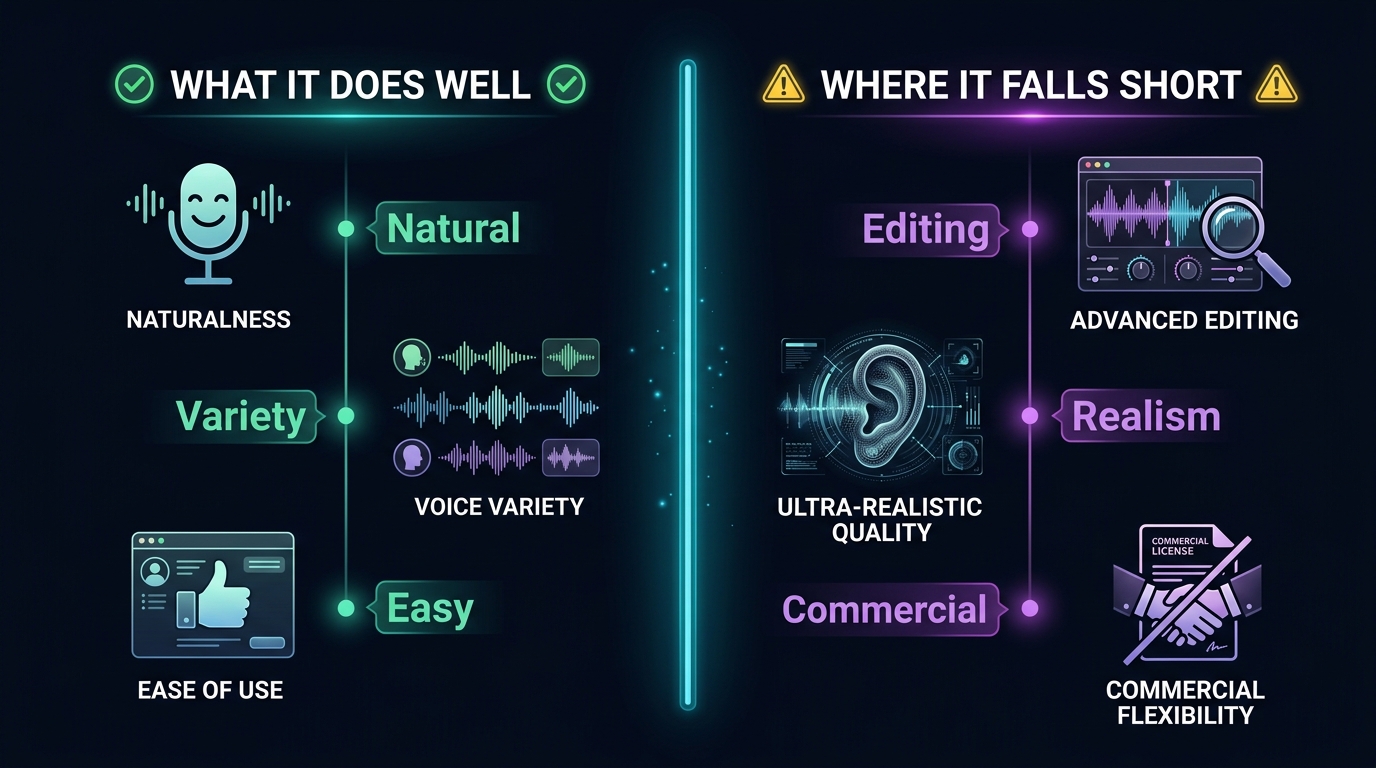
What it does well
The tool is most attractive when simplicity is the main goal.
- It is easy to use if you are already building content in Canva.
- It reduces tool-switching for straightforward narration tasks.
- It is useful for lightweight videos, internal decks, and simple marketing assets.
Where it starts to feel limited
The ceiling becomes visible when voice quality is the headline requirement.
- The output may feel flatter than what dedicated voice platforms can deliver.
- Emotional range and natural pacing can still need manual help.
- Power users may outgrow it quickly if narration quality is a differentiator for the content itself.
Who should actually use it
This is mostly a workflow decision.
- Use it if you want one interface for design, copy, and simple voice output.
- Avoid relying on it as your only solution if narration is central to the product or brand.
- It makes the most sense for fast production teams, not for premium voice-first experiences.
Alternatives worth considering
Once voice quality becomes the priority, specialist tools deserve a look.
- ElevenLabs is often the benchmark when realism and flexibility matter more.
- Murf is commonly tested for business narration and presentation use cases.
- Descript can make more sense if editing and voice generation need to stay tightly linked.
How we evaluate tools in this category
This guide is attributed to David Thompson, AI Tool Reviewer & Product Curator at Generator AI Tools. Our review standard is simple: we look at workflow fit, output quality, ease of use, pricing clarity, and how much cleanup is needed before a result is genuinely usable.
- We compare beginner fit and team fit separately, because the easiest tool is not always the best long-term choice.
- We look at how much manual editing or troubleshooting is still needed after the tool does its job.
- We treat official pricing pages, product demos, and onboarding experience as part of the evaluation, not just the headline feature list.
What to verify before you choose
- Check the official pricing page for current limits, credits, and export rules.
- Look at current examples or demos to see whether the output style still matches your use case.
- Confirm whether commercial usage, licensing, or content rights fit the way you plan to publish.
Referenced product pages
The products mentioned above are linked to their Generator AI Tools profiles so readers can compare positioning, category fit, and current availability without leaving the research flow too early.
Bottom line
Canva AI Voice Generator is useful because it removes friction, not because it beats every specialist. If convenience is your bottleneck, it is worth trying. If quality is your bottleneck, compare it with dedicated voice tools quickly.



