Last updated May 12, 2026: This draft targets "prompt evaluation template" and should include a downloadable or copyable template before publication.
A prompt evaluation template helps teams score LLM outputs before they scale a workflow. Without a template, prompt review becomes a taste debate: one person likes the answer, another person wants changes, and nobody knows whether the prompt is actually improving.
The template below works for writing, research, support, coding, video recap scripts, and operational summaries. It is especially useful when a workflow will be repeated by a team, not just used once in a chat window.
Key takeaways
- Define success criteria before rewriting the prompt.
- Use a small test set with easy, typical, messy, and risky inputs.
- Score outputs with a rubric instead of gut feeling.
- Track prompt version, model, date, reviewer, and failure notes.
- Review prompts again when model behavior, source data, or workflow goals change.
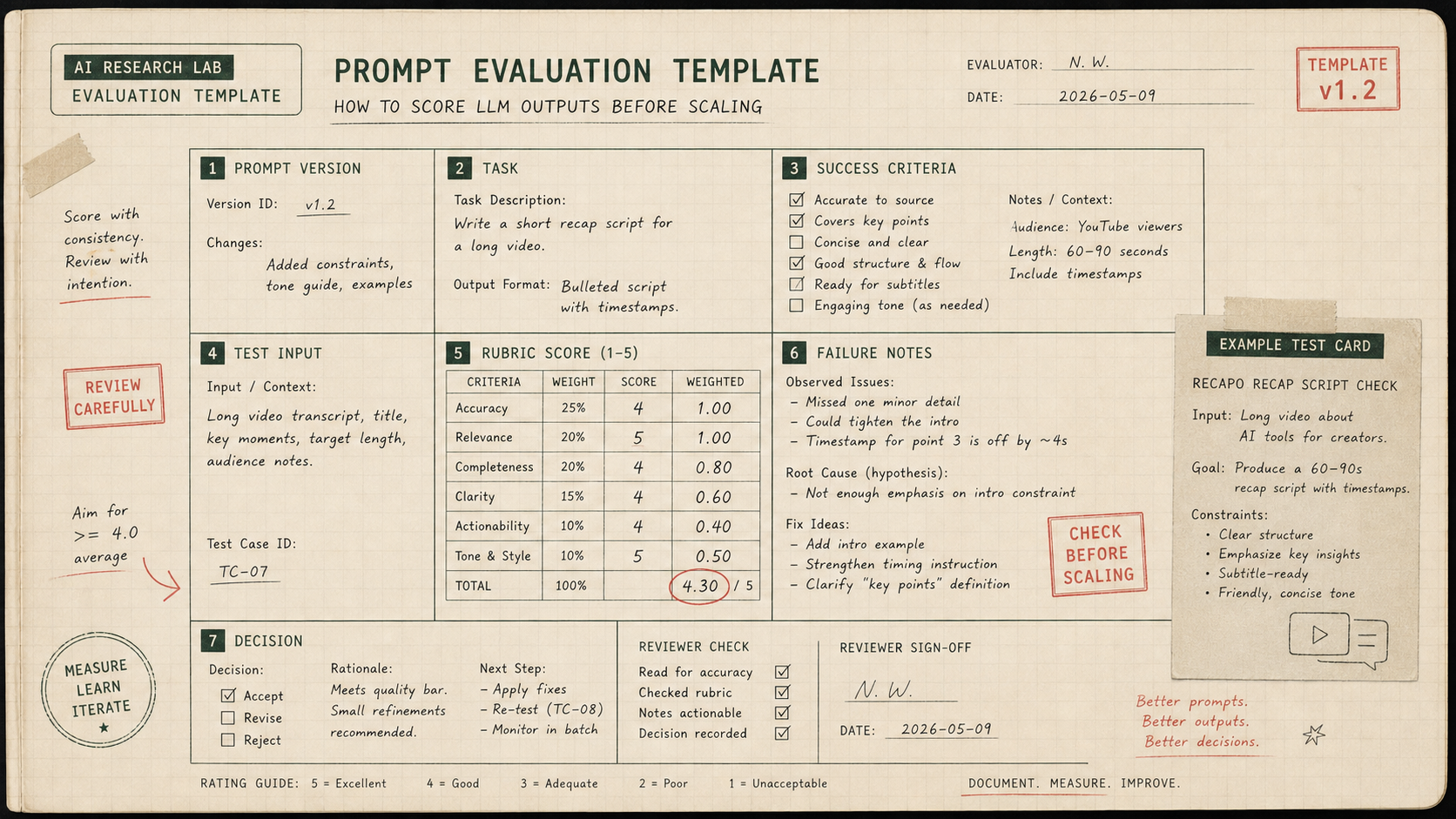
Prompt evaluation template
| Field | What to enter | Example |
|---|---|---|
| Prompt version | A simple version number or date. | recap-script-v1.2 |
| Task | What the prompt should produce. | Turn source transcript into a 45-second recap script. |
| Success criteria | What a good output must do. | Accurate, concise, source-backed, subtitle-ready. |
| Test input | A real or realistic input sample. | Transcript from a product demo. |
| Rubric score | 1-5 score for each criterion. | Accuracy 5, concision 4, tone 3. |
| Failure notes | What went wrong and why. | Invented feature claim; hook too vague. |
| Decision | Ship, revise, or reject. | Revise prompt and rerun. |
What should the rubric include?
A good rubric has five criteria or fewer. For most LLM workflows, start with accuracy, completeness, format, tone, and actionability. For video recap scripts, add source fidelity and duration fit. For research workflows, add citation quality. For coding workflows, add testability and maintainability.
- Accuracy: Does the output preserve the source facts?
- Completeness: Did it answer the actual task?
- Format: Did it follow the requested structure?
- Tone: Does it match the audience and brand?
- Actionability: Can a human use the output with reasonable cleanup?
How many test cases do you need?
Start with five to ten examples. Include one clean case, one normal case, one messy case, one edge case, and one case where the model should say it does not have enough information. That small test set will reveal most prompt weaknesses before the workflow scales.
How to use this with Recapo or video scripts
If you use Recapo or another video workflow tool, evaluate the script and subtitle output like any other LLM-assisted workflow. Score whether the recap keeps the source meaning, fits the target duration, avoids invented claims, and creates subtitle-friendly lines.
Final recommendation
A prompt evaluation template turns prompt engineering into a repeatable quality process. Use it before scaling a workflow, especially when outputs reach customers, viewers, or production systems.
E-E-A-T review notes
Experience: Before publishing, add one filled-out example using a weak prompt, revised prompt, model output, score, and decision.
Expertise: Aisha Hassan should keep this article focused on prompt evaluation, success criteria, rubric design, test sets, versioning, and human review workflows, with examples that a small team can repeat before buying a tool.
Trust: Do not present a rubric as proof of correctness. It is a structured review aid and should be paired with source verification and human judgment.
References
- OpenAI Evals API reference - official API reference for evaluations
- OpenAI prompt engineering best practices - official prompting guidance
- Anthropic prompt engineering overview - success criteria and empirical testing guidance
Where to go next
Use these internal links to continue from the article into tool comparison, production checks, and related workflows.
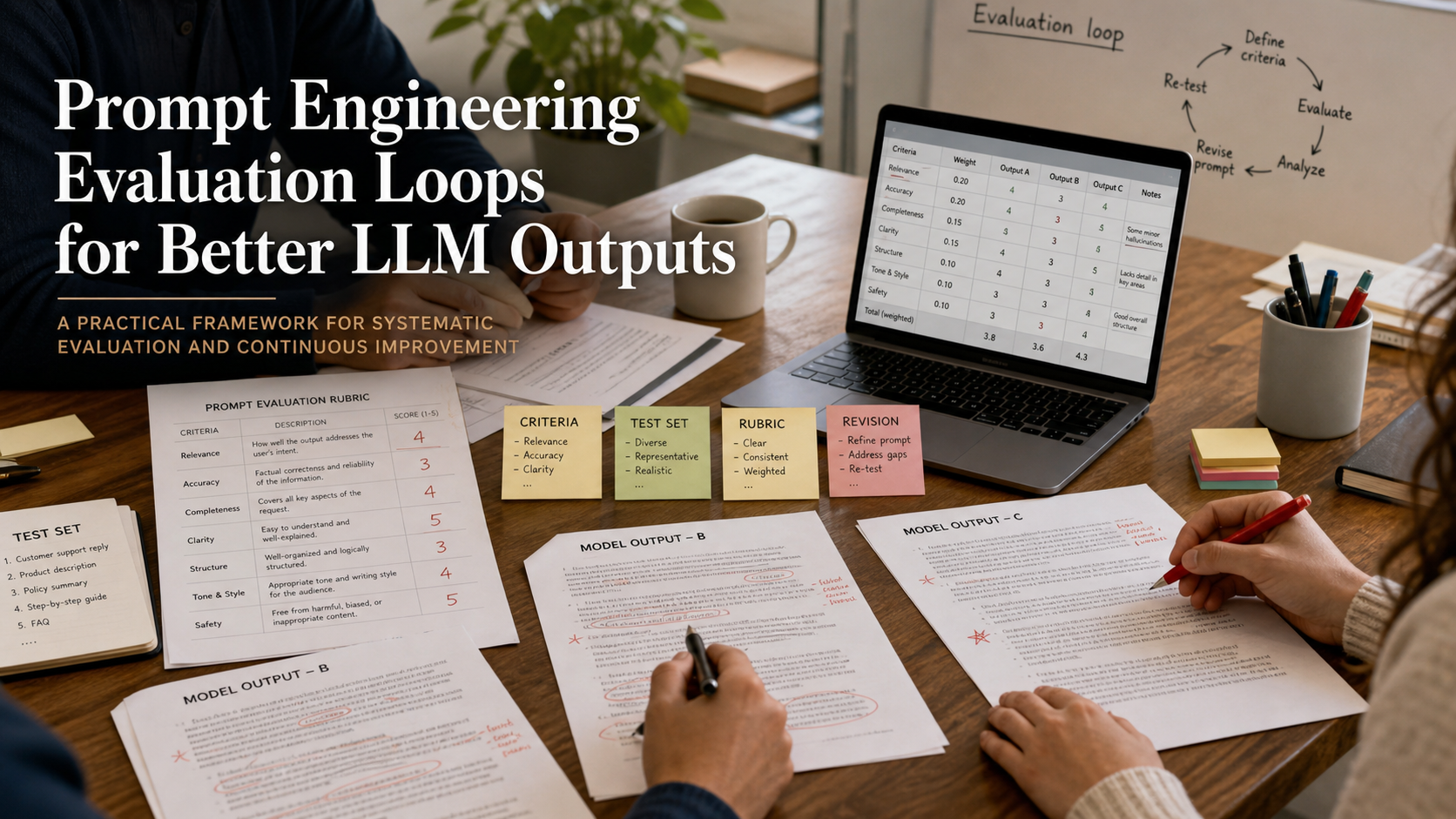
- Prompt Engineering Evaluation Loops - connect the template to a broader evaluation process
- Prompt engineering category - browse prompt workflow guides
- Recapo - test recap scripts and subtitle outputs with a rubric
- AI tools directory - compare tools by workflow and output quality