Same.new is one of the most talked-about AI developer tools of early 2026. The premise is simple: paste a URL, and the AI generates a functional clone of that website's design using clean, modern code. We spent two weeks testing it across 20 different websites to see whether it lives up to the hype. The short answer: it is impressively good for rapid prototyping but has clear limitations for production use. Here is the full breakdown. Quick Verdict: Same.new AI is best for developers and designers who need rapid prototyping. It generates clean React/Tailwind code from any URL in under 60 seconds. Not yet reliable enough for direct production deployment, but a genuine time-saver for getting a project started.
What Is Same.new AI?
Same.new (also styled as same.dev) is an AI-powered tool that generates website code from visual references. You provide a URL, screenshot, or text description, and the AI outputs a functional website built with React and Tailwind CSS. Think of it as an AI pair programmer that specializes in translating designs into code. The tool launched in late 2025 and quickly gained traction on developer communities like Hacker News and Reddit r/webdev. Its appeal is straightforward: instead of spending hours manually coding a layout, you get a working starting point in under a minute.
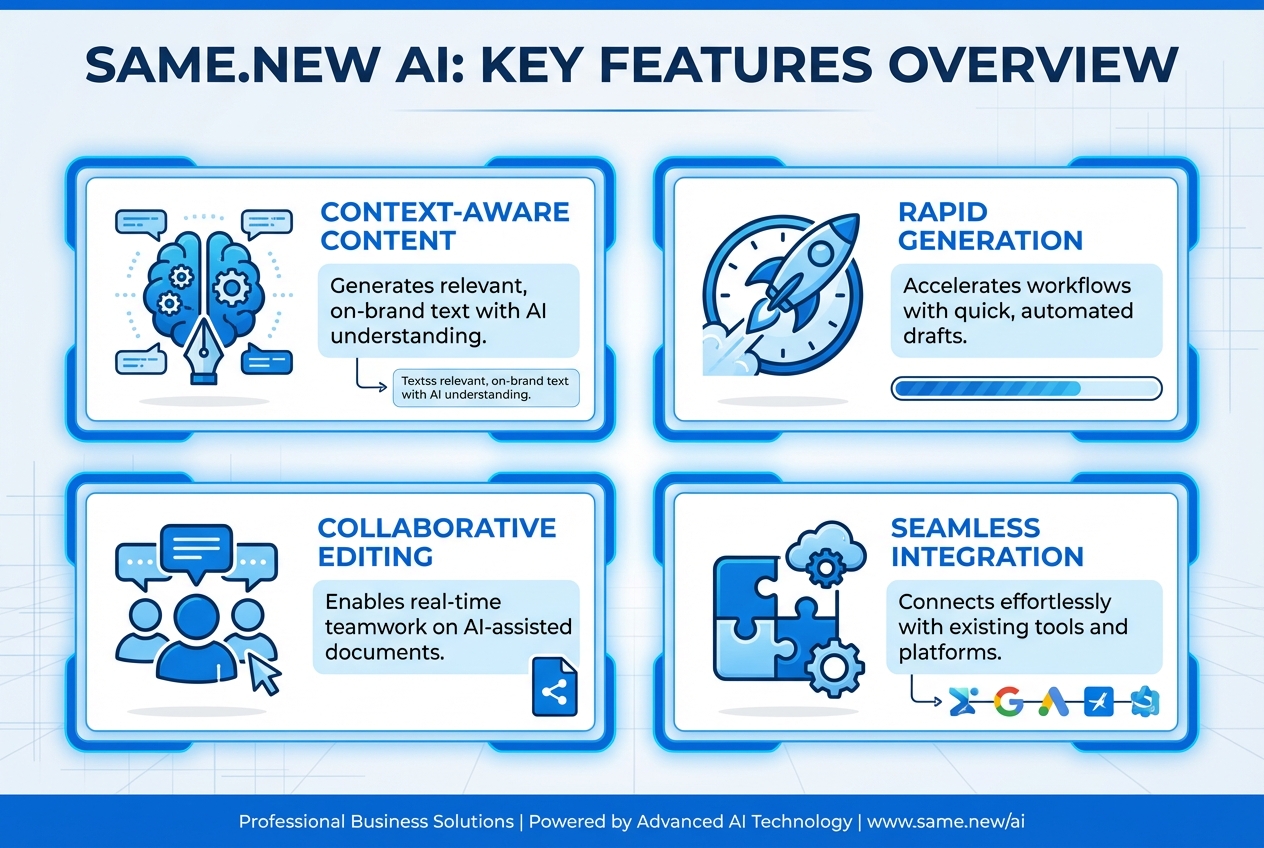
Core Capabilities
How to Use Same.new AI (Step-by-Step)
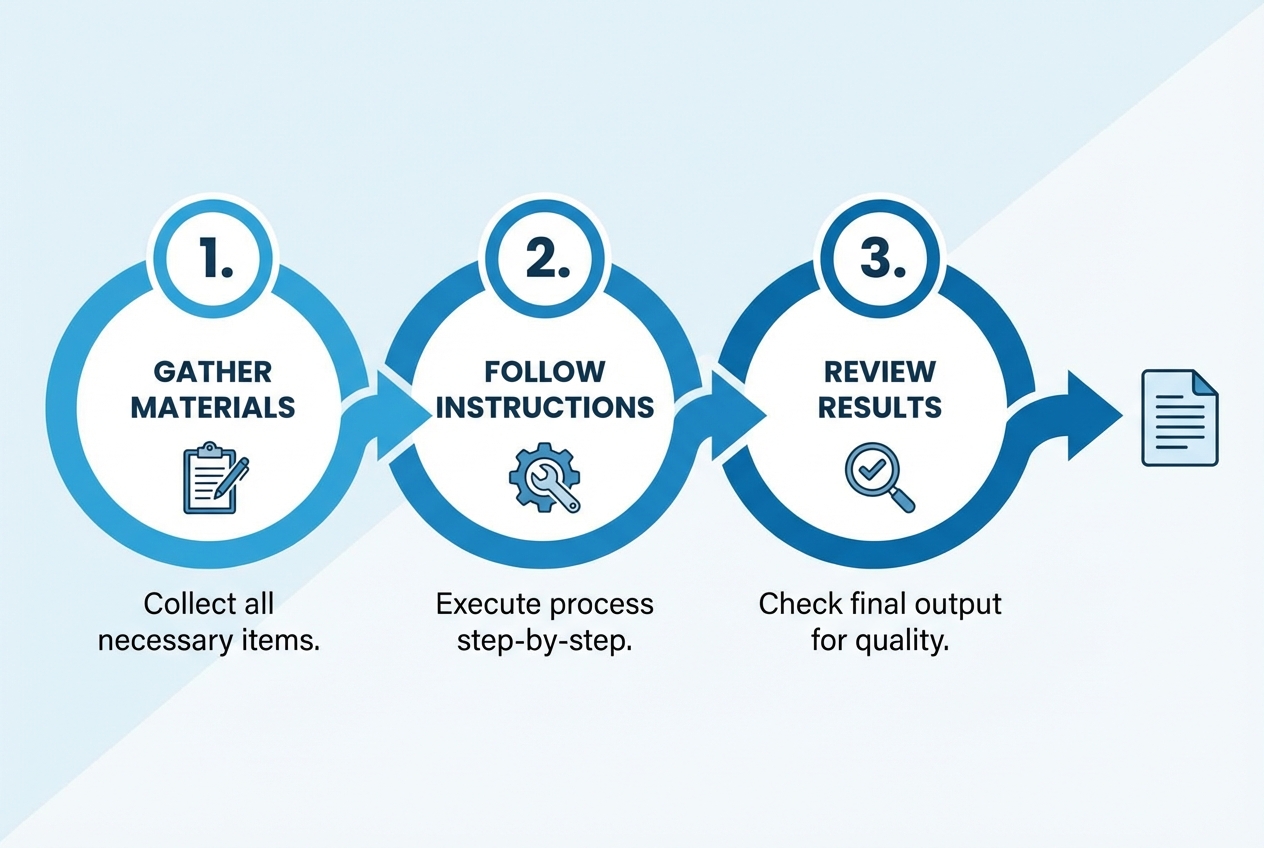
Getting started takes about 30 seconds. Here is the full workflow:
Step 1: Go to same.new and Sign In
Navigate to same.new in your browser. You can sign in with GitHub or Google. No credit card required for the free tier.
Step 2: Input Your Reference
You have three input options:
- Paste a URL: The tool will automatically screenshot and analyze the target page
- Upload a screenshot: Drag and drop a PNG/JPG of a design mockup
- Type a description: Write what you want in plain English (e.g., "A SaaS landing page with a hero section, pricing table, and testimonials") For our test, we pasted the URL of a popular SaaS landing page.
Step 3: Wait for Generation (30-90 seconds)
The AI analyzes the visual design and generates React + Tailwind CSS code. A real-time preview appears on the right side. In our tests, generation took between 30 seconds (simple pages) and 90 seconds (complex multi-section pages).
Step 4: Review and Edit
The built-in code editor lets you make adjustments. The preview updates in real-time as you edit. You can also ask the AI to make specific changes using natural language commands like "make the header sticky" or "change the color scheme to dark mode."
Step 5: Export or Deploy
When satisfied, you can:
- Download as ZIP: Get the full project with package.json, ready to npm install and run
- Push to GitHub: Create a new repository directly from the interface
- Deploy to Vercel/Netlify: One-click deployment to hosting platforms
Output Quality: Our Test Results
We tested Same.new on 20 different websites across five categories. Here is how the output quality scored:
| Metric | Result |
|---|---|
| Sites tested | 20 websites across five categories |
| Layout accuracy | Limited — structure is usually right, but spacing and interactions still need manual polish |
What Same.new Gets Right
- Layout structure: The AI accurately identifies header, hero, features, pricing, and footer sections and reproduces the general layout.
- Typography hierarchy: Heading sizes, font weights, and spacing are generally well-matched to the original.
- Color extraction: The tool reliably identifies and applies the correct brand colors from the source website.
- Responsive basics: Generated code includes mobile breakpoints, though the mobile layout often needs manual adjustment.
Where Same.new Falls Short
- Complex interactions: Dropdown menus, modals, carousels, and animated transitions are often missing or broken in the generated code.
- Custom illustrations: The AI cannot recreate custom SVG illustrations or icons and usually substitutes placeholder elements.
- Pixel-perfect accuracy: Spacing, padding, and margin values are approximate, so expect follow-up cleanup work.
- Forms and dynamic content: Form validation, state management, and dynamic data are not generated. The output is mostly static HTML/CSS wrapped in React components.
Pricing and Plans
| Plan | Price | Generations / Month | Features |
|---|---|---|---|
| Free | $0 | 5 | Basic generation, code export, community support |
| Pro | $20 / month | Higher usage limit | Better fit for repeated prototyping and multi-project workflows |
The free tier is generous enough to evaluate the tool properly. Five generations give you a solid sense of quality across different page types. The Pro plan makes sense if you are prototyping multiple projects per month because the time saved on initial coding can justify the subscription quickly.
Pros and Cons
Advantages
- Speed: From URL to functional code in under 60 seconds. This is dramatically faster than manual implementation.
- Code quality: Generated code uses modern React patterns and Tailwind utility classes. Clean, readable, and easy to customize.
- Free tier: 5 free generations per month is enough for casual use and evaluation.
- Natural language editing: Ask the AI to make changes in plain English. Reduces the iteration loop.
- Deployment pipeline: GitHub push and Vercel/Netlify deploy built in. Zero DevOps friction.
Limitations
- Not production-ready: Output is a starting point, not a finished product. Expect manual refinement.
- React/Tailwind only: No support for Vue, Svelte, Angular, or plain HTML/CSS output.
- Static output: No dynamic functionality, API integrations, or state management in generated code.
- Interaction gaps: Complex UI interactions (modals, carousels, dropdown menus) are often missing.
- Newer platform: Documentation is limited and the community is still small compared to established tools.
Same.new vs Alternatives
| Tool | Price | Best For |
|---|---|---|
| Same.new | $0-20/mo | Cloning or recreating existing designs into editable code |
| v0 | $0-20/mo | Prompt-to-UI generation for brand-new interfaces |
| Bolt.new | $0-20/mo | Rapid app prototypes with broader build workflows |
| Lovable | Custom | Full-stack application scaffolding with more backend support |
| Cursor | $0-20/mo | General coding assistance and day-to-day development |
Our recommendation: Use Same.new specifically for cloning or recreating existing designs. For building new interfaces from text descriptions, v0 or Bolt.new may be better choices. For full-stack applications with backend logic, Lovable offers more complete output. For general coding assistance, Cursor remains the most versatile AI development tool.
Frequently Asked Questions
Is Same.new AI free to use?
Yes, Same.new offers a free tier with 5 generations per month. This includes code export and basic editing features. The Pro plan at $20/month adds 50 generations, GitHub integration, one-click deployment, and AI-powered code editing.
How accurate is Same.new at cloning websites?
In our testing, layout accuracy ranged from 62% for complex multi-page sites to 92% for simple landing pages. The tool excels at structure and color extraction but struggles with complex interactions and custom illustrations. Expect to spend 30-60 minutes refining the output for production use.
Can Same.new create full websites from scratch?
Same.new can generate pages from text descriptions, but the output is static and limited to single pages. It does not generate multi-page routing, backend logic, authentication, or database integration. For full-stack applications, consider tools like Bolt.new or Lovable.
Is the generated code production-ready?
Not directly. The output is clean, well-structured React + Tailwind CSS code that serves as an excellent starting point. However, it lacks dynamic functionality, proper error handling, accessibility optimization, and responsive fine-tuning. Use it as a rapid prototype, then refine manually or with an AI code editor like Cursor.
What are the best alternatives to Same.new?
The top alternatives are v0 by Vercel (best for generating UI components from text), Bolt.new (best for full-stack applications), Lovable/GPT Engineer (best for apps with backend integration), and Cursor (best for general AI-assisted coding). Each excels in a different area — Same.new's unique strength is URL-to-code cloning speed.
Is Same.new safe to use?
Yes. Same.new generates code locally in your browser session. The tool does not store your generated code on its servers unless you explicitly save it. For the URL input feature, the tool takes a screenshot of the target page — it does not access or store any data from the source website beyond visual layout analysis.