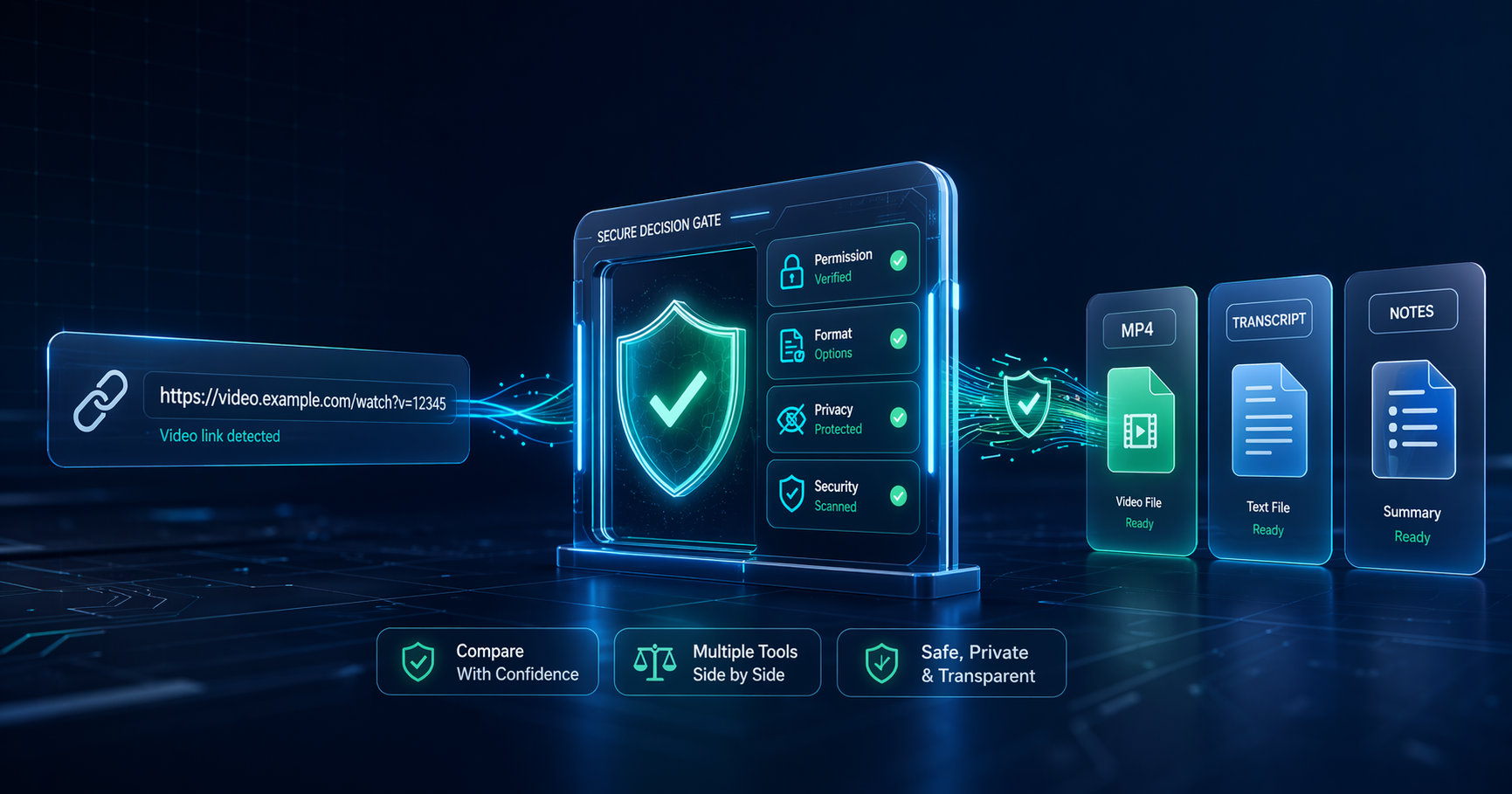
A search for YouTube video converter can lead to risky pages fast. The better workflow is to clarify what you are allowed to do, decide whether you need a file at all, then compare tools only when the use case is legitimate and safe.
Trust note: This article is not legal advice. It was updated on April 22, 2026 to reflect a safer editorial stance: respect YouTube's terms, creator rights, and local law before using any third-party converter.
Key Takeaways
- Do not start with a random converter: Start with your rights, the source video, and the output you actually need.
- YouTube-native options are safest for many users: For videos you uploaded, YouTube provides download options; for offline viewing, YouTube Premium can be the cleaner route.
- Converter searches have security risk: Watch for misleading ads, forced extensions, pop-ups, fake buttons, and aggressive redirects.
- Creators often need adjacent tools: Transcript tools, clipping apps, summarizers, and video editors can solve the job without downloading a third-party file.
- Use Generator AI Tools for comparison: The site helps you compare categories, tool pages, pricing labels, and workflow fit before installing anything.
What Is a YouTube Video Converter?
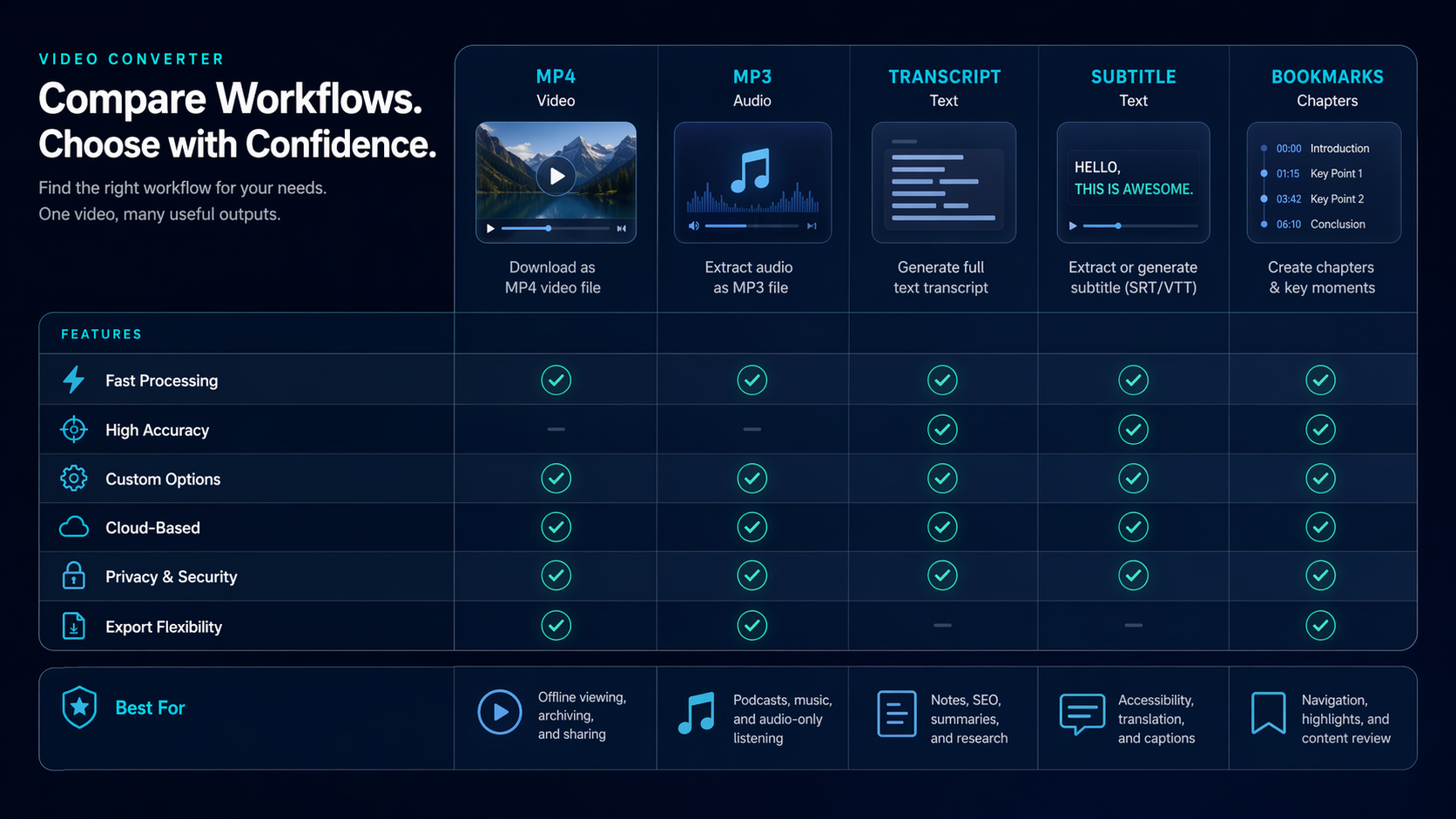
A YouTube video converter is usually a tool that turns a video URL into another file format such as MP4, MP3, WAV, or a smaller editing-friendly file. Some converters run in a browser. Others are desktop apps with stronger batch controls and format settings.
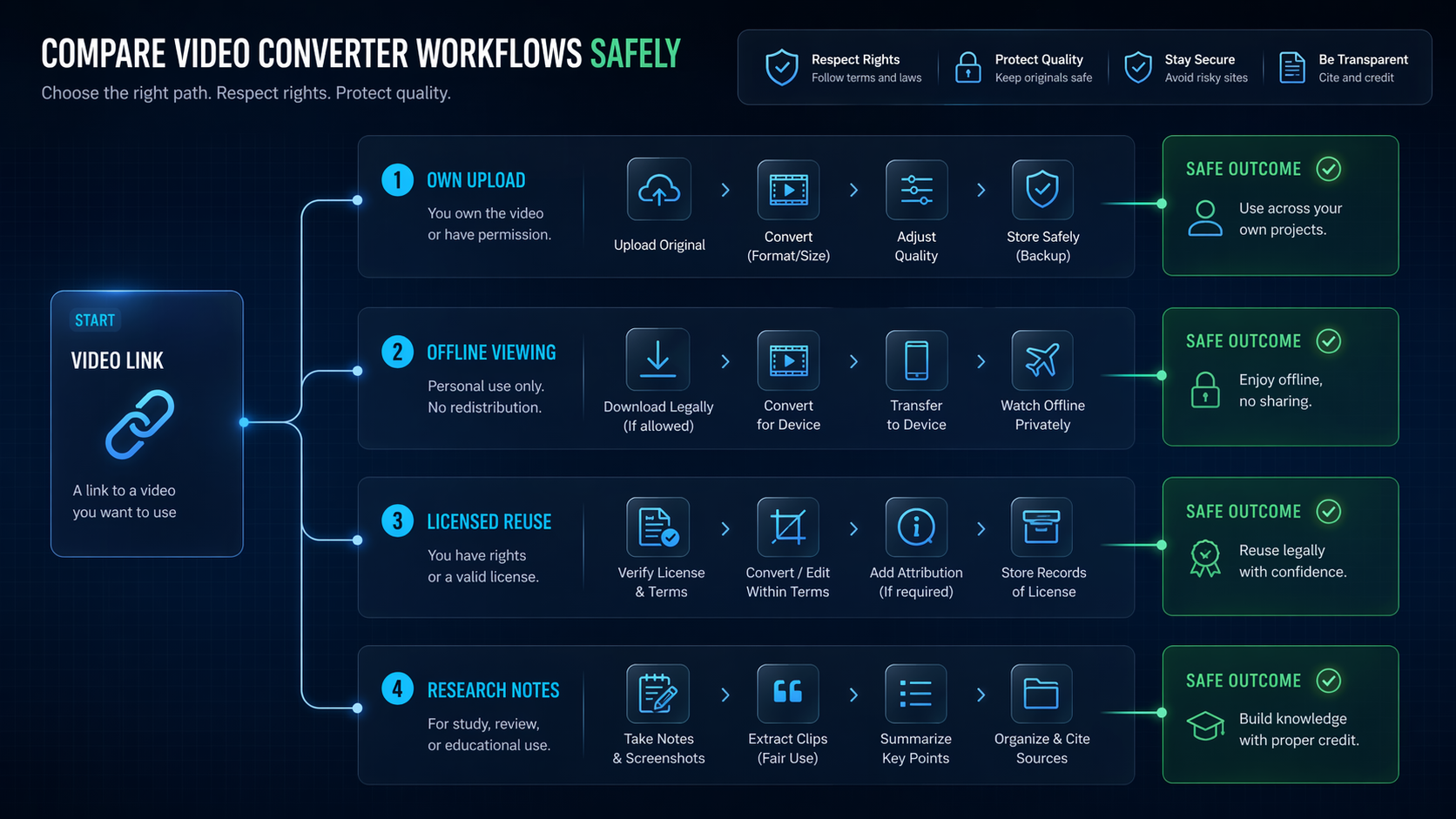
The phrase is broad, which is why comparison matters. One person may want offline viewing. Another may want audio extraction from their own uploaded content. A third may need a legal research workflow for notes, transcripts, or clip planning.
| Use Case | Safer Starting Point | What To Compare |
|---|---|---|
| Your own uploaded video | YouTube Studio download or Google Takeout | Resolution, archive needs, editing workflow |
| Offline viewing | YouTube Premium offline playback where available | Device support, region, app limits |
| Creator research | Transcript, summarizer, bookmarking, or clipping tools | Accuracy, citations, export formats |
| Licensed content reuse | Permission-based workflow | Rights, attribution, format, storage, security |
Check Legal And Platform Rules First
YouTube's Terms of Service restrict downloading, reproducing, or using content unless the service allows it or you have permission from YouTube and the rights holder. That is the core reason this article does not recommend bypass-style downloader pages as a default workflow.
YouTube's own Help Center also explains that users can download MP4 files of videos they uploaded, while other users' videos are not downloadable through that help flow. For offline viewing, YouTube points users toward Premium offline features in supported situations.
How To Compare YouTube Video Converter Tools
If you have a legitimate use case, compare converter tools like any other software purchase. The goal is to avoid unsafe pages and choose a tool that fits your exact output need.
- Confirm permission: Are you the uploader, do you have rights, or is the use explicitly allowed?
- Define the output: MP4, MP3, WAV, transcript, subtitle file, or editing project?
- Check device fit: Browser, Mac, Windows, mobile, or cloud workflow?
- Inspect trust signals: Company identity, clear pricing, support docs, update history, and privacy policy.
- Avoid suspicious behavior: forced browser extensions, fake download buttons, unexpected installers, or permission requests unrelated to conversion.
Where Generator AI Tools Helps
Generator AI Tools is not a converter. It is useful before the converter decision, especially for creators comparing software categories. You can start in the AI video category, browse adjacent workflow tools, and use AI video tutorials to understand alternatives.
For many creator teams, a converter is not the real solution. A transcript tool, video summarizer, clip generator, or editing platform may solve the underlying job with fewer rights and security concerns.
Security Checklist Before Using Any Converter
- Do not install browser extensions unless you trust the publisher and permissions are narrow.
- Avoid pages with multiple fake download buttons or aggressive pop-ups.
- Do not upload private, client, or unreleased footage to unknown services.
- Check whether the tool stores files, logs URLs, or claims rights to uploaded content.
- Prefer tools with clear documentation, company identity, and support channels.
- Scan installers and avoid bundled software offers.

When A Converter Is The Wrong Tool
A converter is the wrong tool when you only need to watch later, cite a source, summarize a talk, or plan clips. In those cases, a saved playlist, transcript workflow, or AI summarizer can be cleaner than trying to extract a file.
| Goal | Better Alternative |
|---|---|
| Watch later | YouTube save/offline features where available |
| Research a talk | Transcript and note-taking workflow |
| Create short clips from owned footage | AI video editor or clipping tool |
| Archive your channel content | YouTube Studio downloads or Google Takeout |
FAQ
Is a YouTube video converter always illegal?
No, but legality depends on rights, permissions, the source video, platform rules, and local law. The safer approach is to use YouTube-native options or permission-based workflows first.
Can Generator AI Tools convert YouTube videos?
No. Generator AI Tools helps you research and compare AI tools, video editors, summarizers, and creator workflows. It does not convert or download videos directly.
What should I compare first?
Compare permission status, output format, security, privacy, platform support, file length limits, and whether you actually need a downloaded file.
What internal pages should I use next?
Start with the AI video tools directory, then browse AI video tutorials for editing and workflow guidance.
References
Final Recommendation
Treat a YouTube video converter search as a decision workflow, not a race to the first download button. Confirm permission, define the output, check security, and use Generator AI Tools to compare safer adjacent tools when conversion is not the real need.