Last updated May 12, 2026: This draft targets "AI meeting notes tool" for small teams comparing meeting assistants.
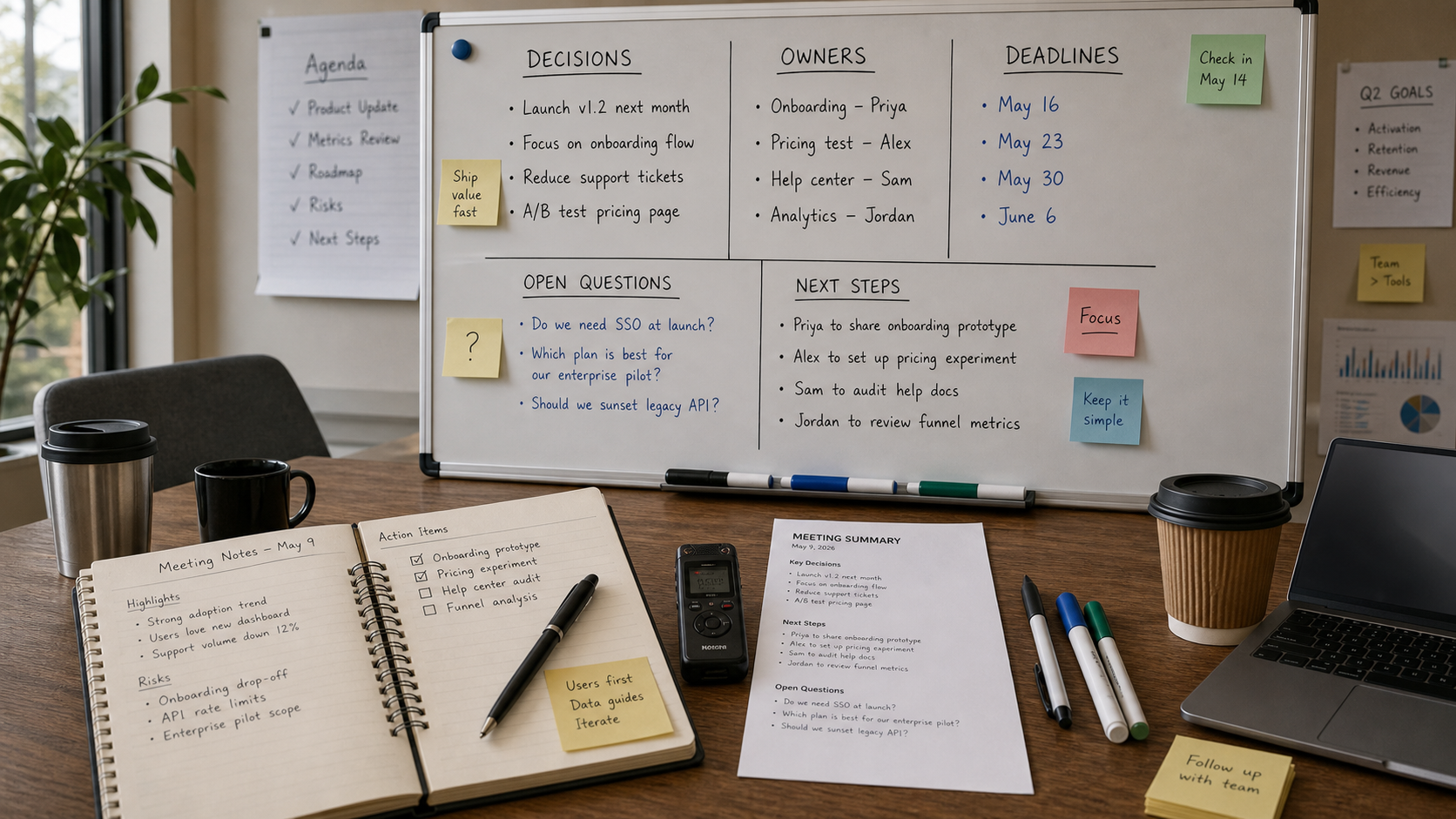
An AI meeting notes tool is only useful if the notes are easier to trust than a messy transcript. The best tools turn conversations into decisions, owners, deadlines, risks, and follow-ups without hiding what was actually said.
For new teams, start by comparing the business productivity tools category and then test familiar options such as Zoom, Otter, or other meeting assistants on the same real meeting.
Key takeaways
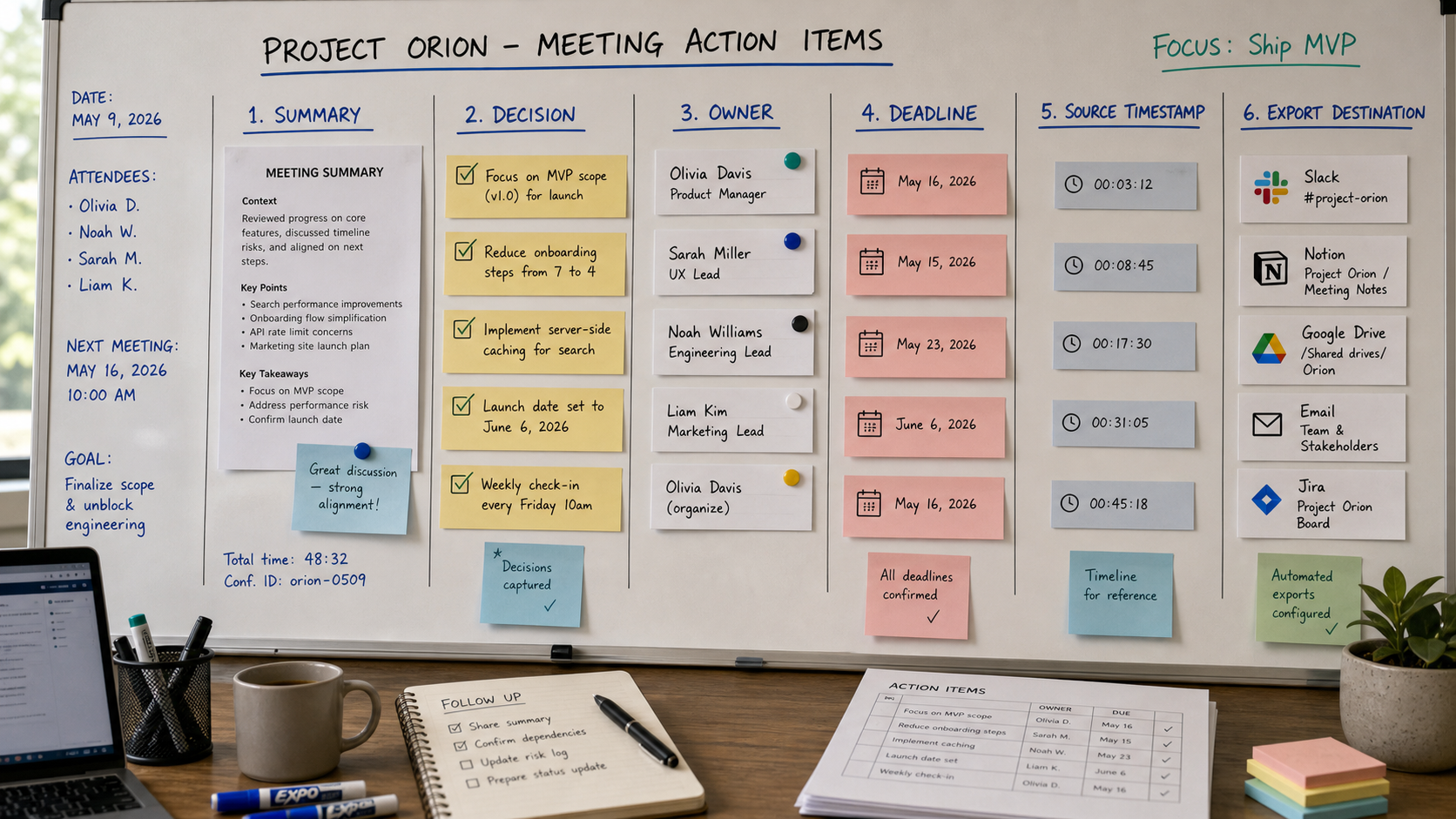
- Meeting notes should separate decisions, action items, and open questions.
- Speaker labels and timestamps make summaries easier to audit.
- Exports matter if the notes must move into docs, CRM, Slack, or project tools.
- Privacy settings are not optional for customer calls or employee meetings.
- Test tools on your own meetings before trusting a polished demo.
How should you compare AI meeting notes tools?
Compare meeting notes tools by what they produce after a real call: a useful summary, clear action items, accurate owner assignment, searchable transcript, and export path into the tools your team already uses.
| Criterion | What good looks like | Red flag |
|---|---|---|
| Summary | Captures decisions and context in plain language. | Creates vague notes that sound good but miss outcomes. |
| Action items | Includes owner, task, and deadline when available. | Invents owners or dates. |
| Speaker labels | Distinguishes who said what. | Confuses customer, sales rep, and manager. |
| Search | Lets the team jump from summary to transcript. | No way to verify a claim. |
| Exports | Pushes notes into docs, tasks, CRM, or email. | Locks notes in one app. |
| Privacy | Offers consent, retention, and admin controls. | Records sensitive meetings with unclear policy. |
What should small teams test first?
Small teams should run a two-week test with three meeting types: an internal planning meeting, a customer call, and a follow-up meeting. These calls reveal whether the tool can handle messy discussions, customer objections, and recurring action items.
- Was the meeting summary useful without reading the full transcript?
- Were action items assigned to the right people?
- Could the team find the original quote behind a key decision?
- Did the notes export cleanly into the team's normal workflow?
- Were consent and retention settings understandable?
Where do Zoom and Otter fit?
Zoom can be a natural option for teams already running meetings inside Zoom. Otter is often considered for transcript-centered workflows and searchable notes. The right choice depends less on brand and more on your meeting types, privacy needs, and export flow.
Final recommendation
Choose an AI meeting notes tool by reviewing real notes from real meetings. A good summary should make follow-up faster, but the transcript and source context must remain easy to verify.
E-E-A-T review notes
Experience: Before publishing, run one internal meeting through two tools and document where their summaries disagreed.
Expertise: Jessica Wong should keep this article focused on meeting workflows, action-item quality, note exports, team adoption, and privacy review.
Trust: Advise readers to check consent laws, company policy, and vendor retention settings before recording meetings.
References
- Zoom AI Companion meeting summary - official Zoom support documentation
- Microsoft Teams Intelligent Recap - official Microsoft support documentation
Where to go next
Use these internal links to continue from the article into tool comparison, product pages, and related workflows.
- Business productivity AI tools - browse productivity and meeting workflow tools
- Zoom - review Zoom's AI meeting workflows
- Otter - compare transcript-centered meeting notes
- AI workflow checklist - use a broader tool adoption checklist