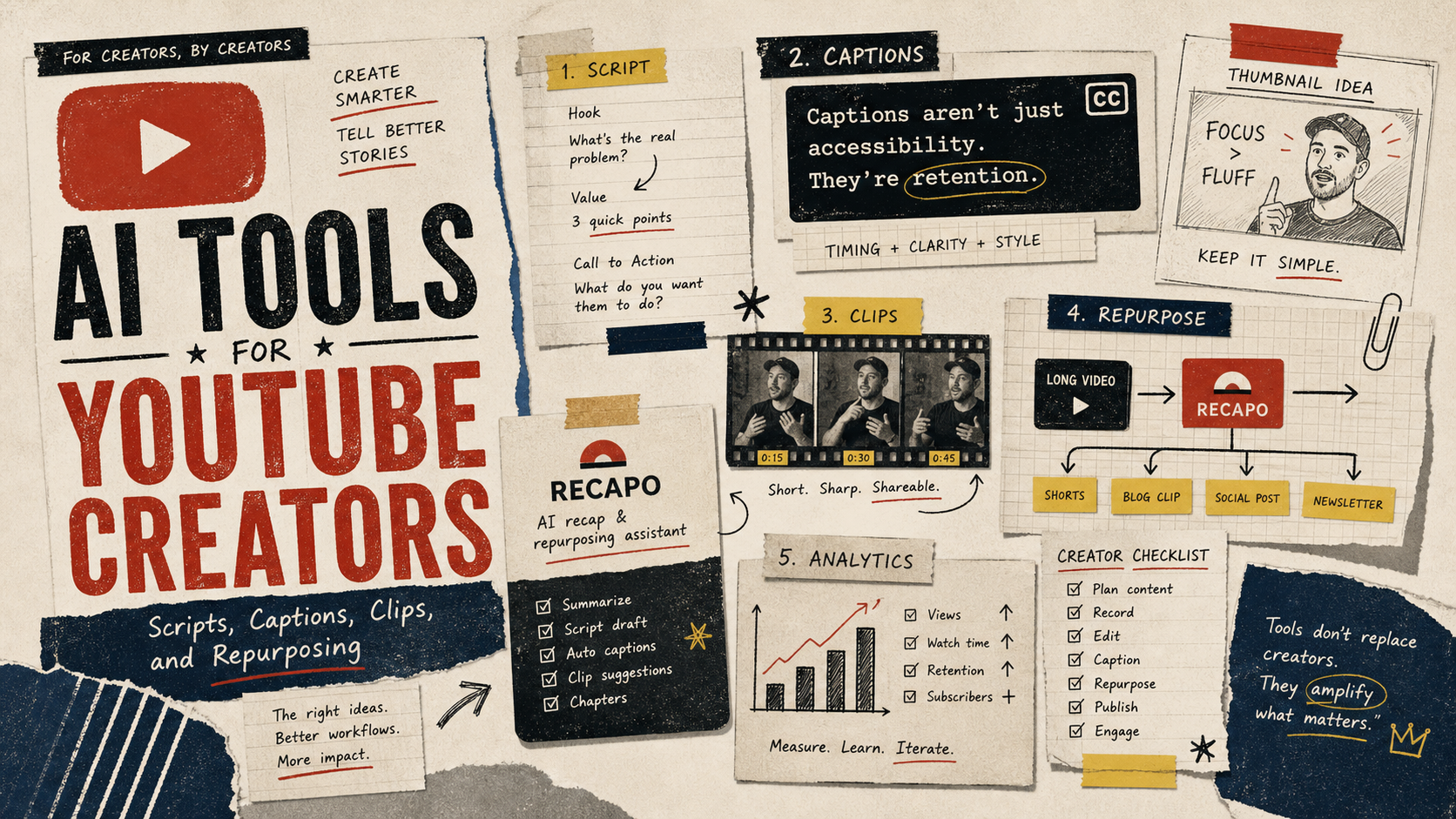
Last updated May 12, 2026: This draft targets "AI tools for YouTube creators" and links Recapo into the video repurposing part of the stack.
AI tools for YouTube creators are useful when they solve a clear production job: ideation, scripting, editing, captions, recap clips, thumbnails, or analytics. They become a distraction when creators collect tools without improving the publishing workflow.
For creators with long videos, Recapo can sit in the repurposing layer: scripts, voiceovers, subtitles, and recap clips. That makes it a natural tool to test after the main video is recorded but before short clips and social posts are published.
Key takeaways
- Choose AI tools by production stage, not by hype.
- YouTube creators need script help, caption review, clip repurposing, thumbnail support, and final QA.
- Recapo is strongest for long-video recap and short-clip repurposing workflows.
- Automatic captions and AI clips still require creator review.
- A small, repeatable stack beats a large toolbox that slows publishing.
What AI tools does a YouTube creator actually need?
| Production stage | AI tool job | What to check |
|---|---|---|
| Ideation | Topic angles, hooks, titles, outlines. | Does it match the channel promise? |
| Script | Draft or compress a script from source material. | Does it sound like the creator? |
| Recording | Teleprompter, audio cleanup, screen capture planning. | Is the source quality strong enough? |
| Repurposing | Use Recapo to create recap clips, subtitles, voiceover, and short scripts. | Does the short clip preserve context? |
| Captions | Generate and style captions. | Are names, terms, timing, and safe areas correct? |
| Publishing | Description, chapters, tags, social snippets. | Does metadata help viewers and searchers? |
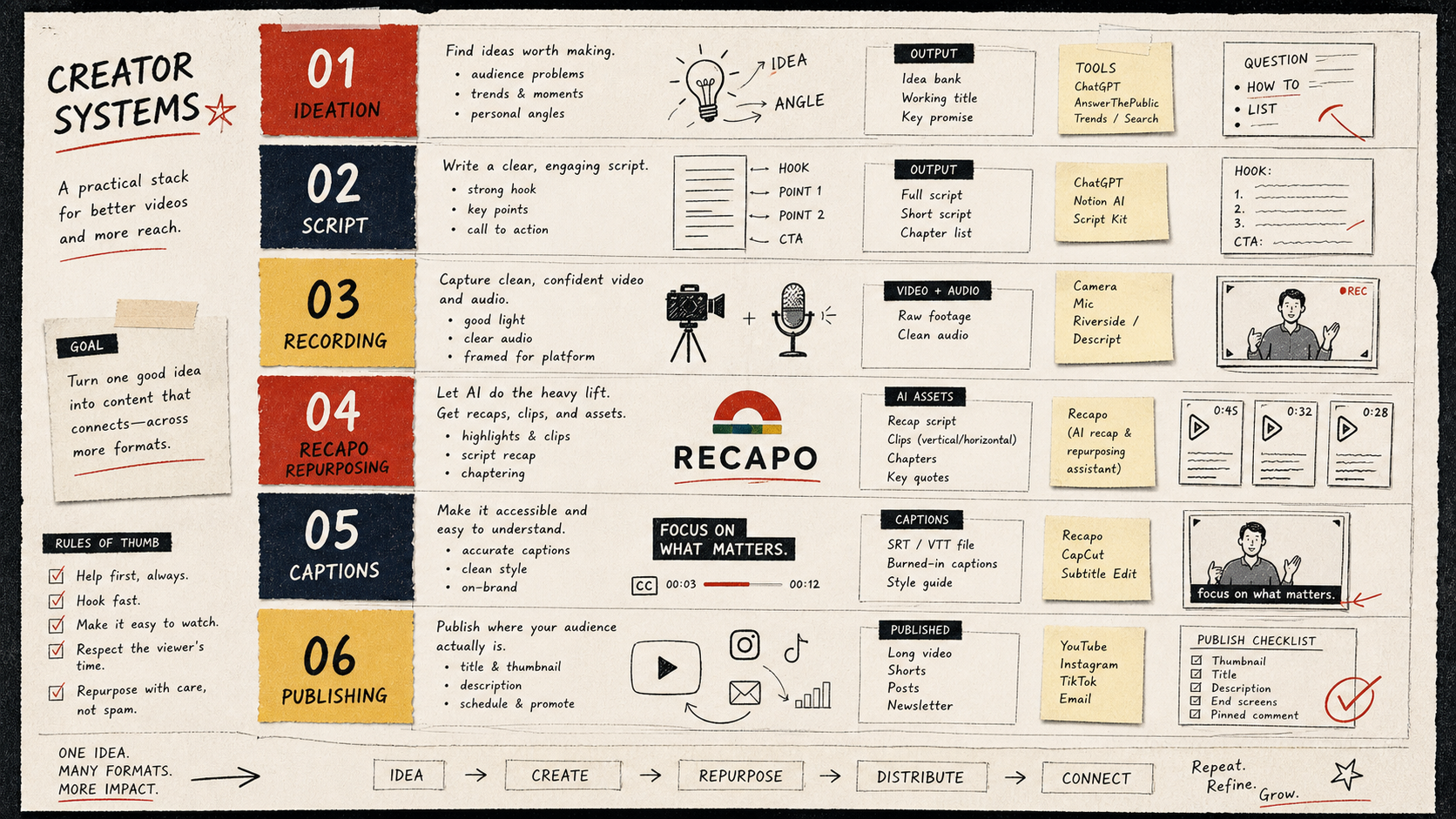
How to build a simple YouTube AI stack
Start with the bottleneck. If you publish slowly because scripts take too long, test a writing workflow. If long videos are underused, test Recapo for recap clips and subtitles. If editing is slow, test timeline assistance. If discovery is weak, improve titles, descriptions, and clip packaging.
- One tool for planning and scripts.
- One tool for video recap or repurposing.
- One tool for captions and subtitle review.
- One editor for final timeline control.
- One checklist for publishing QA.
Where Recapo fits for YouTube creators
Recapo is not the first tool in every creator workflow. It is most useful after a source video exists. Use it when you want to turn a long upload, podcast, interview, product walkthrough, or webinar into shorter clips with scripts, voiceover, and subtitles.
The best Recapo test is simple: take one published long video, create three short candidates, review the captions, and publish only the best one. That will tell you more than browsing ten tool lists.
Final recommendation
The best AI tools for YouTube creators are the ones that shorten a real bottleneck. If your bottleneck is long-video repurposing, test Recapo. If it is planning, captions, editing, or metadata, build the stack around that job first.
E-E-A-T review notes
Experience: Before publishing, add one creator workflow example: long video, selected clip, caption review, and final short format.
Expertise: Sarah Miller should keep this article focused on YouTube creator workflows, Shorts packaging, subtitle review, and long-video repurposing, with examples that a small team can repeat before buying a tool.
Trust: Make clear that YouTube platform features, caption behavior, and AI tools change often. Recommend checking current YouTube help pages before relying on automation.
References
- YouTube automatic captions help - official caption review context
- YouTube Reimagine announcement - AI-assisted Shorts creation context
- Recapo tool page - internal product page for creator repurposing workflows
Where to go next
Use these internal links to continue from the article into tool comparison, production checks, and related workflows.
- Recapo - create recap scripts, voiceovers, subtitles, and short clips from long videos
- AI video generators - compare video tools in the directory
- AI Subtitle Generator for Videos - review captions before publishing