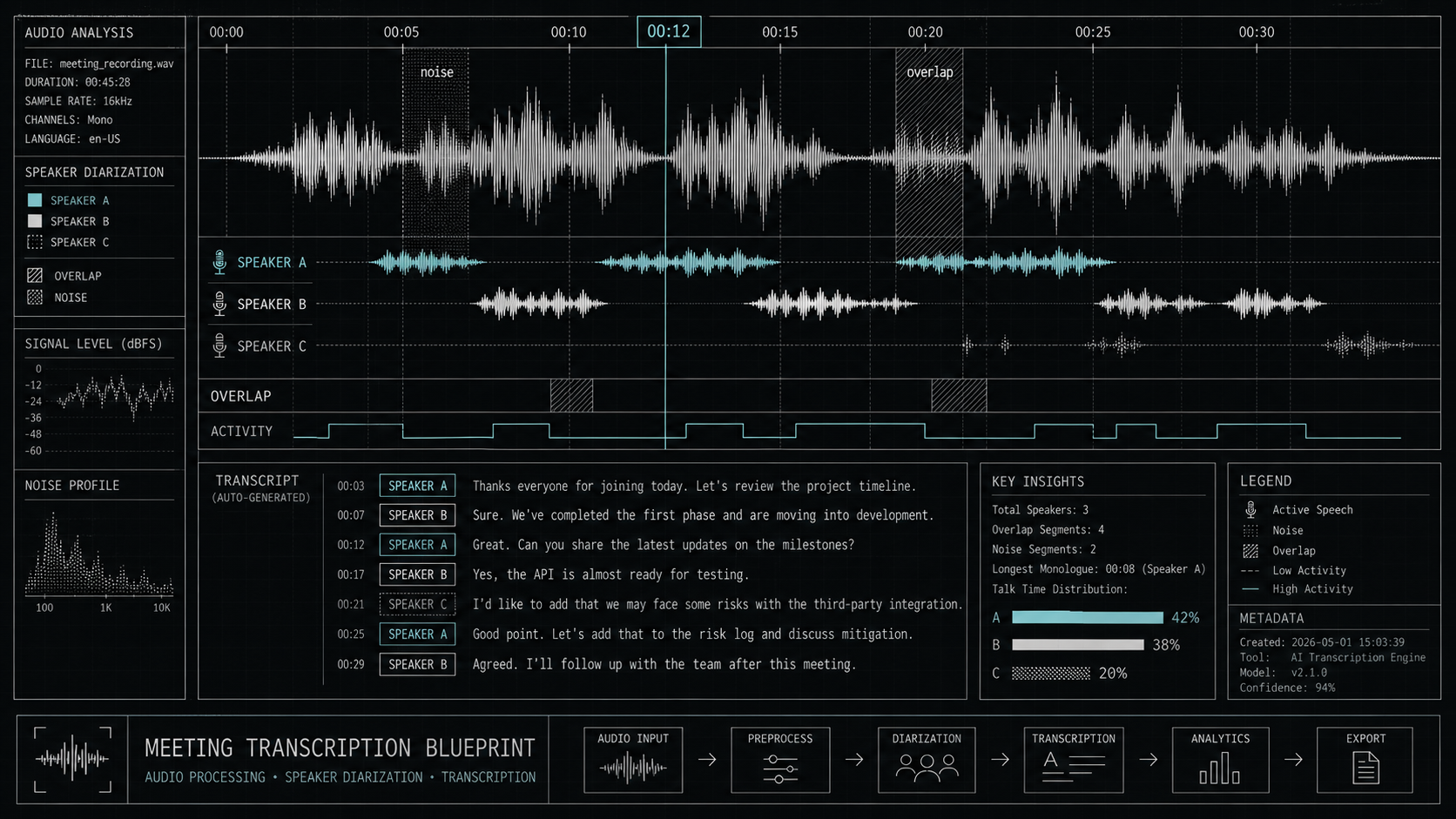
Last updated May 12, 2026: This draft targets "AI transcription tools for meetings" and focuses on practical evaluation before purchase.
AI transcription tools for meetings can make calls searchable, but transcription quality varies by audio setup, accents, speaker overlap, jargon, and privacy controls. The transcript is the evidence layer behind every AI meeting summary.
Teams comparing tools should start with the AI audio and voice tools category, then test options such as Otter, Zoom, and speech-to-text APIs on the same meeting recording.
Key takeaways
- Accuracy should be tested with your own meetings, not vendor demos.
- Speaker labels matter when decisions and action items need accountability.
- Privacy review is essential for customer calls, employee discussions, and regulated data.
- A transcript is more useful when it links to audio timestamps and summary sections.
- Multilingual meetings need special testing for names, terms, and switching languages.
How do you test transcription accuracy?
Use a short benchmark set from your own team: one clean recording, one noisy recording, one meeting with multiple speakers, and one meeting with product names or technical terms. Compare each transcript against a manually reviewed sample.
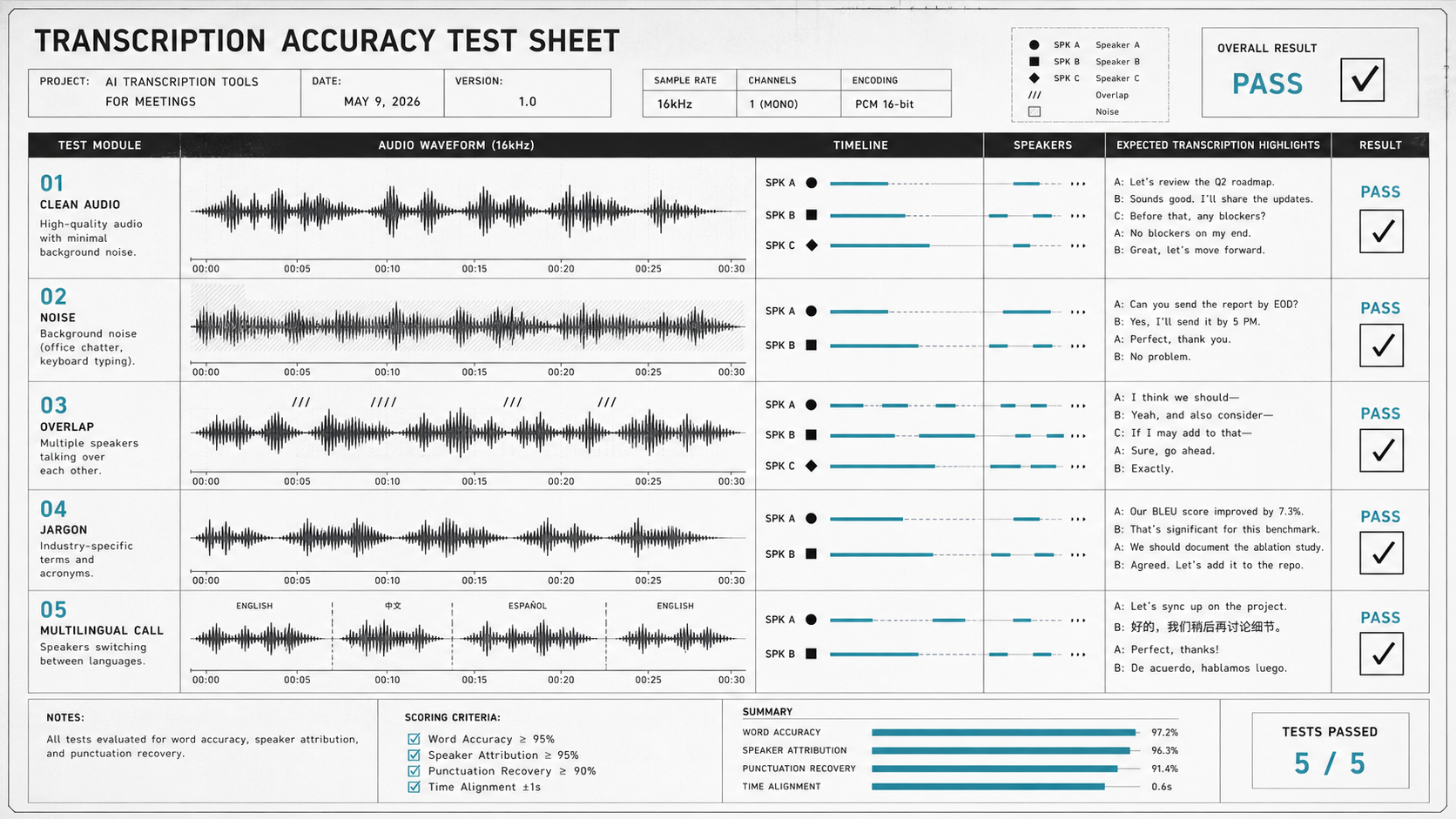
| Test | Why it matters | Pass condition |
|---|---|---|
| Clean audio | Shows baseline accuracy. | Few errors in normal speech. |
| Noisy call | Reveals real-world resilience. | Main meaning survives background noise. |
| Speaker overlap | Tests diarization and accountability. | Speakers are separated well enough to audit. |
| Jargon | Tests product names and acronyms. | Important terms are spelled correctly. |
| Multilingual call | Tests language switching. | Names and intent remain understandable. |
What privacy settings should teams check?
Before using transcription in meetings, check consent flow, recording notifications, data retention, admin controls, export permissions, and whether transcripts are used for model training. The best transcription workflow is not only accurate; it is understandable to everyone being recorded.
- Can participants see that transcription is active?
- Can admins set retention or deletion policies?
- Can sensitive transcripts be restricted by workspace or role?
- Can users export transcripts, and should they be allowed to?
- Does the vendor explain how audio and transcript data are processed?
Final recommendation
Choose AI transcription tools for meetings by running a small accuracy and privacy test. A searchable transcript can become a powerful team memory, but only when speaker labels, timestamps, and consent controls are strong enough for real work.
E-E-A-T review notes
Experience: Before publishing, test one noisy meeting and one multi-speaker meeting, then record the most common transcript errors.
Expertise: Jessica Wong should keep this article focused on meeting transcription quality, speaker labeling, privacy controls, and team documentation workflows.
Trust: Tell readers to follow local recording laws, workplace policy, and vendor data-retention guidance.
References
- OpenAI speech-to-text documentation - official API documentation for transcription workflows
- Zoom AI Companion meeting summary - meeting summary and transcript context
- Microsoft Teams meeting recap - official support documentation
Where to go next
Use these internal links to continue from the article into tool comparison, product pages, and related workflows.
- AI audio and voice tools - browse transcription, voice, and audio tools
- Otter - compare meeting transcription workflows
- Zoom - review AI meeting notes and summaries
- AI Meeting Notes Tool - connect transcripts to summaries and action items