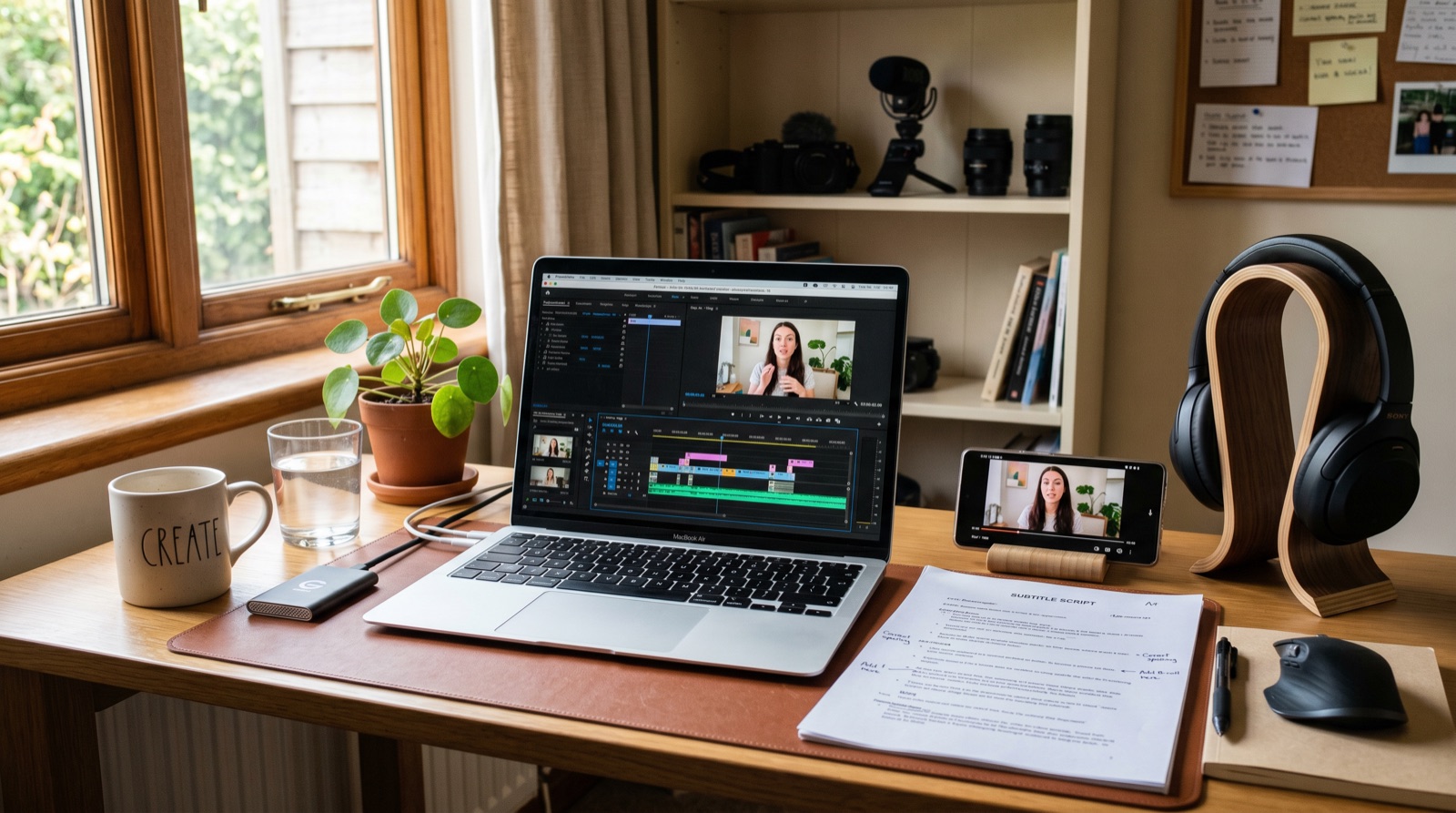
Editorial note, prepared May 6, 2026: This guide is written for beginner creators and small teams. It avoids pretending AI can replace every editorial decision.
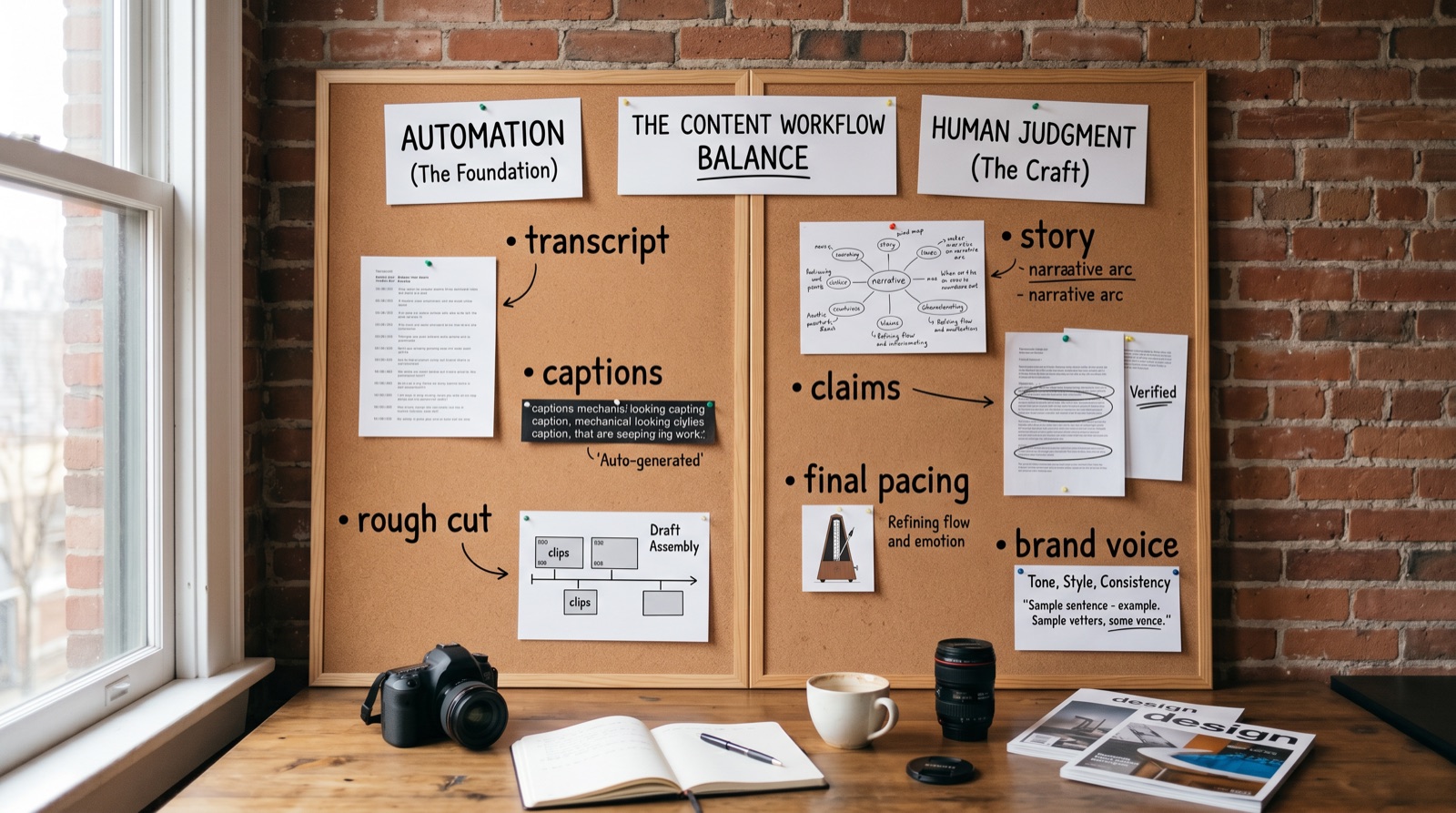
AI video editing tips are most useful when they separate automation from judgment. AI can cut dead air, create captions, suggest hooks, find highlights, and resize formats. But it still needs a human to decide what the video means.
For beginners, the goal is not to automate everything. The goal is to remove repetitive work so you can spend more attention on story, pacing, and whether the clip deserves to be published.
Key takeaways
- Automate rough cuts, transcripts, captions, resizing, and first-pass highlight discovery.
- Keep story structure, brand voice, sensitive claims, and final pacing under human control.
- Use AI edits as a draft, not a final export.
- Review captions manually because one wrong word can change the meaning.
- Build a repeatable checklist before buying more tools.
What to automate vs keep manual
| Editing task | AI is useful for | Keep manual because |
|---|---|---|
| Transcript and captions | Fast first draft and timing | Names, jargon, claims, and tone need review. |
| Dead-air removal | Cleaning pauses and filler | Over-cutting can make speech feel unnatural. |
| Highlight detection | Finding candidate clips | The best moment depends on context and audience. |
| Aspect ratio resize | Creating vertical and square versions | Safe zones and composition still need checking. |
| B-roll suggestions | Generating or finding visual support | Generic visuals can weaken trust. |
| Final pacing | Suggesting cuts | Only a human can judge tension, clarity, and intent. |
Start with the transcript
For most beginner workflows, the transcript is the editing map. Clean the transcript, mark the strongest claims, remove sections that do not support the point, then let tools create a rough cut around those decisions.
Use AI captions carefully
Captions are not decoration. They help comprehension, retention, and accessibility. Review spelling, names, product terms, line breaks, and whether captions cover important visuals.
Do not let AI decide the hook alone
AI can suggest hooks, but a good hook depends on audience expectation. The first three seconds should tell viewers why this clip matters now. That is an editorial decision, not only a pattern-matching task.
Beginner review checklist
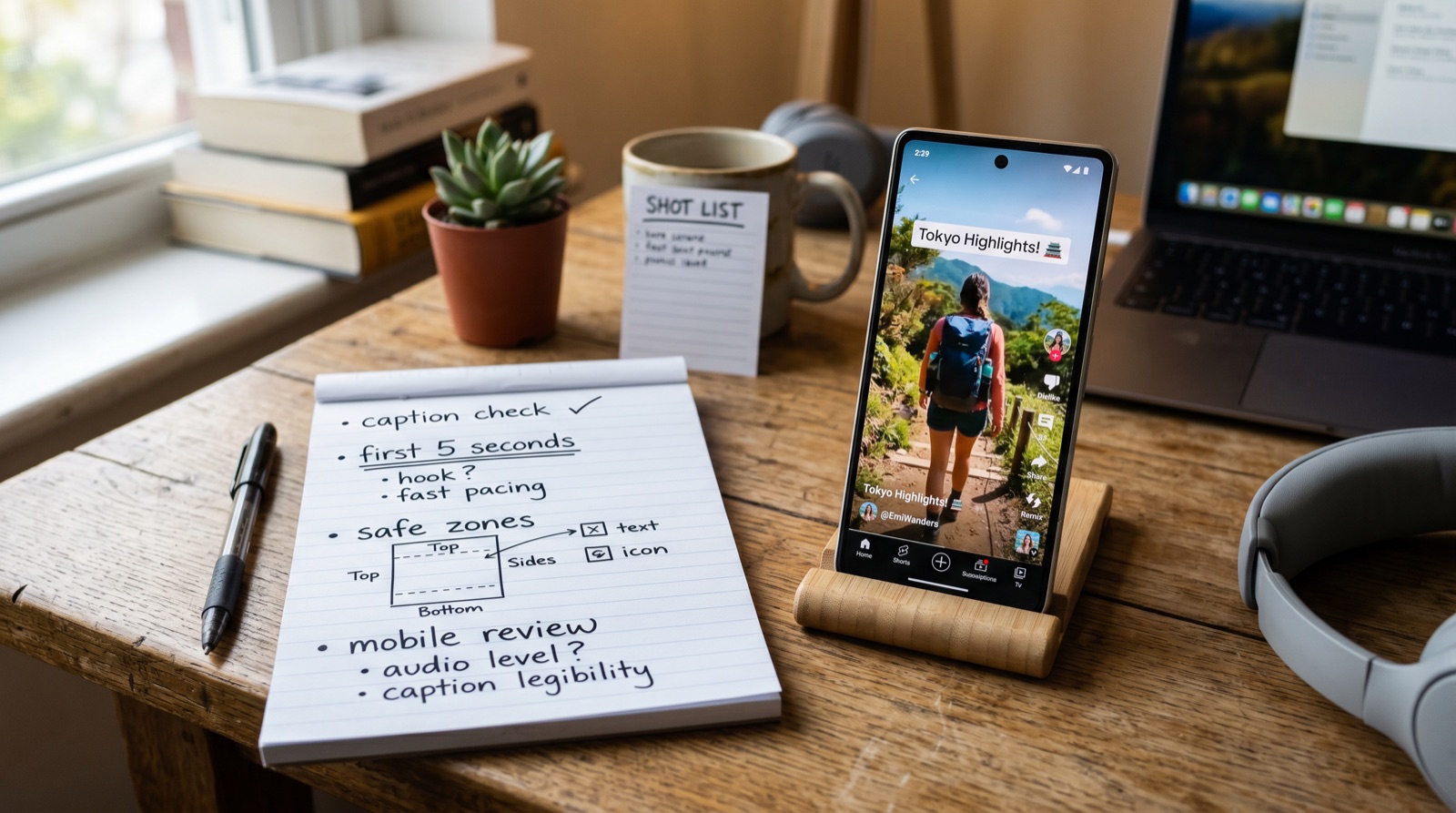
- Watch the first five seconds without sound.
- Read every caption line once.
- Check whether the clip makes sense without the original long video.
- Remove any B-roll that looks generic or misleading.
- Export one platform-specific version, then inspect it on mobile.
When not to use AI editing heavily
- The content includes legal, medical, financial, safety, or policy claims.
- The speaker's exact meaning matters and cannot be paraphrased.
- The clip uses copyrighted footage or music without a clear rights path.
- The tool makes the output look fast but less trustworthy.
E-E-A-T notes for editors
Add before/after examples before publishing. Even small screenshots of transcript cleanup, caption review, or hook selection will make the article feel experience-backed instead of generic.
References and source notes
- Loopdesk: AI video editing trends 2026 - trend reference for agentic editing
Where to go next
Use these internal links to move from the article into the right comparison, category, or tool research path.
- Short video editing tips - canonical editing guide
- Short video workflow - plan the clip before editing
- Browse AI video tools - compare tools by workflow
Final recommendation
Use AI to make the first draft faster. Keep the final judgment human. Beginners improve fastest when they automate repetition, then review the edit for meaning, pacing, and trust.