Editorial note, prepared May 6, 2026: This article is a workflow guide, not a promise that one format works on every platform. Editors should update platform-specific notes as rules and formats change.
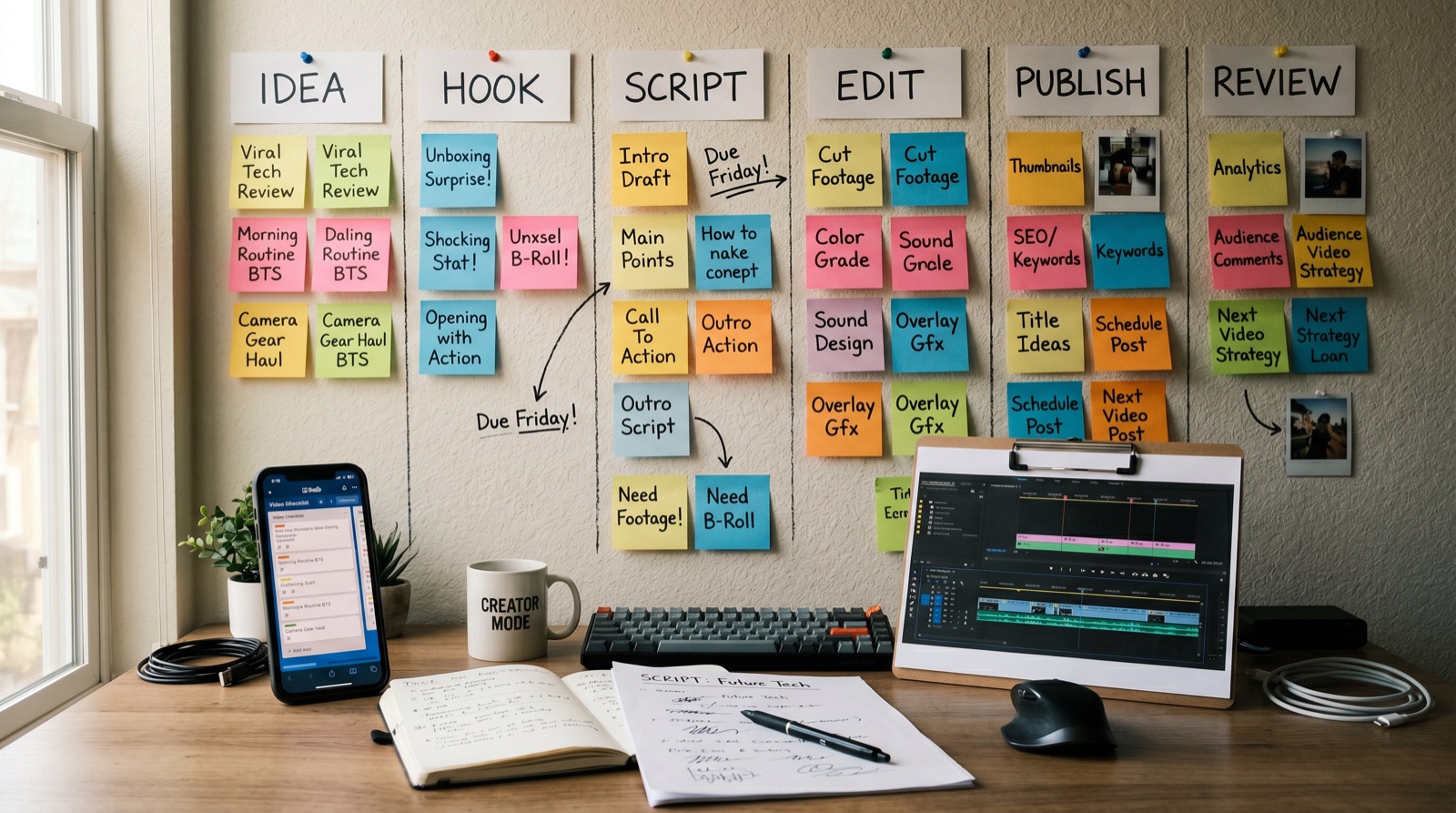
A reliable short video workflow gives you a repeatable path from idea to publish. Without a workflow, creators jump between hooks, captions, tools, and exports until the clip feels busy but not clear.
The better path is simple: choose one viewer problem, write one hook, script one idea, edit for comprehension, publish in the right format, then review what the audience did next.
Key takeaways
- Start with the viewer problem, not the editing tool.
- Write the hook before opening the timeline.
- Keep one idea per short video.
- Use captions for clarity, not just style.
- Review retention and comments before making the next version.
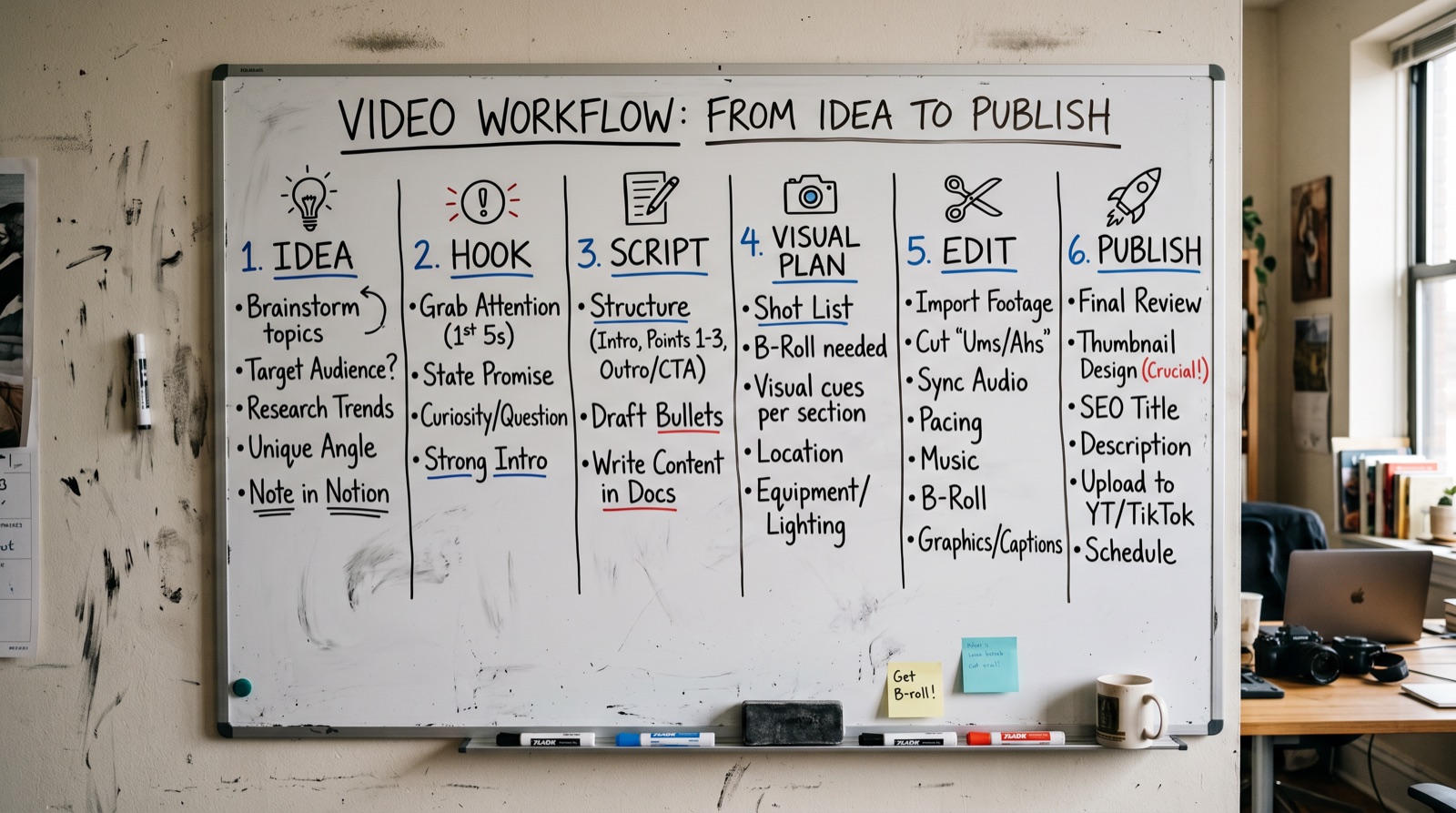
The workflow at a glance
| Step | Question | Output |
|---|---|---|
| Idea | What problem or curiosity does this clip answer? | One sentence angle. |
| Hook | Why should someone keep watching now? | Opening line or visual moment. |
| Script | What is the shortest useful explanation? | 40 to 120 word draft. |
| Visual plan | What should viewers see while listening? | Shot list, screen capture, B-roll, or generated visuals. |
| Edit | Where does attention drop? | Tighter timeline, captions, safe zones. |
| Publish | What platform and format fit this clip? | Export, caption, title, thumbnail frame. |
| Review | What will you change next time? | Retention notes and next experiment. |
Step 1: choose one viewer problem
Short videos fail when they try to do too much. Choose one viewer problem or curiosity gap. "Best AI tools" is too broad. "How to turn one product image into a four-second demo clip" is narrow enough to work.
Step 2: write the hook first
A hook should create context fast. It can challenge a belief, show the result first, name the mistake, or ask a question the target viewer already has. If the hook needs a long explanation, the idea may be too broad.
Step 3: script for spoken clarity
Write the script like a person would say it. Remove throat-clearing, brand slogans, and setup that viewers do not need. Then mark words that should appear as captions or on-screen labels.
Step 4: edit for mobile comprehension
Most short-video review should happen on a phone. Check safe zones, caption size, face or product visibility, audio clarity, and whether the first frame explains the topic without help.
Step 5: publish and learn
Do not judge a workflow by one viral or failed clip. Track retention, saves, comments, and where viewers drop. Then make a smaller change next time: hook, pacing, caption style, or visual format.

When not to add another tool
- You do not have a repeatable idea and scripting process yet.
- Your bottleneck is unclear positioning, not editing speed.
- Your captions, hook, and export QA are still inconsistent.
- You are switching tools to avoid making editorial decisions.
E-E-A-T notes for editors
Add one real example workflow before publication: an idea, hook, script, visual plan, and final checklist. This gives the article a practical experience signal and makes it easier for readers to copy the process.
References and source notes
- AI video production workflow - internal workflow reference
Where to go next
Use these internal links to move from the article into the right comparison, category, or tool research path.
- Short video tools comparison - canonical short-video tools hub
- Video editing tips - improve the edit after planning
- AI video editing tips for beginners - decide what to automate
- Browse AI video generators - compare tools by job
Final recommendation
A short video workflow should make publishing calmer. Start with one idea, build one hook, script tightly, edit for mobile, and learn from the response. The tool stack comes after the workflow, not before it.