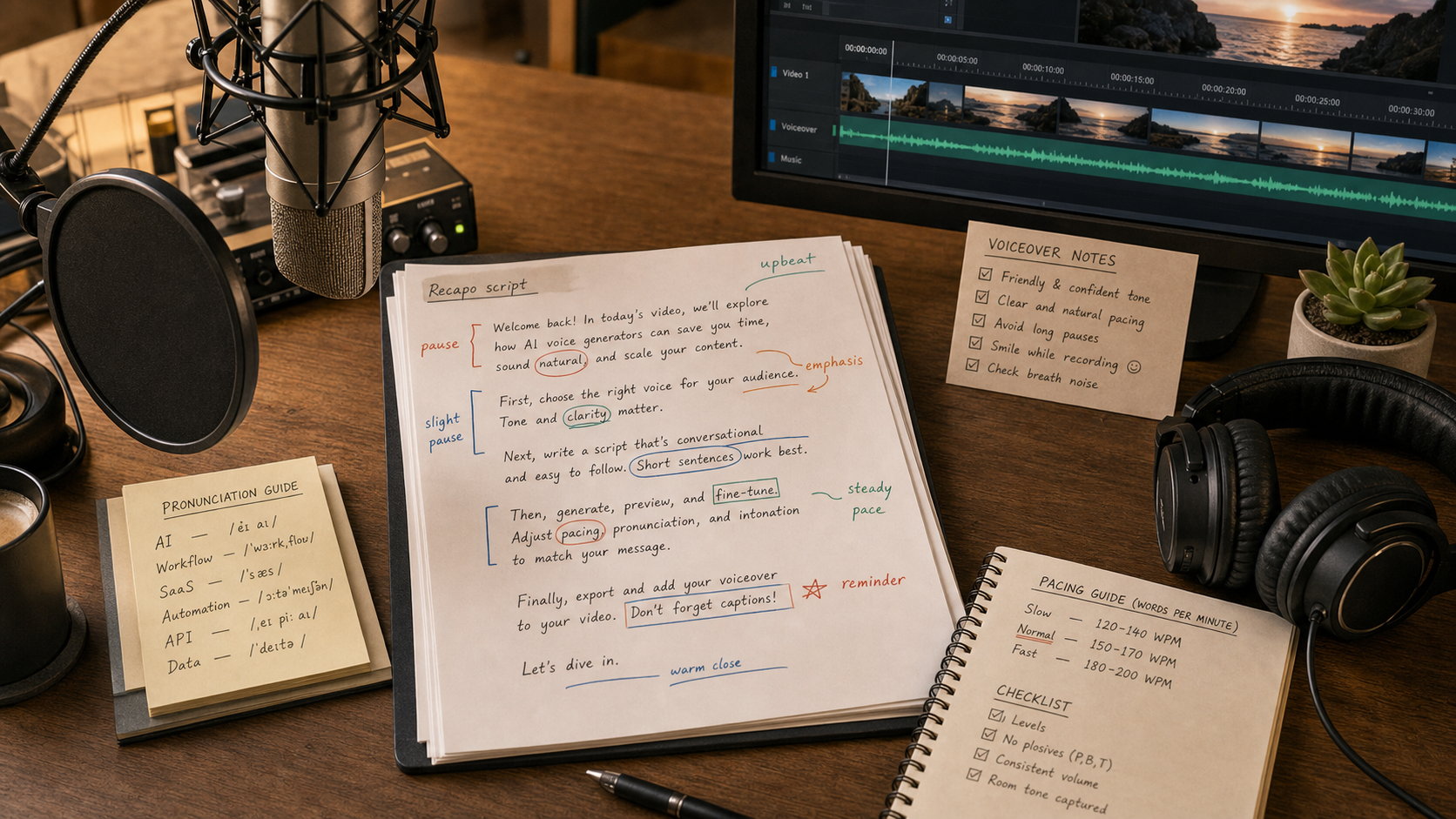
Last updated May 12, 2026: This draft targets "AI voice generator for videos" and links naturally into Recapo video workflows.
An AI voice generator for videos can help creators produce narration, explainers, recaps, and multilingual versions faster. The hard part is not generating speech; it is making the voice sound natural, lawful, and consistent with the edit.
For video workflows, compare the AI audio and voice tools category, then connect voiceover review to Recapo when turning long videos into recap scripts, subtitles, and short clips.
Key takeaways
- Naturalness depends on pacing, pronunciation, emotion, and edit fit.
- Voice rights and disclosure matter, especially for cloned or synthetic voices.
- AI voiceover should be checked against the script and visual timing.
- Captions should match the final voiceover, not an earlier script draft.
- Recapo can fit when a long video needs a recap script, subtitle pass, and voiceover workflow.
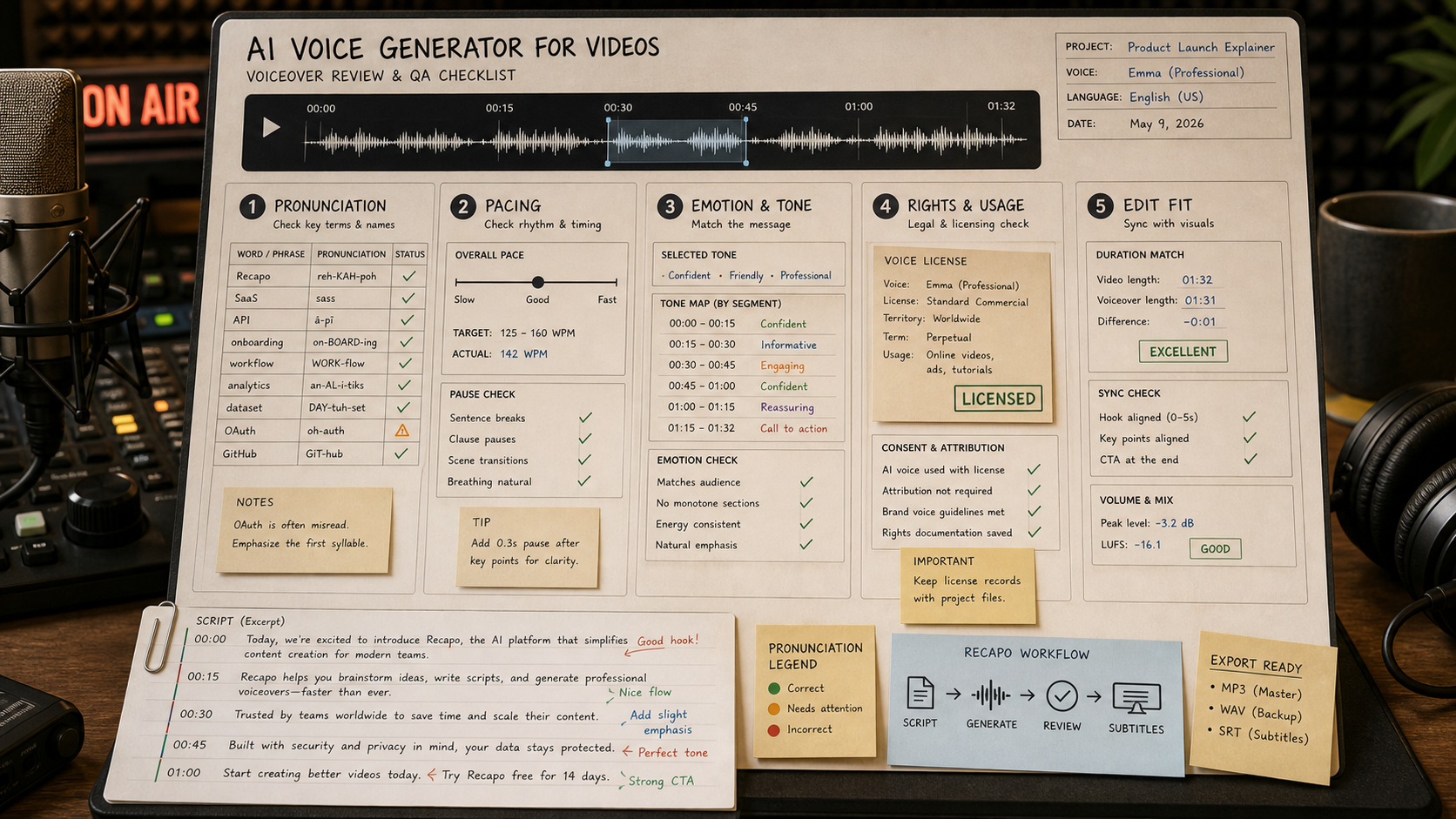
What should you test before using an AI voice generator?
| Test | What to listen for | Why it matters |
|---|---|---|
| Pronunciation | Names, brands, acronyms, and technical terms. | Errors reduce trust quickly. |
| Pacing | Pauses, sentence rhythm, and emphasis. | Bad pacing makes short videos feel automated. |
| Emotion | Whether the voice matches the topic. | A flat voice can weaken educational or promotional videos. |
| Rights | Commercial use, voice cloning consent, and allowed channels. | Usage rights vary by tool and voice type. |
| Edit fit | Whether the voice matches cuts, captions, and on-screen action. | Voiceover must support the final video timing. |
How should the editing workflow work?
Start with the final or near-final script. Generate the voiceover, place it in the timeline, adjust the edit around natural pauses, then generate or update captions. If captions were created before the voiceover, review them again because the final spoken version may have changed.
- Create a pronunciation list before generating the voice.
- Listen once without visuals, then once with the full video.
- Check caption timing against the final audio.
- Keep records of the voice, tool, and license used for each video.
- Follow platform rules for synthetic or altered content when applicable.
Where does Recapo fit?
Recapo fits when the voiceover is part of a larger long-video repurposing workflow. A source webinar or podcast can become a recap script, subtitle draft, voiceover, and short clip. Keeping those pieces in one workflow makes review easier than handling each asset in isolation.
Final recommendation
Use AI voice generators when they reduce production friction without hiding source, rights, or quality issues. For video recaps, connect voiceover to script, subtitles, and clip review so the final output feels intentional, not synthetic by default.
E-E-A-T review notes
Experience: Before publishing, test one 45-second script with two voice styles and document which was easier to edit.
Expertise: Sarah Miller should keep this article focused on AI voiceover workflows, synthetic voice review, captions, timing, and short-form video production.
Trust: Tell readers to check platform disclosure rules, tool licensing, and consent before using cloned or synthetic voices.
References
- YouTube altered or synthetic content disclosure - official YouTube help for disclosure context
- ElevenLabs help center - official support resources for voice and dubbing workflows
Where to go next
Use these internal links to continue from the article into tool comparison, product pages, and related workflows.
- AI audio and voice tools - browse voice, dubbing, and transcription tools
- Elevenlabs - compare voice generation and dubbing workflows
- Recapo - connect voiceover to recap scripts and subtitles
- AI Subtitle Generator for Videos - review caption quality after voiceover changes