
If you are searching for a free AI image generator or typing ai image generator free into Google, you usually want a fast answer: which tool is actually worth trying first, what the free plan can really do, and where the frustration starts. That is the angle of this guide.
TL;DR
- Bing and Copilot are still the easiest starting points if you want quick results without learning a creative workflow.
- Ideogram is a stronger fit when text rendering matters, while Dreamina and Leonardoai give you more style control once you want better-looking outputs.
- Canva is often the most practical pick for creators who need social-ready edits, not just raw image generation.
How we approached this guide
We did not treat every tool as interchangeable. For a keyword like free ai image generator, the real buying criteria are usually speed, quality on the first prompt, ability to reuse outputs in real work, and how much the free tier still feels useful once the novelty wears off.
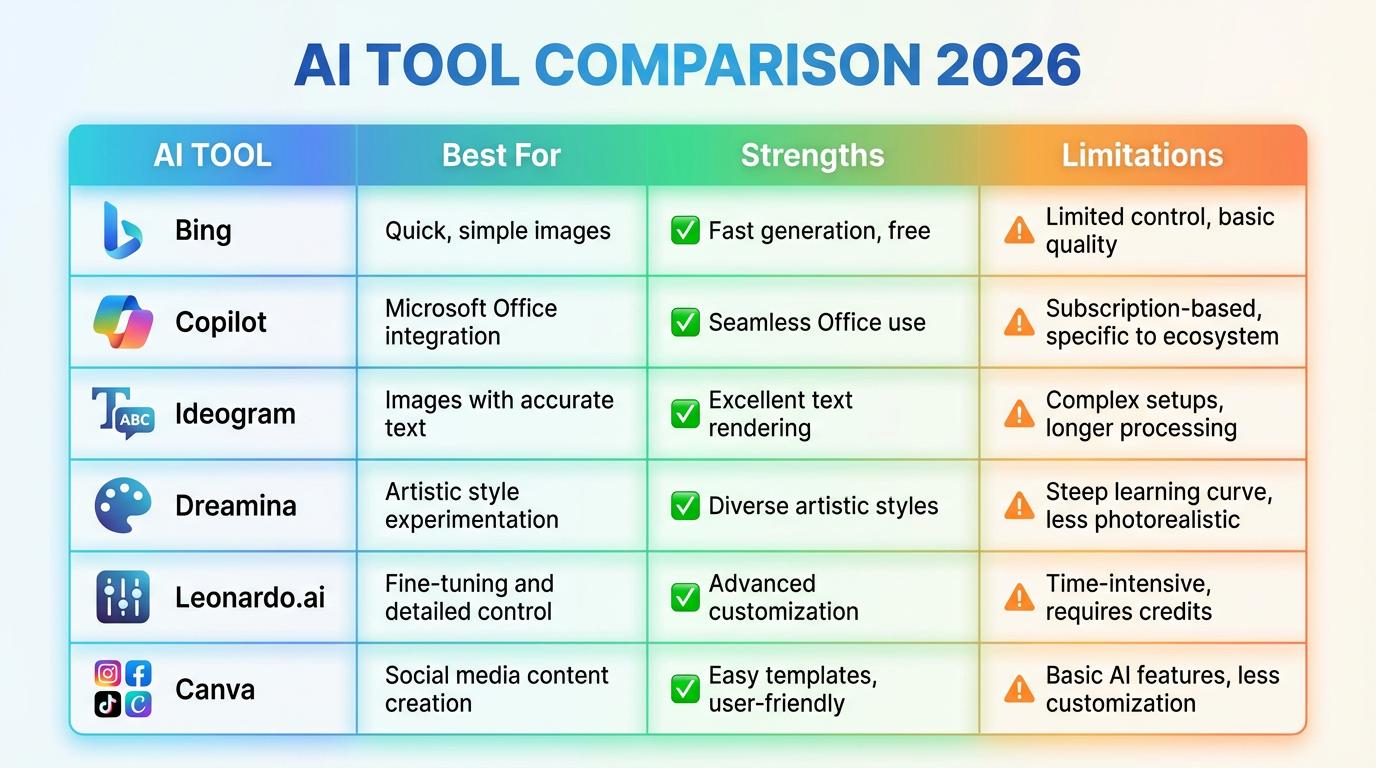
| Tool | Best for | What the free tier does well | Main trade-off |
|---|---|---|---|
| Bing | Quick image generation for casual use | Easy access, simple prompt flow, low friction | Less control once you want fine-tuned edits |
| Copilot | People already using Microsoft's ecosystem | Convenient entry point and decent prompt interpretation | Feels more utility-oriented than studio-oriented |
| Ideogram | Posters, product text, mockups | Better text rendering than most entry-level tools | Free usage can feel narrow for heavy iteration |
| Dreamina | Stylized social visuals and concept art | Strong visual polish relative to effort | You still need prompt discipline for consistency |
| Leonardoai | More control and asset exploration | Useful for creators who want more knobs to turn | Not the fastest route for beginners |
| Canva | Marketing graphics and quick layouts | Easy handoff from generation to editing and publishing | Less of a pure art playground than dedicated tools |
What to check before trusting a “free” claim
- Generation caps: Many tools are free to try, but not free to use heavily.
- Commercial rights: Some tools are more generous than others when you want to use outputs in real client work.
- Editing workflow: A beautiful output is less useful if you cannot quickly resize, refine, or repurpose it.
- Prompt repeatability: The best free AI image generator for one user is not always the one with the prettiest single demo image. It is the one that stays predictable across multiple prompts.
Best picks by use case
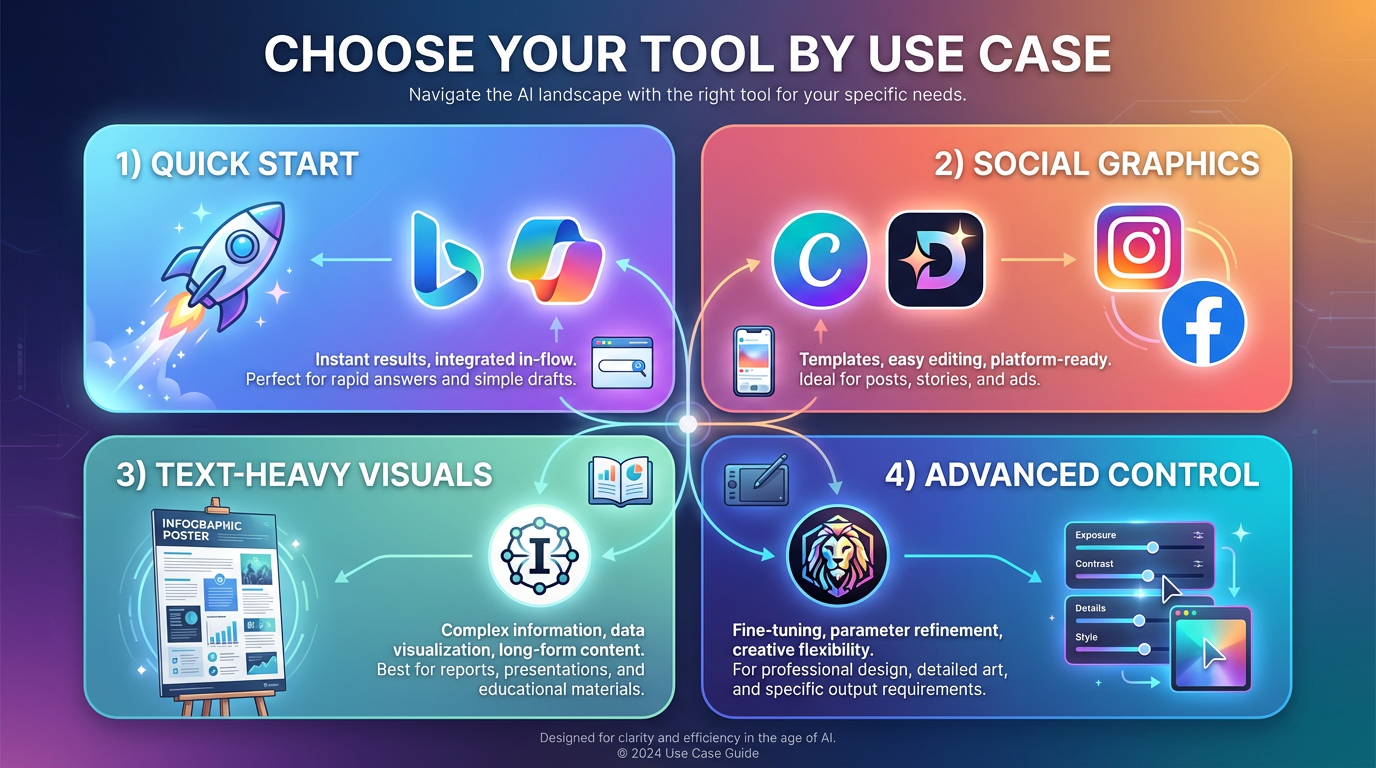
For fast, low-friction starts: begin with Bing or Copilot.
For better-looking social graphics: test Canva and Dreamina.
For text-heavy visuals and product mockups: try Ideogram.
For more control and longer-term experimentation: compare Leonardoai with Stability.
Where to go next
If you want broader comparisons, read Best Free AI Image Generators You Can Use Today. If you want tool-specific detail, the strongest next reads are Craiyon AI Image Generator: Best For Beginners? and Meta AI Image Generator: How It Works, Limits, and Alternatives.
Final take
The best ai image generator free workflow usually starts with a practical question, not a flashy benchmark: do you need a fast idea, a polished social asset, or a reusable design workflow? Once you answer that, the shortlist becomes much clearer and the free tier matters a lot less than workflow fit.



