Editorial note, draft prepared April 22, 2026: This draft is written for readers who already know basic prompting and need a repeatable framework. Before publishing, verify any model-specific examples against current OpenAI and Anthropic documentation.
Most prompt advice still sounds like a bag of tricks: add a role, ask for step-by-step reasoning, include examples, and hope the next model update does not break the workflow. That is not enough when a team needs predictable output from a production LLM workflow.
A useful prompt engineering framework turns prompting into a repeatable system: define the task, provide context, constrain the output, test failure modes, and keep a versioned evaluation loop. The goal is not a clever prompt. The goal is a prompt that survives real users, messy inputs, and changing models.
TL;DR: Use a five-part prompt framework: task, context, constraints, examples, and evaluation. Keep prompts short enough to maintain, specific enough to test, and structured enough to compare across models. Treat prompts like product assets, not disposable copy.

Who this guide is for
This guide is for product managers, AI builders, content teams, and founders who use the prompt engineering workflow regularly and need cleaner outputs from ChatGPT, Claude, Gemini, or internal assistants.
- Teams moving from casual chatbot use into repeatable internal workflows.
- Editors and operators who need structured drafts, tables, summaries, or QA checks.
- Builders comparing prompts across tools in the AI tools directory.
The practical framework
A strong framework reduces ambiguity before the model starts writing. Each part answers one question the model would otherwise guess.
| Layer | What it answers | Example instruction |
|---|---|---|
| Task | What should the model do? | Rewrite this product summary for technical buyers. |
| Context | What does the model need to know? | Audience: SaaS CTOs comparing AI workflow tools. |
| Constraints | What must it avoid or follow? | No unsupported claims. Keep paragraphs under 70 words. |
| Examples | What does good output look like? | Match this before/after sample and preserve terminology. |
| Evaluation | How will we judge success? | Score clarity, accuracy, completeness, and source handling. |

Start with task boundaries, not persona labels
Role prompts can help, but they are weaker than clear task boundaries. "Act as a senior editor" is vague. "Identify factual claims, mark unsupported statements, and rewrite the answer with citations preserved" is testable.
The easiest way to improve prompts is to write the acceptance criteria before the prompt. If you cannot describe what a good answer looks like, the model cannot reliably produce it.
- Define the output format before asking for style.
- Name the audience and decision the output supports.
- State what the model should do when information is missing.
Use examples only when the task has a stable pattern
Few-shot examples work best when the output has a repeated structure: product summaries, support replies, short briefs, classification labels, and extraction tasks. They are less useful for open-ended strategy work where examples can overfit the model.
When examples are useful, keep them short and representative. One clean example is often better than five long examples that introduce conflicting style rules.
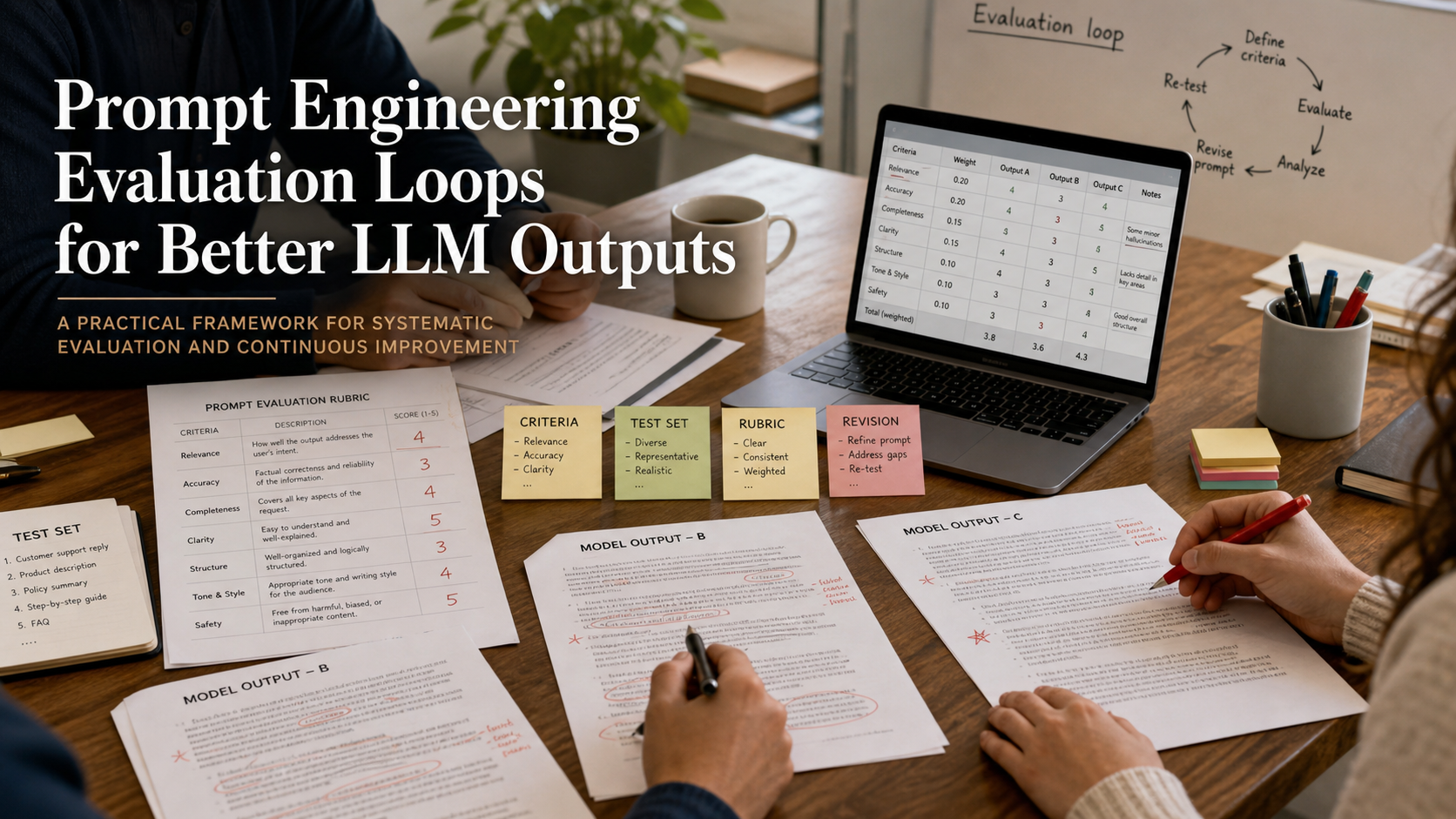
Add evaluation before scale
Prompt quality should not be judged by whether one output looked good. Create a small test set with easy, typical, and difficult inputs. Then compare outputs across model versions, prompt versions, and reviewers.
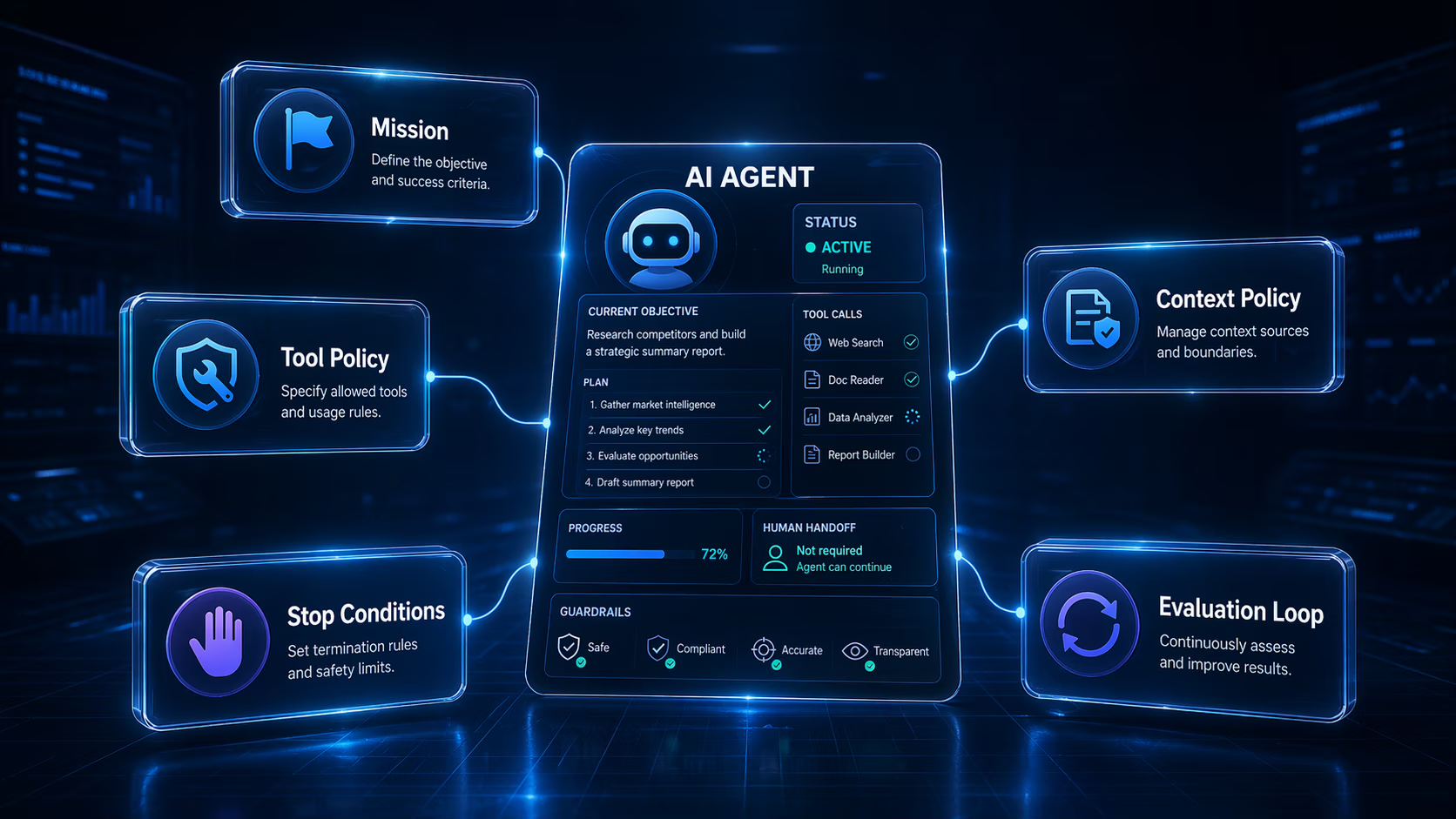
For teams building agentic workflows, this evaluation step is the bridge from prompting to product operations. It is also where agentic AI guides become practical instead of theoretical.
| Test case | Why it matters | What to inspect |
|---|---|---|
| Easy input | Checks basic instruction following | Format, tone, completeness |
| Messy input | Checks robustness | Assumptions, omissions, hallucinations |
| Contradictory input | Checks judgment | Escalation, clarification, refusal behavior |

Implementation checklist
- Write the task in one sentence before adding any role or style instruction.
- Add context only when it changes the answer.
- Specify the output format with headings, bullets, or JSON only when needed.
- Create three to five test inputs before reusing the prompt in production.
- Version prompts the same way you version templates, scripts, and SOPs.
E-E-A-T notes for editors
Alex Chen should add a short editor note after hands-on testing with at least two models. Include screenshots or output excerpts when the final article is published, and keep the references section focused on official prompting guidance.
References and further reading
- OpenAI prompt engineering guide - official guidance for prompt design and model instructions
- Anthropic prompt engineering overview - official Claude prompting guidance
Where to go next
Use these related pages to move from research into tool selection, comparison, and implementation.
- Prompt engineering category - more prompting workflows and examples
- Claude tool page - compare Claude as a prompt testing environment
- ChatGPT tool page - compare ChatGPT for structured output workflows
Final recommendation
The best prompt engineering framework is boring in the right way. It makes the task explicit, keeps context relevant, defines the output, and gives editors a way to test whether the prompt still works next month.