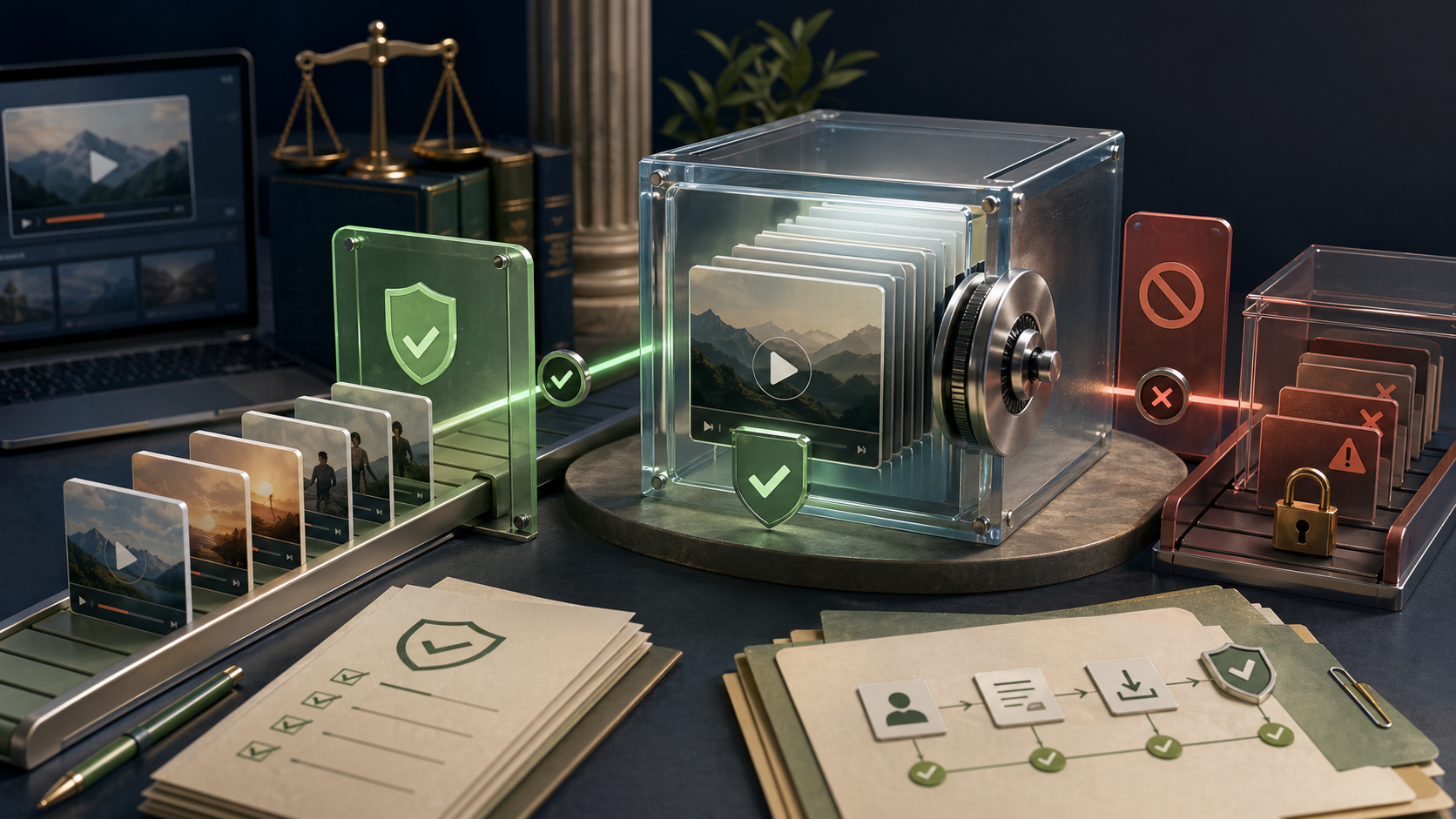
If you searched save YouTube video or YouTube video converter, the real question is usually simpler: how do I keep access to a video without creating copyright, account, or malware problems? The safest framing is simple: for most people, the best path is not a sketchy downloader. It is using official offline features when available, then choosing legal tools to organize or repurpose videos you own.
| Need | Best option | Risk level | Best for |
|---|---|---|---|
| Watch offline later | Official YouTube offline download | Low | Casual viewers |
| Keep your own uploaded assets | Original source files or creator exports | Low | Creators and teams |
| Turn content into notes, clips, or transcripts | AI repurposing tools | Low to medium | Students, marketers, editors |
| Download copyrighted videos via random converter sites | Third-party downloader/converter | High | Usually not recommended |
What does “save YouTube video” actually mean?
For searchers, save YouTube video can mean four different things: offline viewing, file download, format conversion, or content repurposing. Those are not the same thing.
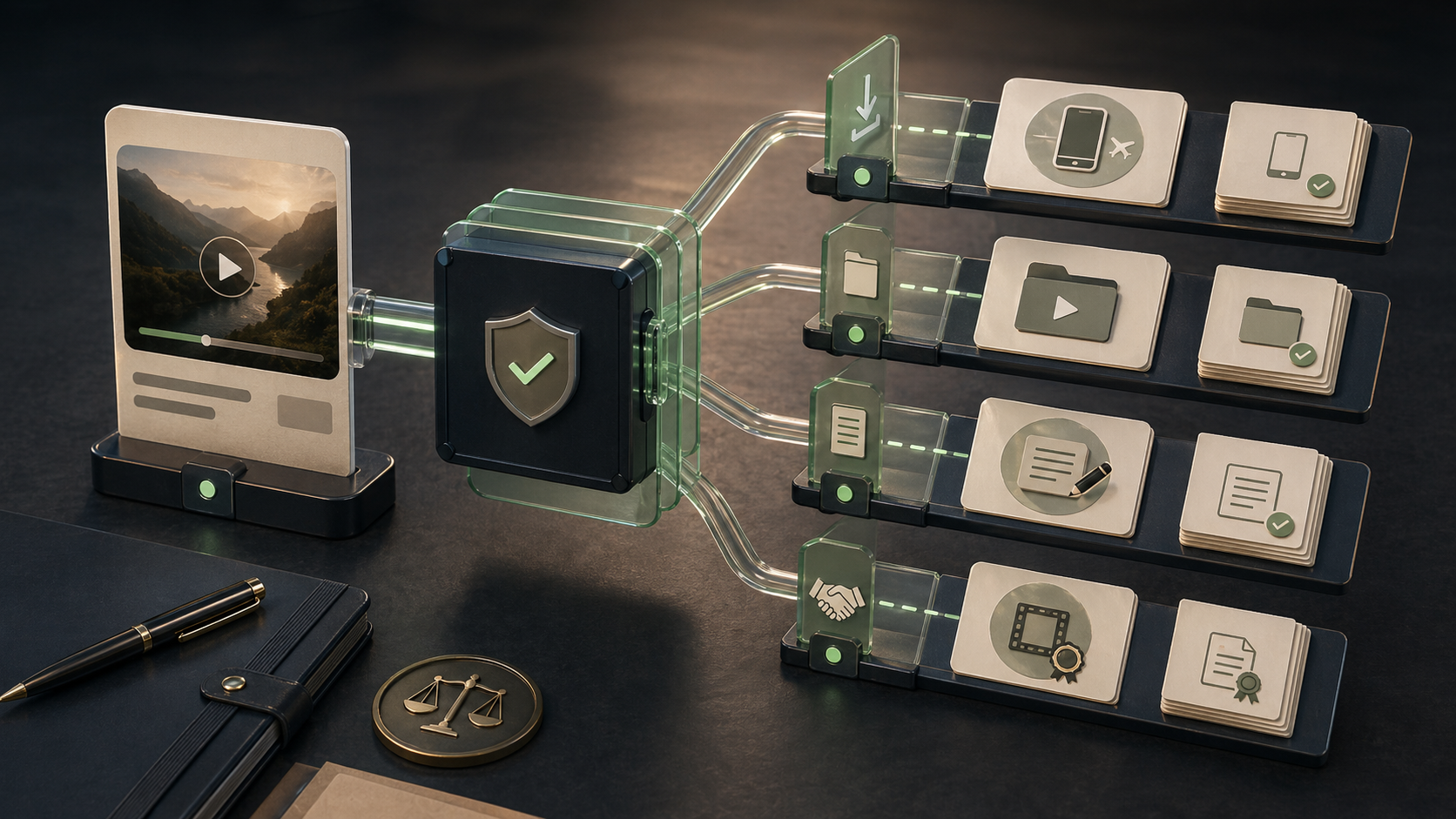
A YouTube video converter may promise MP4 or MP3 output, but the legal and technical risk changes fast depending on ownership and permissions. If you uploaded the video, licensed it, or have written permission, your options are much broader. If you do not control the rights, the safest answer is much narrower.
Can you legally save YouTube videos?
Short answer: sometimes, but not by default.
In most cases, the cleanest option is YouTube's own offline viewing feature where it is offered under the platform's terms. Downloading or converting copyrighted videos through third-party tools may conflict with platform rules and can expose users to malware-heavy sites, fake buttons, and poor file integrity.
Why does this matter? Because many people searching for a YouTube video converter are not trying to pirate anything. They just want offline access, classroom review, team notes, or a backup of content they created themselves. The tool choice should reflect that intent.
Official YouTube offline download options
If your goal is simply to watch later, start here.
- Check whether the video has an official offline option in your region or account tier.
- Use YouTube's built-in save or offline feature inside the app.
- Keep the content inside the approved viewing environment instead of exporting a raw file.
This is the lowest-risk path for viewers. It will not solve every workflow. But it avoids the usual converter-site mess.
When saving a video is risky
A third-party YouTube video converter becomes risky when it does any of the following:
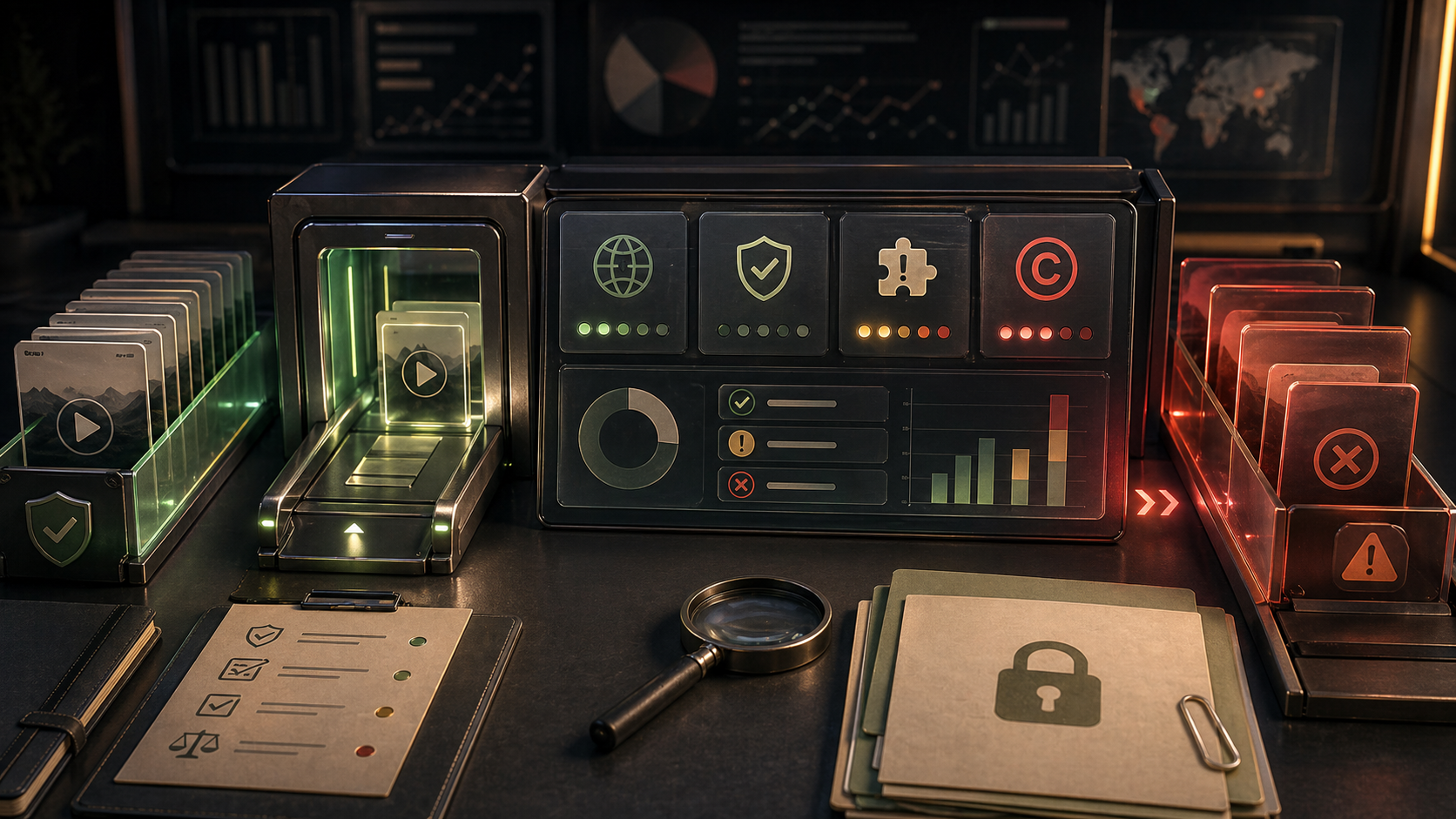
- Bypasses access restrictions on copyrighted content
- Offers file conversion for videos you do not own or license
- Pushes browser extensions, fake download buttons, or bundled software
- Encourages MP3 extraction from protected media without permission
Frankly, this is where many “save YouTube video” guides stop being useful. They list tools, but skip the rights question. We do not think that is honest.
Safe alternatives for creators, students, and teams
If you are not trying to rip random videos, there are better workflows.
For creators
Use your original source files, brand asset folders, and creator-safe editing tools. Then use a discovery platform to compare clipping, subtitle, summarization, or script-generation tools.
Workflow example 1 Input → your own long-form YouTube upload Processing → find a transcript or clipping tool through category filters, compare pricing labels, then review feature pages for subtitle export and short-form support Output → a shortlist of tools for turning one video into shorts, captions, and blog notes
For students or researchers
If the aim is study, do not start with a downloader. Start with note-taking, transcription, or summarization tools that work on content you can legally access.
Workflow example 2 Input → a lecture link plus a need for searchable notes Processing → browse video, research, or writing categories, compare transcript and summary tools, then choose a tool with clear use-case coverage Output → structured notes, key timestamps, and study summaries without relying on a risky converter site
Tools to organize or repurpose videos you own
This is where a structured tool directory helps in one specific scenario: finding the right software after the video access problem is already solved.
It is not a downloader. That is the point.
For creators, solo editors, and content teams who already own the footage or have permission to use it, the platform is a better starting point than a generic “best YouTube downloader” list because it helps you compare:
- AI video clipping tools
- Transcription and subtitle apps
- Writing tools for turning videos into articles
- Research tools for extracting themes and talking points
- Audio tools for voice cleanup or dubbing
Futurepedia is better for broad AI discovery across many experimental products. There's An AI For That is strong for task-based search. Product Hunt is useful for finding newly launched tools and community buzz. But for structured comparison of creator workflows, especially when you need categories, tags, pricing labels, tutorials, and editorial summaries in one place, Generator AI Tools is the better fit.
Safer next steps
- Compare YouTube video converter risks
- Browse AI video tools
- Read video editing tips
- Explore the AI tools directory
FAQ
Can I use a YouTube video converter for my own videos?
Usually yes, if you own the content or have explicit rights. Even then, downloading from your original source files or creator platform exports is cleaner.
What is the safest way to save YouTube video content?
Use official offline viewing when available. If you need a working file, use content you own or licensed assets.
Is Generator AI Tools a downloader?
No. It is an editorial discovery and comparison platform for AI tools, including tools that help organize, transcribe, clip, summarize, and repurpose videos you are allowed to use.
What should I look for in a legal alternative?
Clear pricing labels, transparent use cases, export support, ownership-friendly workflows, and no dependence on suspicious converter pages.
The practical takeaway
If your goal is to save YouTube video content for later viewing, start with YouTube's own offline options. If your goal is to transform video into clips, notes, scripts, or research assets, skip the random YouTube video converter results and use a structured tool directory instead. That is the cleaner workflow, and usually the more useful one too.
Browse, compare, then choose the tool that matches the job.