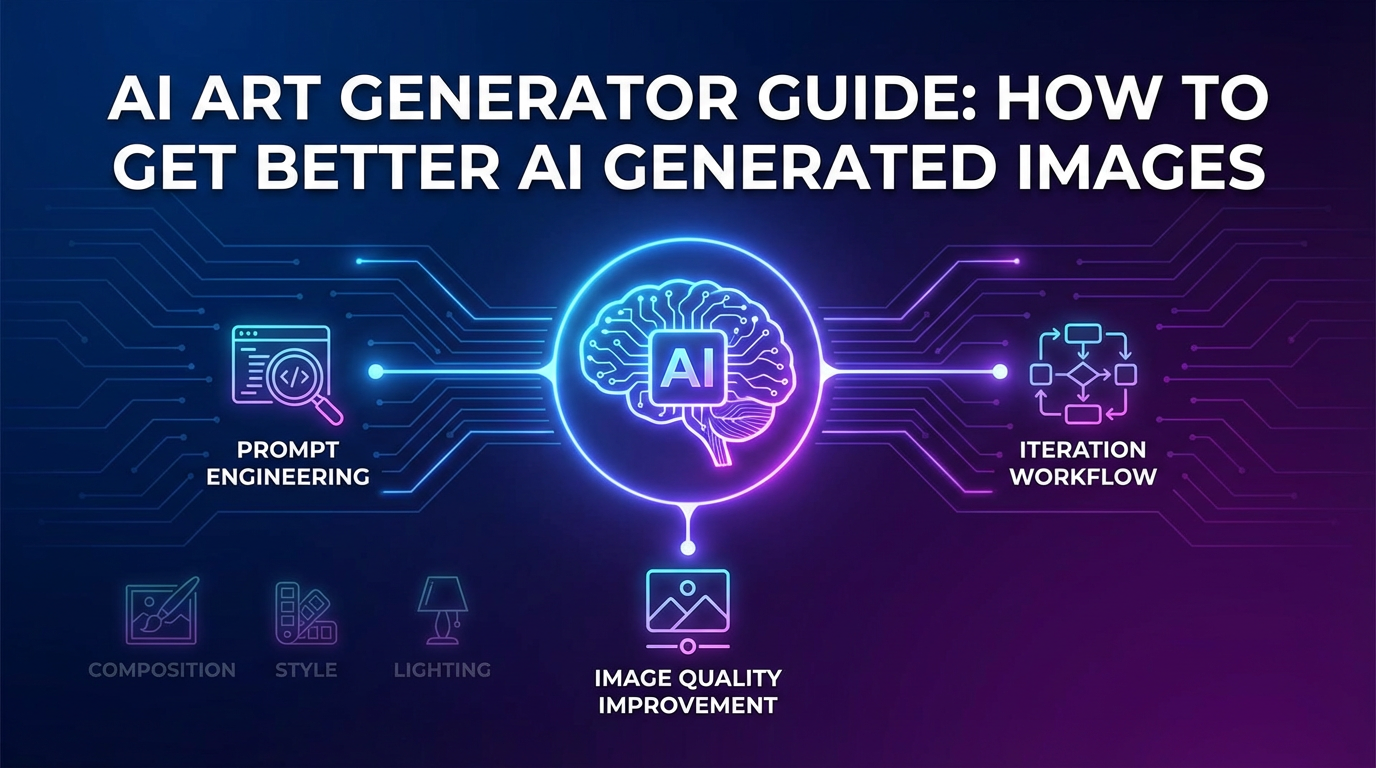
An AI art generator can give you a dramatic image in seconds, but that does not automatically mean you got something useful. Most weak results come from vague prompting, too many styles in one request, or choosing the wrong tool for the outcome you want. This guide focuses on how to get better AI generated images, not just how to click the generate button.
TL;DR
- Good outputs usually come from clearer subject, style, framing, and lighting instructions.
- Different tools are stronger for different image jobs: text-heavy images, concept art, stylized scenes, or design mockups.
- The fastest quality gain usually comes from better prompt structure, not from endlessly rerolling the same vague request.
How we approach an AI art generator workflow
When creators say an ai art generator is inconsistent, the issue is often prompt architecture. A stronger workflow starts with intent: what is the image for, who will see it, and what must stay stable across variations?
| If you want | Prompt move | Why it helps |
|---|---|---|
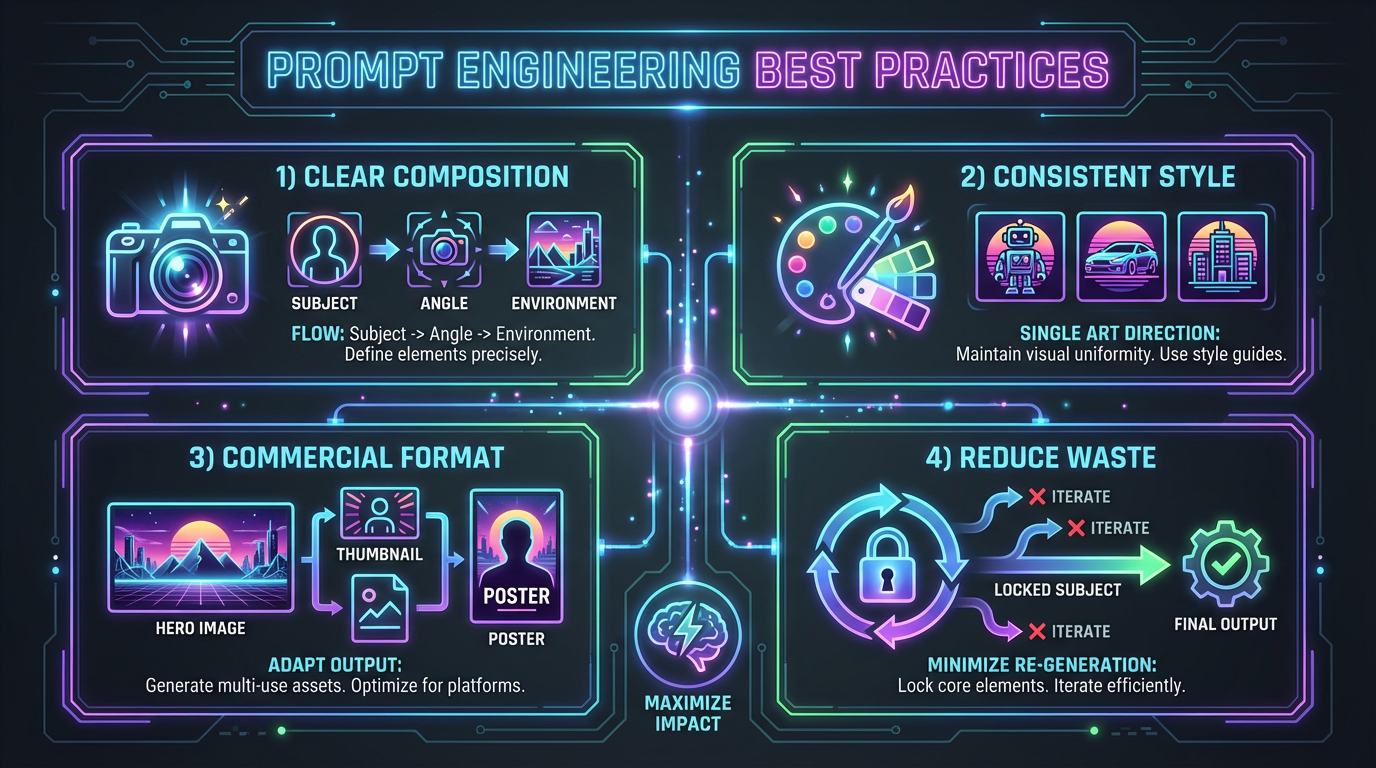
| Cleaner composition | Lead with the subject, then camera angle, then environment | The model anchors the frame before style noise takes over |
| More consistent style | Use one main art direction instead of stacking five aesthetics | Mixed instructions often produce muddy AI generated images |
| Better commercial usefulness | Name the format: hero image, thumbnail, poster, social square | The tool can make better layout decisions when the use case is clear |
| Less reroll waste | Lock the subject and only change one variable per version | You learn what is actually improving the result |
Tool fit matters more than people think
For text-heavy graphics, Ideogram is often easier to control. For broader image experimentation, creators still compare Midjourney, Leonardoai, Dreamina, and Stability. If your work ends in social posts or lightweight design production, Canva can be more practical than a pure art-focused workflow.
Common reasons AI generated images still look weak
- No visual hierarchy: the prompt asks for too many equally important objects.
- Style pile-up: “cinematic, watercolor, editorial, anime, photoreal” usually produces confusion, not sophistication.
- No intended output format: the generator is guessing whether you need a poster, banner, thumbnail, or wallpaper.
- No editing pass: a strong first generation often still needs light refinement or re-framing before it is publishable.
A better iteration workflow
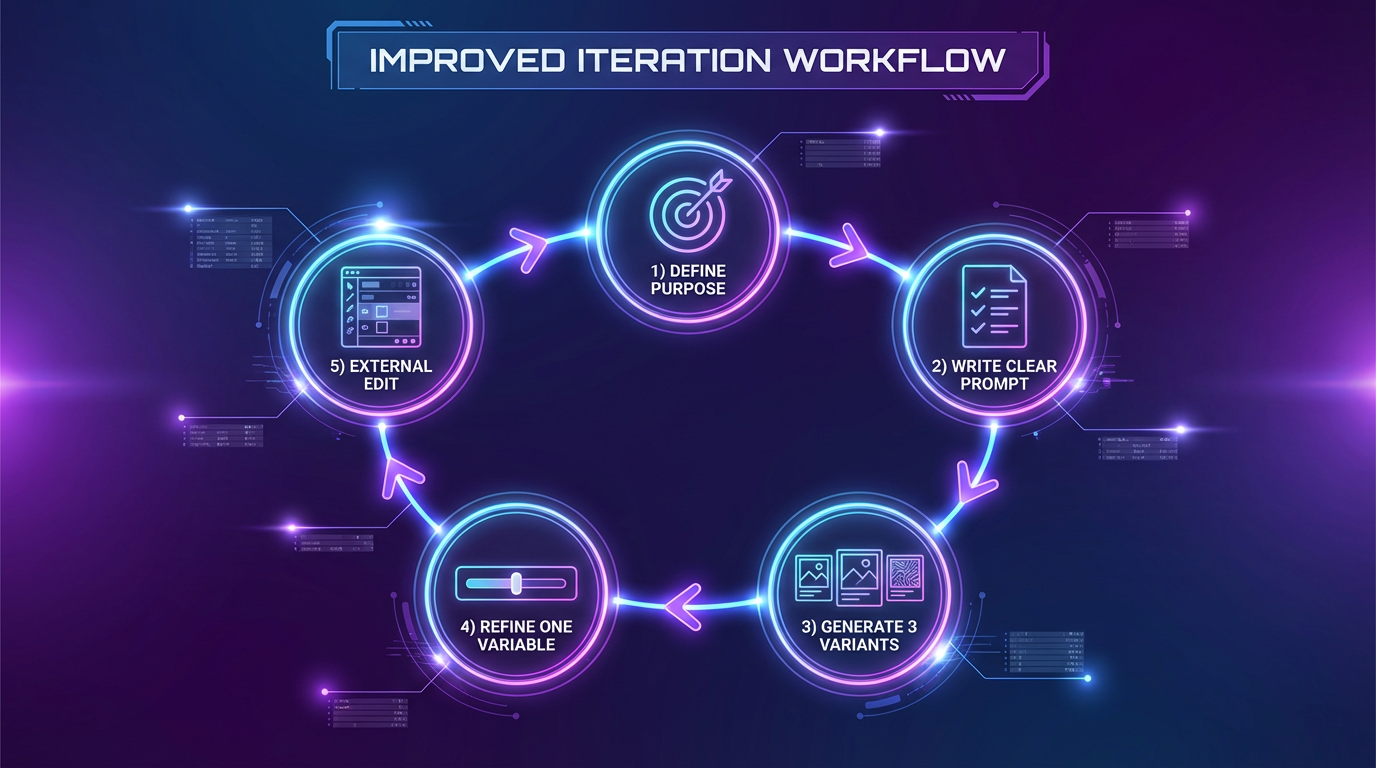
- Define the job of the image in one sentence.
- Write one prompt with clear subject, setting, lighting, and style.
- Generate three variations, not thirty.
- Keep the best version and only change one variable per next round.
- Move the winner into editing or layout, instead of trying to finish everything inside the generator.
Helpful related reads
For stylized workflows, see Studio Ghibli Style AI Image Generators: Prompts and Tools and AI Anime Generators: Best Tools for Stylized Characters and Scenes. For beginner-friendly tool context, Craiyon AI Image Generator: Best For Beginners? is still a useful benchmark.
Final take
The best AI art generator workflow is rarely about one magic prompt. It is usually about choosing the right tool, narrowing the request, and making each iteration teach you something. That is how you get AI generated images that are not just striking, but actually usable.