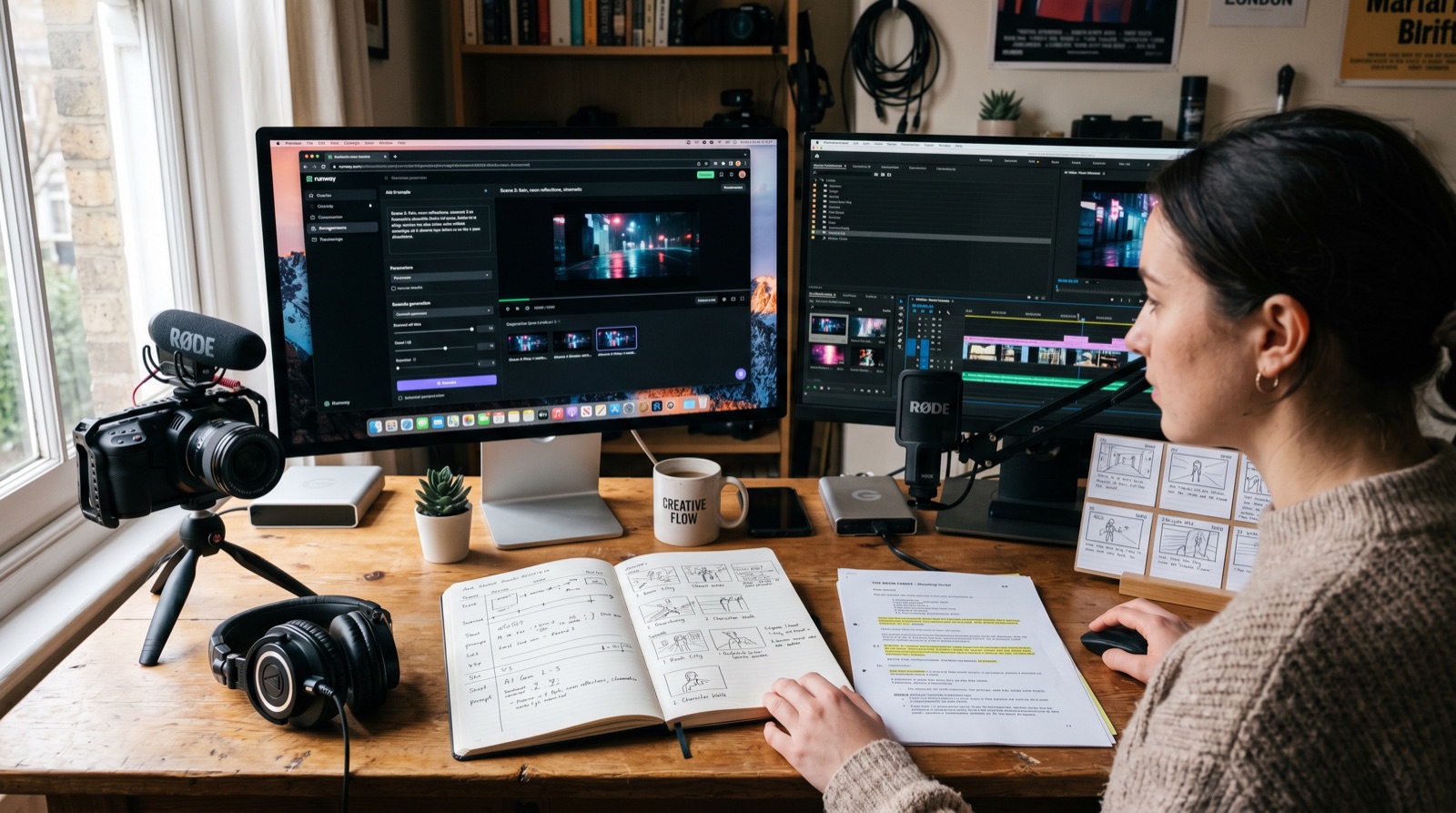
Editorial note, prepared May 6, 2026: This draft focuses on workflow design rather than claiming one AI video tool is permanently best. Tool capabilities change quickly, but the production sequence stays useful.
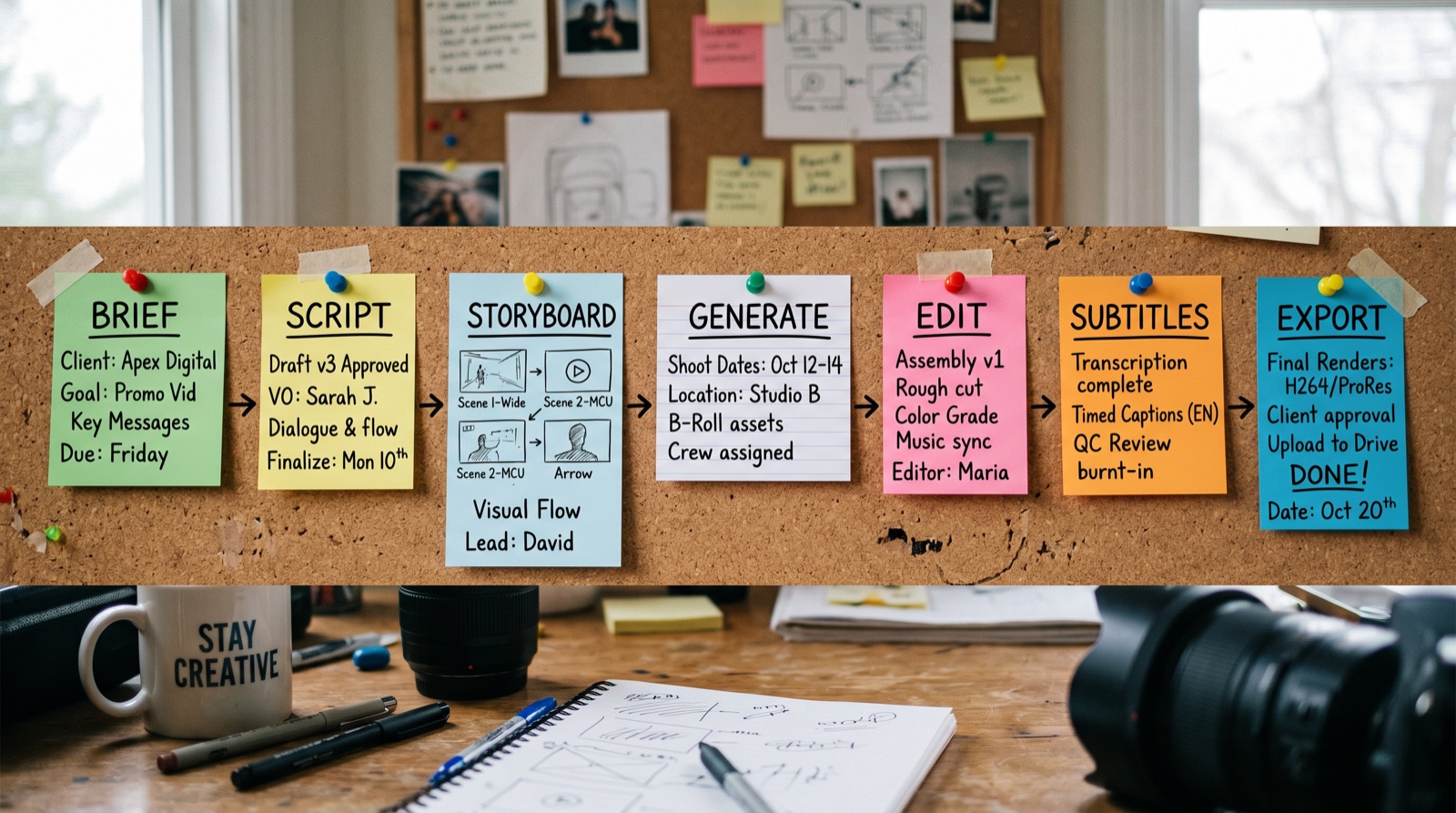
An AI video production workflow is not just "type a prompt and export a clip." The useful workflow looks more like a production line: brief, script, storyboard, asset generation, editing, voice, subtitles, review, export, and measurement.
That structure matters because AI video tools are strongest when the human gives them constraints. The more clearly you define the job, the less time you spend regenerating glossy but unusable clips.
Key takeaways
- Start with a short brief before touching any AI video generator.
- Separate concepting, generation, editing, and review into different steps.
- Use AI for speed, but keep human control over story, pacing, rights, and final QA.
- A multi-tool stack often works better than forcing one app to do everything.
- Build reusable prompts and export checklists for repeatable work.
The workflow map
| Stage | Output | AI can help with | Human must check |
|---|---|---|---|
| Brief | Goal, audience, channel, CTA | Summarizing objectives and drafting angles | Business goal and audience fit |
| Script | Voiceover or scene script | Drafting, shortening, variation | Accuracy, tone, claims, brand voice |
| Storyboard | Scene list and visual plan | Shot ideas and prompt structure | Continuity and feasibility |
| Generate | Images, clips, B-roll, motion tests | Fast asset creation | Rights, artifacts, visual consistency |
| Edit | Timeline, pacing, captions, transitions | Rough cuts, transcript edits, captions | Story flow and platform fit |
| Export | Final files and variants | Format suggestions | Aspect ratio, safe zones, loudness, accessibility |
Step 1: write a brief that limits chaos
The brief should answer six questions: who is watching, what should they understand, where will the video publish, what should happen next, what assets already exist, and what must not be said.
A practical brief keeps the AI from inventing a different project. It also helps editors decide whether an output is wrong because the tool failed or because the instruction was vague.
Step 2: turn the brief into a scene plan
A scene plan is the bridge between words and video. For each scene, define the message, visual, motion, duration, on-screen text, and voiceover note. This is where image-to-video prompts become more reliable.
Step 3: generate assets in small batches
Do not generate the whole video at once unless the tool is specifically built for that workflow. Generate tests in small batches, compare motion stability, then lock the style before producing more assets.
Step 4: edit like a human, not like a slideshow
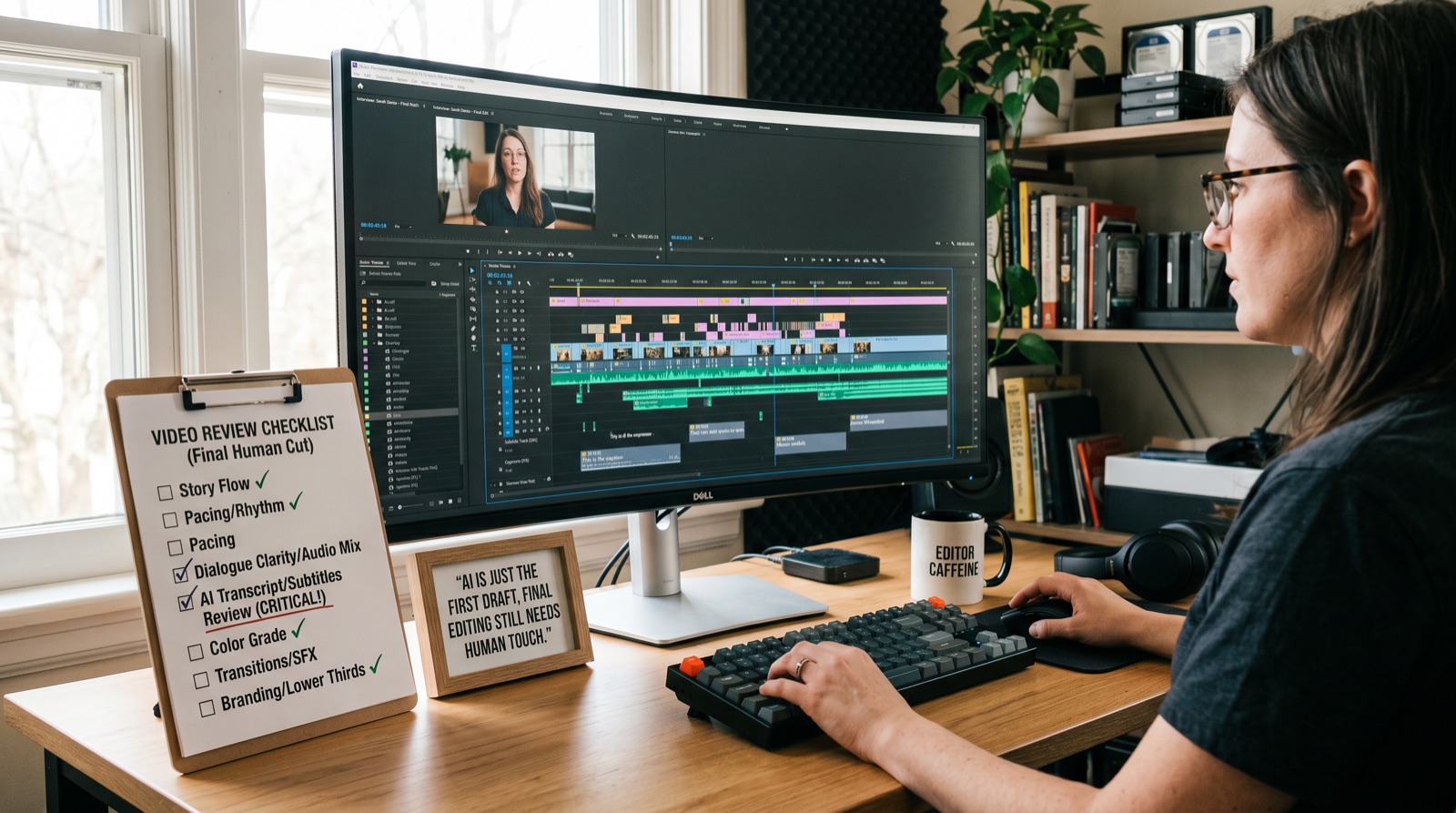
AI assets still need pacing, context, captions, and cuts that make sense. A good editor removes impressive moments that do not support the story. That is still the difference between a demo and a publishable video.
When not to use an AI-heavy workflow
- The video needs live interviews, real customer footage, or sensitive human moments.
- The brand requires exact product accuracy that generated visuals may distort.
- Legal, medical, financial, or safety claims need strict review.
- The team has no process for rights, consent, and source tracking.
E-E-A-T notes for editors
Before publishing, add a small original workflow test using one brief across two or three tools. Include what worked, what failed, and which step needed the most human review.
References and source notes
- LTX Studio: AI video workflow - workflow framing reference
- Loopdesk: AI video editing trends 2026 - agentic editing trend reference
Where to go next
Use these internal links to move from the article into the right comparison, category, or tool research path.
- Video production tools comparison - the canonical video production tools hub
- Video production services guide - when to hire help instead
- Free image to video AI tools - compare generation options
- AI video generators - browse tools by category
Final recommendation
The best AI video workflow is not the most automated one. It is the one with clear inputs, controlled generation, human editing, and a review loop that catches problems before export.