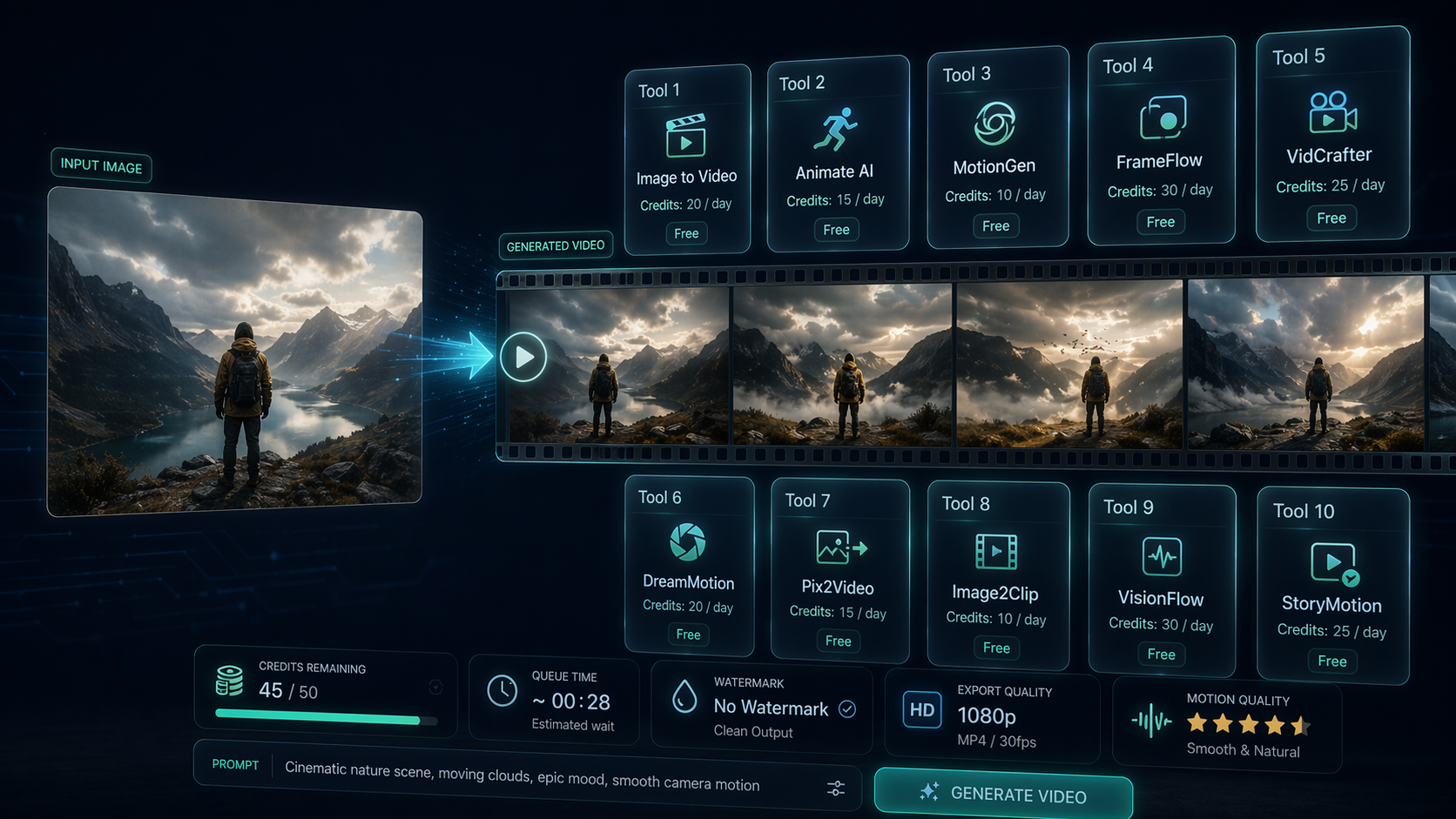
If you are searching for free image to video AI, the hard part is not finding tools. It is figuring out which ones are genuinely free, which ones hide the useful export behind credits or watermarks, and which ones are actually worth your time. A better way to evaluate this category is to treat it like a research problem: compare the options, separate facts from pitch copy, and show where each tool fits.
| What to compare | Why it matters |
|---|---|
| Free credits or daily limits | Tells you whether the tool is usable or just a demo |
| Watermark policy | Important for client work, ads, and reposting |
| Export quality | Free plans often cap resolution or clip length |
| Motion control | Better prompts usually need camera or scene control |
| Best use case | Social post, product demo, avatar, or ad creative |
What is free image to video AI?
Free image to video AI tools turn a still image into a short video clip using motion generation models. You upload a product shot, portrait, illustration, or scene image, add a prompt, and the system creates movement such as camera pans, facial animation, environmental motion, or stylized transitions.
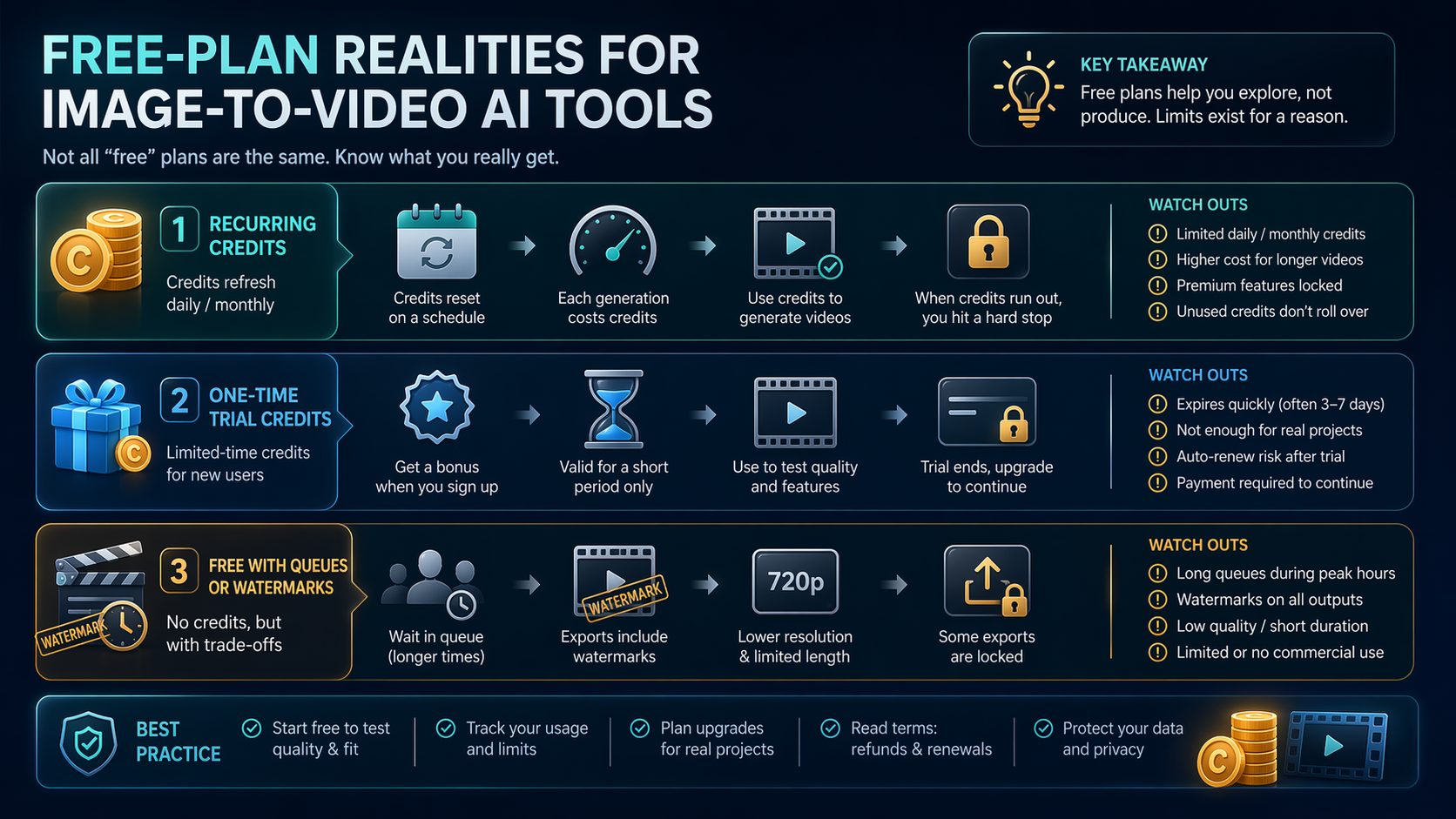
The key point: “free” rarely means unlimited. In most cases, it means one of four things:
- A permanent free tier with capped credits
- A temporary trial
- Free exports with watermarks
- Lower-quality output reserved for non-commercial testing
That difference matters more than the marketing headline.
Best free image to video AI tools to try
For most searchers, the goal is simple: find a tool that matches the job.
If you need fast experiments for social content, tools with low-friction upload and short render times usually win. If you need cinematic motion from a single image, model quality matters more than interface polish. If you need talking avatars, avatar-first platforms are the better fit.
This is where a structured AI tools directory helps. It is not just a list of names. The platform organizes tools into structured categories, shows pricing context, and makes AI tool comparison easier without forcing you to read a sales page for every product.
Workflow example 1
Input → a still product image for a skincare bottle Process → search the directory for video creation tools, filter for free or freemium options, compare watermark and export rules, then open detail pages for the short list Output → a smaller set of image to video AI tools suited for product demo clips and ad creative testing
Workflow example 2
Input → a portrait image for a creator intro Process → review tool summaries, identify avatar-friendly platforms, compare free usage limits, then follow an in-site tutorial on prompt structure Output → a shortlist of tools that can turn a portrait into a lightweight avatar video for Reels, TikTok, or landing page embeds
Tools worth shortlisting first
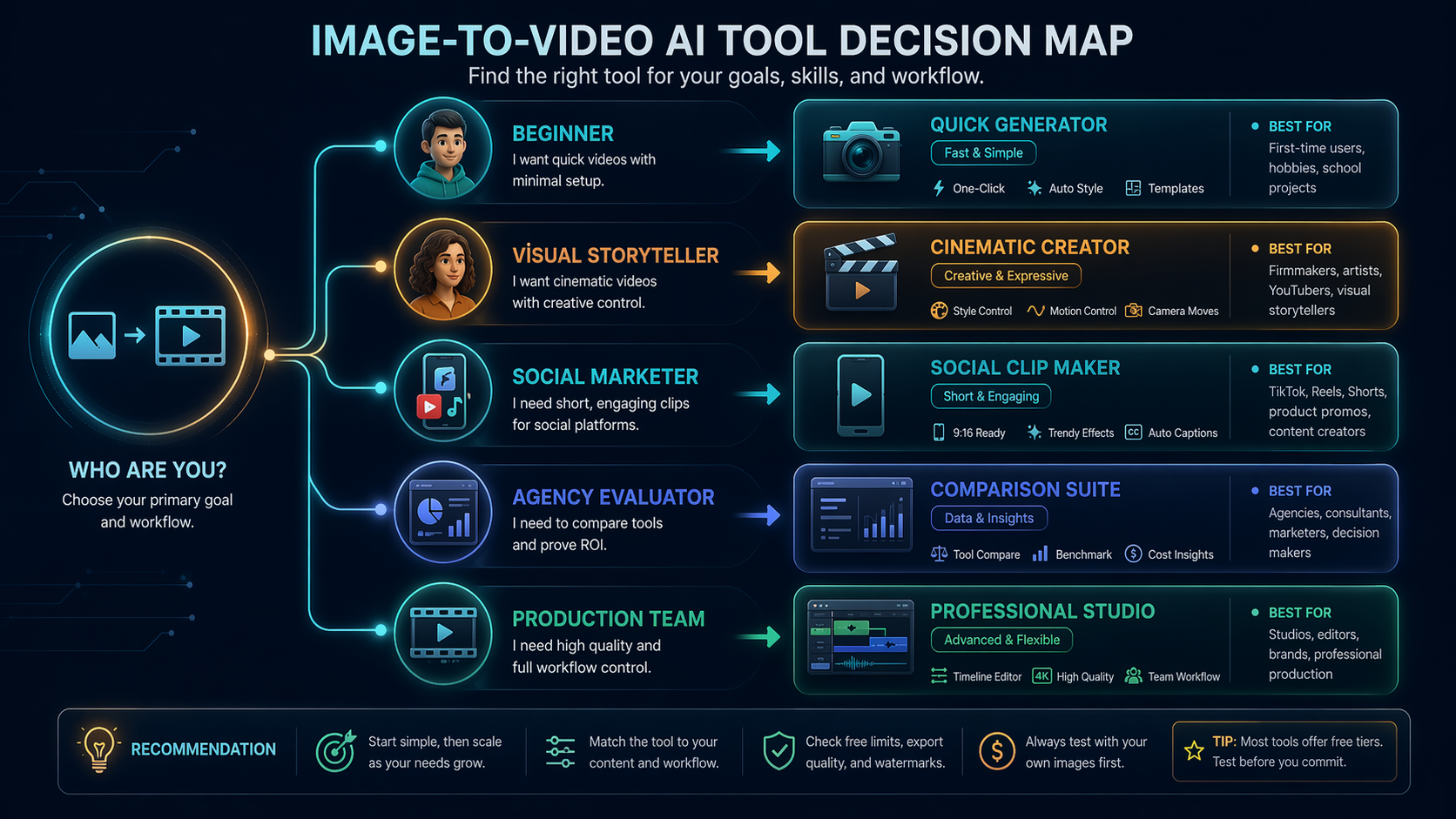
Use this shortlist as a starting point, not a permanent ranking. Free credits, watermark rules, queue times, and export limits change often, so verify the current plan before you use any clip in client work or paid ads.
| Tool | Best first test | Watch before you commit |
|---|---|---|
| Kling AI | Cinematic motion from product or scene images | Credit limits and render queues |
| Hailuo AI | Fast concept clips and social experiments | Consistency across repeated generations |
| PixVerse | Stylized social clips and quick prompt tests | Watermark and export resolution rules |
| Pollo AI | Comparing several video models in one workflow | Which model is actually used for the export |
| Luma Dream Machine | More cinematic camera movement | Free access availability and wait times |
| Pika | Creator-friendly visual experiments | Prompt control and commercial usage rules |
| Runway | Higher-end creative testing | Whether the free tier is enough for your output volume |
| Canva | Simple social assets and team-friendly templates | Depth of AI motion control |
| OpenArt | Image-led creative exploration | Export quality and model choice |
| Vidu | Character or scene motion experiments | Stability on faces, hands, and product details |
Free limits, watermarks, quality, and export rules
This is where many roundup posts get lazy. They name tools, but they do not tell you the actual tradeoff.
Free image to video AI tools usually restrict at least one of these: clip length, render speed, queue priority, watermark-free export, or resolution. That is fine for testing. It is less fine if you are making ad creative, client drafts, or repeat content.
Frankly, if your real goal is production use, you should expect free tiers to break down quickly. But for idea validation, thumbnail motion, social teasers, and rough concept work, free plans can still be enough.
How to choose: product demo, social post, avatar, ad creative
Pick by output, not by hype.
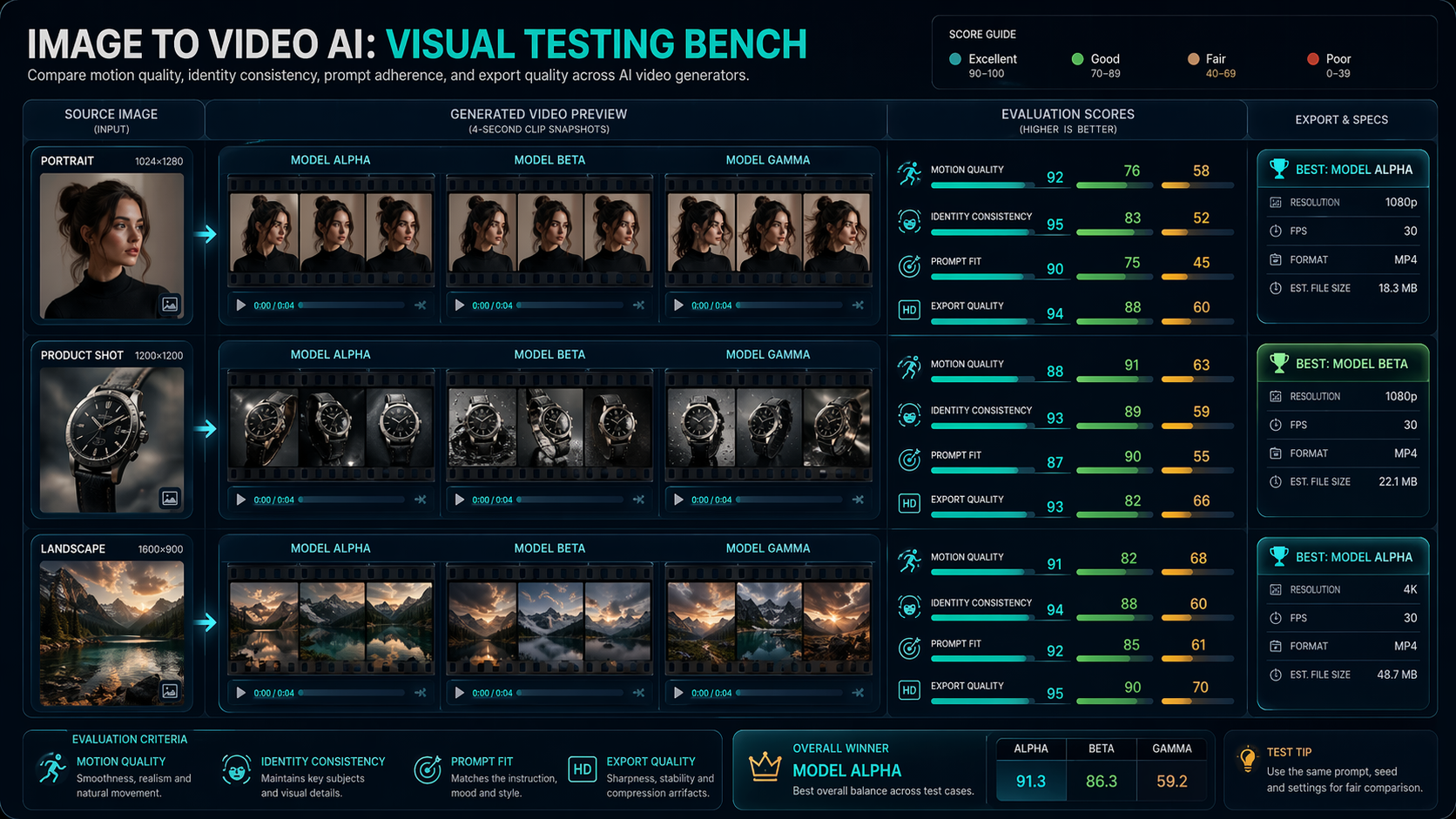
- Product demo: choose tools that preserve object shape and offer subtle camera motion
- Social post: prioritize speed, easy prompt iteration, and vertical export options
- Avatar video: look for face stability, lip-sync support, or character-focused motion
- Ad creative: check watermark rules first, then export quality and commercial fit
Competitors also deserve honest positioning. Futurepedia is useful for broad AI discovery across many categories. There’s An AI For That is strong when you search by task. Product Hunt is better for spotting newly launched tools and community buzz. But for a user specifically comparing structured fit across free image to video AI options, Generator AI Tools is the cleaner workflow because the research path is tighter and more editorial.
Prompt examples for better motion
Good prompts for image to video AI are specific and restrained.
- “Slow cinematic push-in, soft lighting changes, natural hair movement, realistic depth”
- “Subtle product rotation, clean studio reflections, premium commercial look”
- “Gentle head turn, blinking, natural facial motion, static background”
- “Camera pan left, background clouds moving slowly, calm atmospheric motion”
A simple rule helps: one subject, one motion idea, one camera move. Ask for too much and the clip often gets messy.
You can also explore related pages such as AI video generators, text to video AI tools, and AI avatar generators as internal link opportunities from this landing page.
Useful next steps
- Browse AI video generators
- Compare the AI tools directory
- Read the video production workflow guide
- Compare short video tools
FAQ
Is free image to video AI good enough for real marketing work?
For rough concepts and organic social tests, yes. For polished campaigns, the free tier is usually better treated as validation, not final delivery.
What is the biggest catch with free tools?
Watermarks and credit caps. Sometimes slow rendering is the bigger issue.
Should I choose one tool or compare several?
Compare several first. Motion quality varies a lot by subject type, so a tool that works on portraits may perform poorly on product shots.
Why use a directory instead of searching manually?
Because manual search hides the tradeoffs. A structured directory helps you compare free limits, tool type, and use case faster.