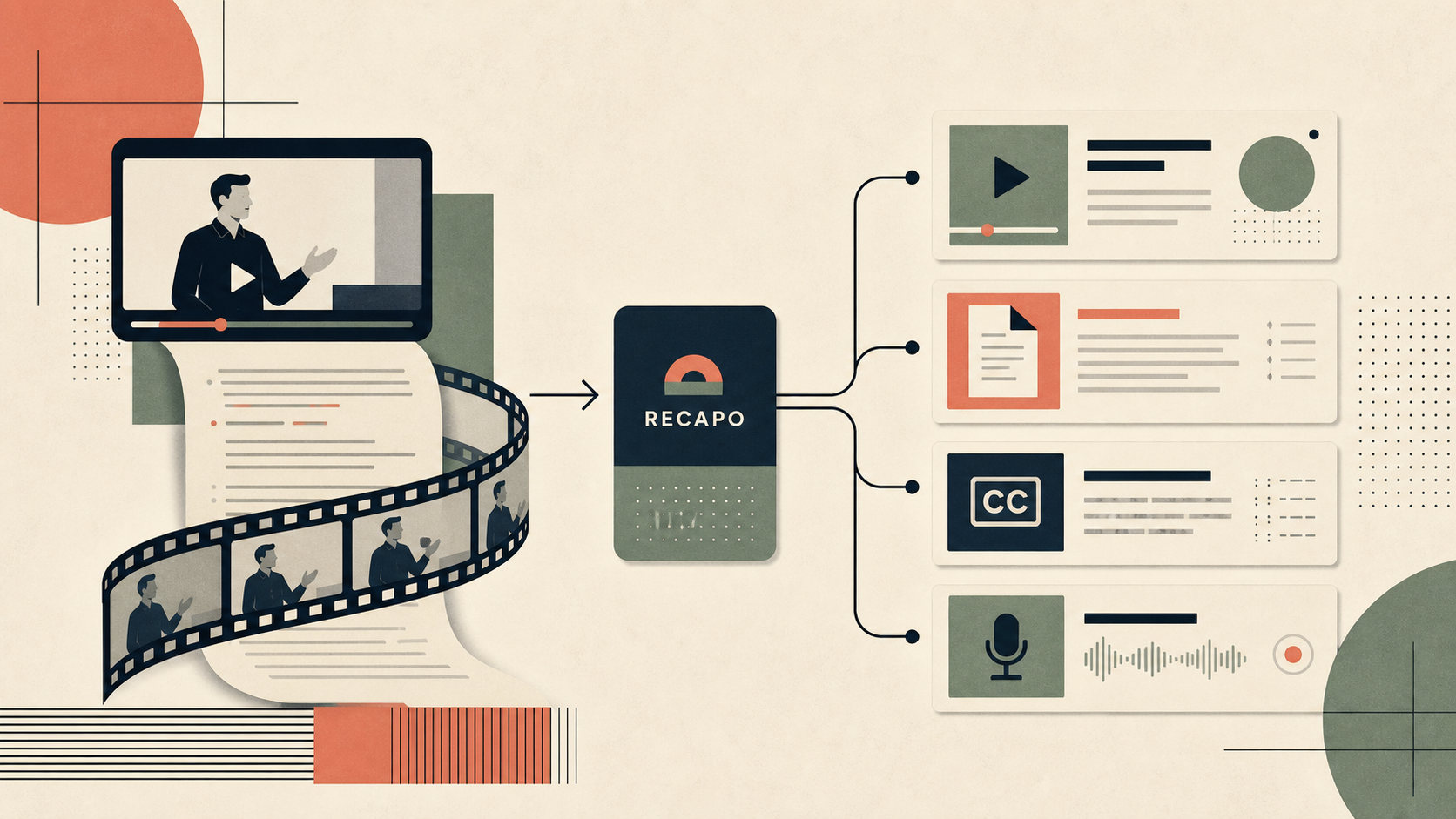
Last updated May 12, 2026: This draft targets "AI video recap tool" and uses Recapo as the primary internal product example.
An AI video recap tool should do more than cut a long file into random clips. It should help identify the point of the video, draft a short recap, create subtitles, prepare voiceover, and make the final clip easier to review before publishing.
That is why a tool such as Recapo belongs in the recap workflow. It is positioned around turning long videos into ready-to-publish scripts, voiceovers, subtitles, and recap clips. The key is to test whether those outputs survive human review.
Key takeaways
- The best AI video recap tool preserves source meaning instead of only finding exciting moments.
- A recap workflow should produce a hook, short script, subtitle draft, and export-ready clip.
- Recapo is a useful fit when long videos need packaging for Shorts, Reels, TikTok, newsletters, or blog embeds.
- Human review is still required for claims, tone, captions, and context.
- Do not buy a recap tool until it passes one real source-video test.
What should an AI video recap tool include?
A serious recap tool should support five jobs: source analysis, clip selection, script compression, subtitle creation, and export review. If a tool only creates a clip but leaves script, captions, and context cleanup to the editor, it may still save time, but it is not a complete recap workflow.
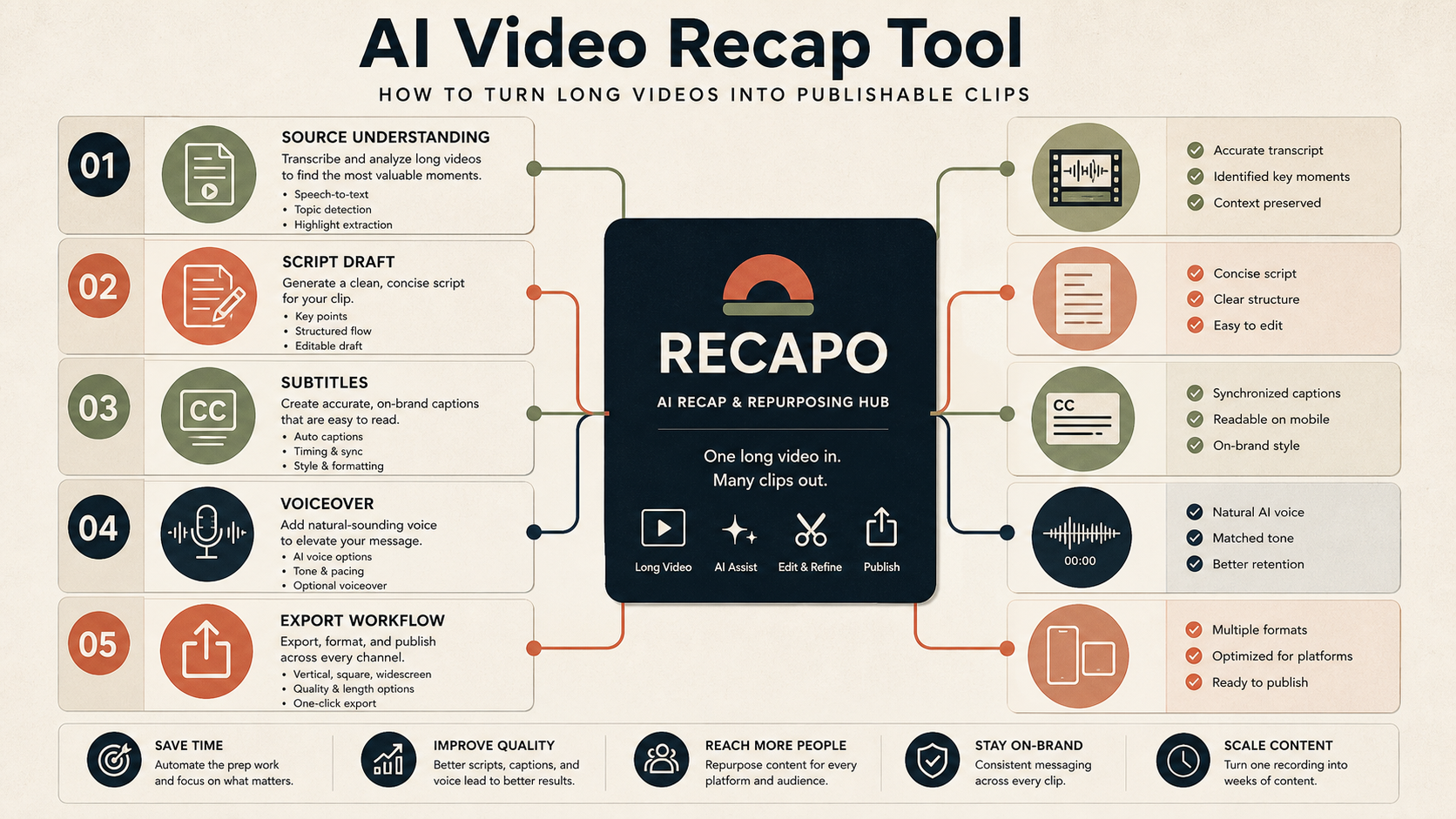
| Feature | Why it matters | What to check |
|---|---|---|
| Source understanding | The tool needs to identify the central idea, not just loud moments. | Does the recap match the long video? |
| Script draft | Creators need a short story, not only a timestamp. | Is the script concise and accurate? |
| Subtitles | Most short clips are watched muted first. | Are captions readable and timed correctly? |
| Voiceover | Narration can make recaps clearer. | Does the voiceover preserve tone and claims? |
| Export workflow | Publishing requires aspect ratio, safe area, and file quality checks. | Does the clip survive mobile preview? |
How to test Recapo for video recaps
Choose one source video that represents your real work: a webinar, product demo, tutorial, podcast, or livestream. Run the video through Recapo, then review the output as an editor. Look for usable recap angles, script clarity, subtitle timing, and whether the clip can be published with light editing.
- Use a video with clear audio and at least three useful moments.
- Ask whether the recap explains the value without misleading the viewer.
- Check whether subtitles break naturally across lines.
- Compare the AI-selected moments with your own manual shortlist.
- Record how many minutes the tool saved after cleanup, not before cleanup.
Who is this workflow best for?
AI video recap tools are strongest for YouTube creators, course creators, marketers, founders, podcasters, and agencies that already produce long-form video. They are weaker for teams that only have raw product footage, heavily scripted ads, or videos where every frame requires legal or brand approval.
Final recommendation
Use an AI video recap tool when your bottleneck is turning existing long-form material into shorter formats. Start with Recapo if you need recap clips plus scripts, voiceovers, and subtitles, then judge the tool by publishable output after human review.
E-E-A-T review notes
Experience: Before publishing, add one source-video test showing the original length, number of suggested clips, number of usable clips, and edit time saved.
Expertise: Sarah Miller should keep this article focused on short-form creator workflows, subtitle quality, recap structure, and mobile publishing review, with examples that a small team can repeat before buying a tool.
Trust: Do not imply that recap tools can safely summarize sensitive, legal, medical, or financial content without expert review.
References
- Recapo tool page - internal product page for recap clips and subtitles
- YouTube automatic captions help - caption limitations and review context
Where to go next
Use these internal links to continue from the article into tool comparison, production checks, and related workflows.
- Recapo - video recap, script, voiceover, subtitle, and clip workflow
- Long Video to Short Video AI - use the broader production checklist
- AI video generators - compare video tools in the directory
- Video Repurposing AI - repurpose source videos across channels