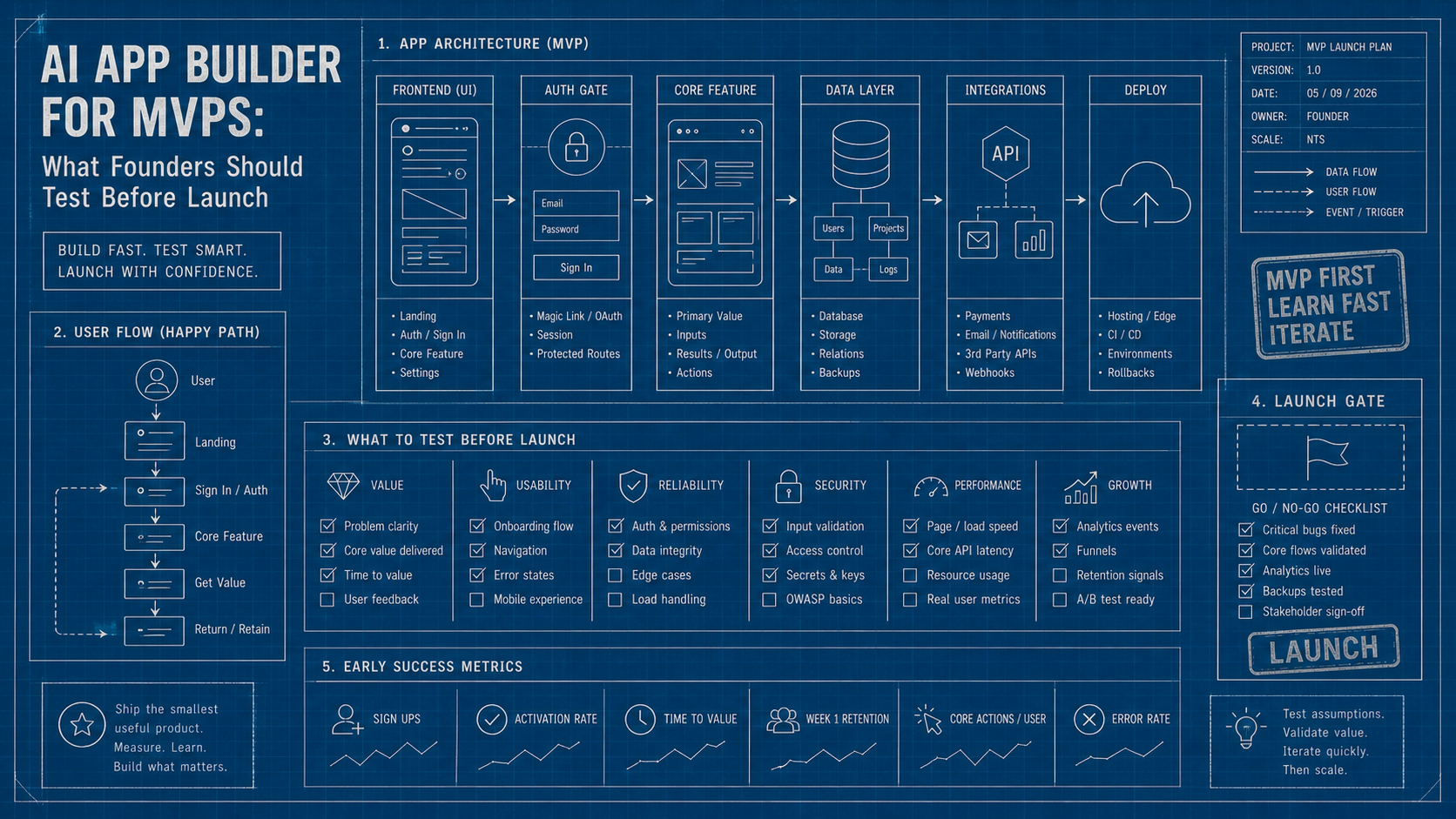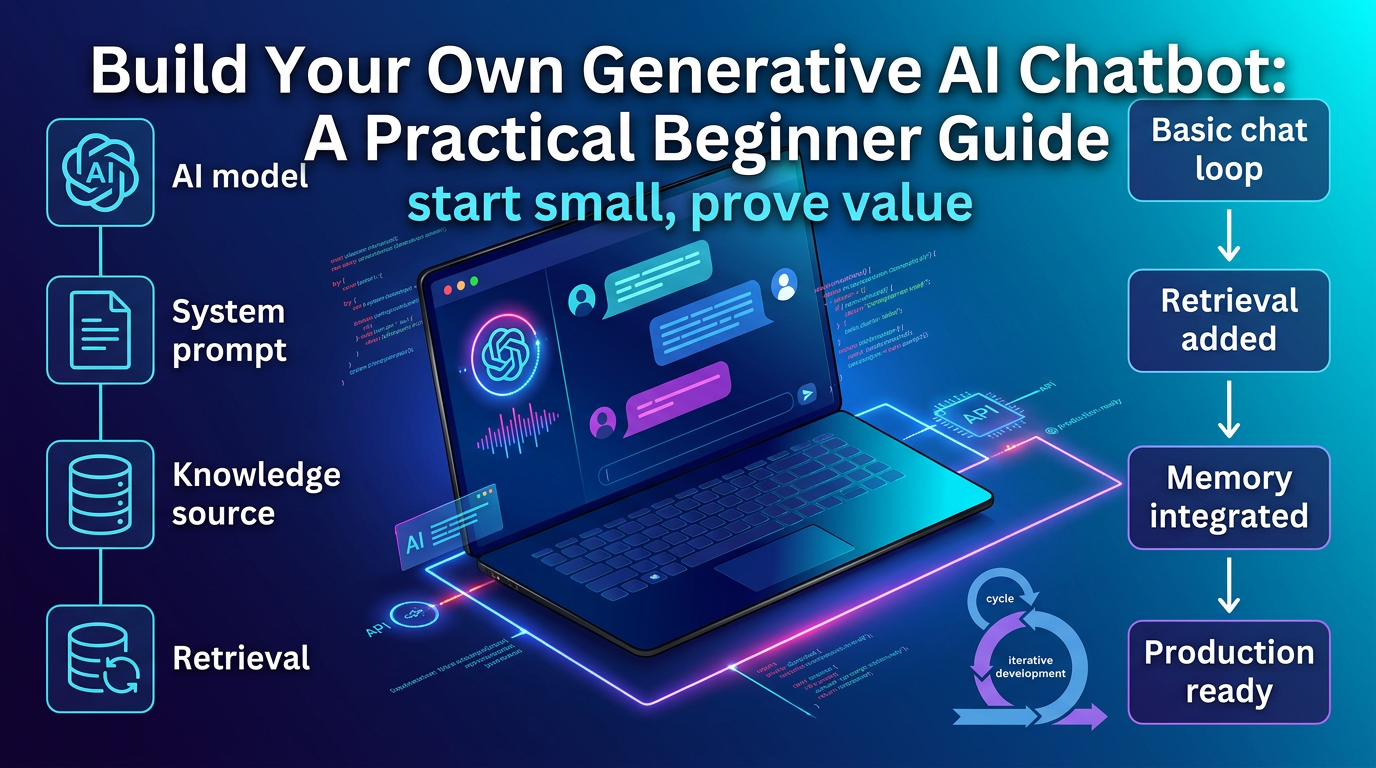
Building your own generative AI chatbot sounds intimidating until you break the job into parts. You are not really building one giant thing. You are choosing a model, defining a use case, shaping prompts, and deciding how the bot should remember context and access data.
That means beginners usually get farther by starting with a narrow problem than by chasing a general-purpose all-knowing assistant on day one.
TL;DR: Start with one clear use case, a small knowledge source, and a basic chat loop. Add retrieval, memory, and tool use only after the simplest version already helps someone complete a real task.
Decide what the chatbot is actually for
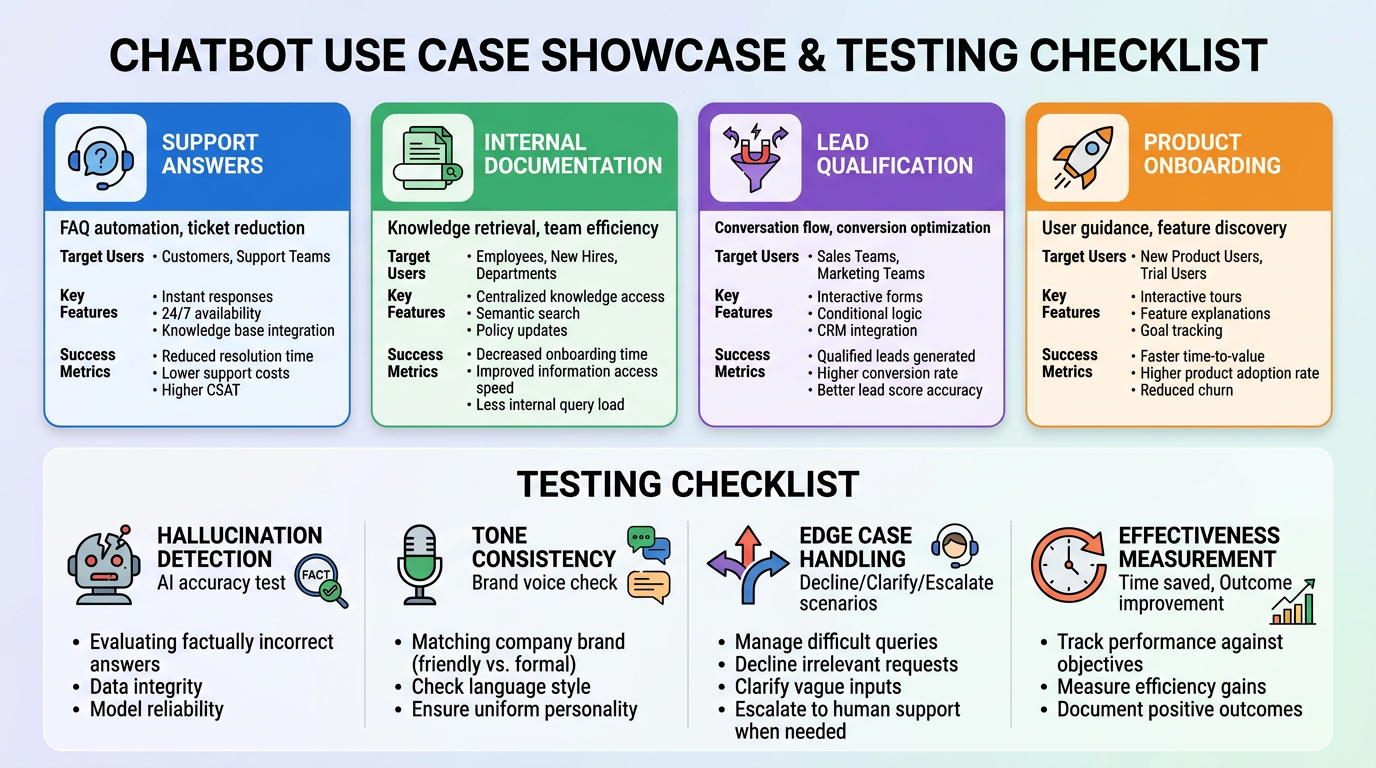
The fastest way to go wrong is to skip this step.
- Pick one job, such as support answers, internal documentation help, lead qualification, or product onboarding.
- Define who will use it and what success looks like.
- Limit the scope so you can test whether the assistant is genuinely helpful.
Build the first version with the smallest possible stack
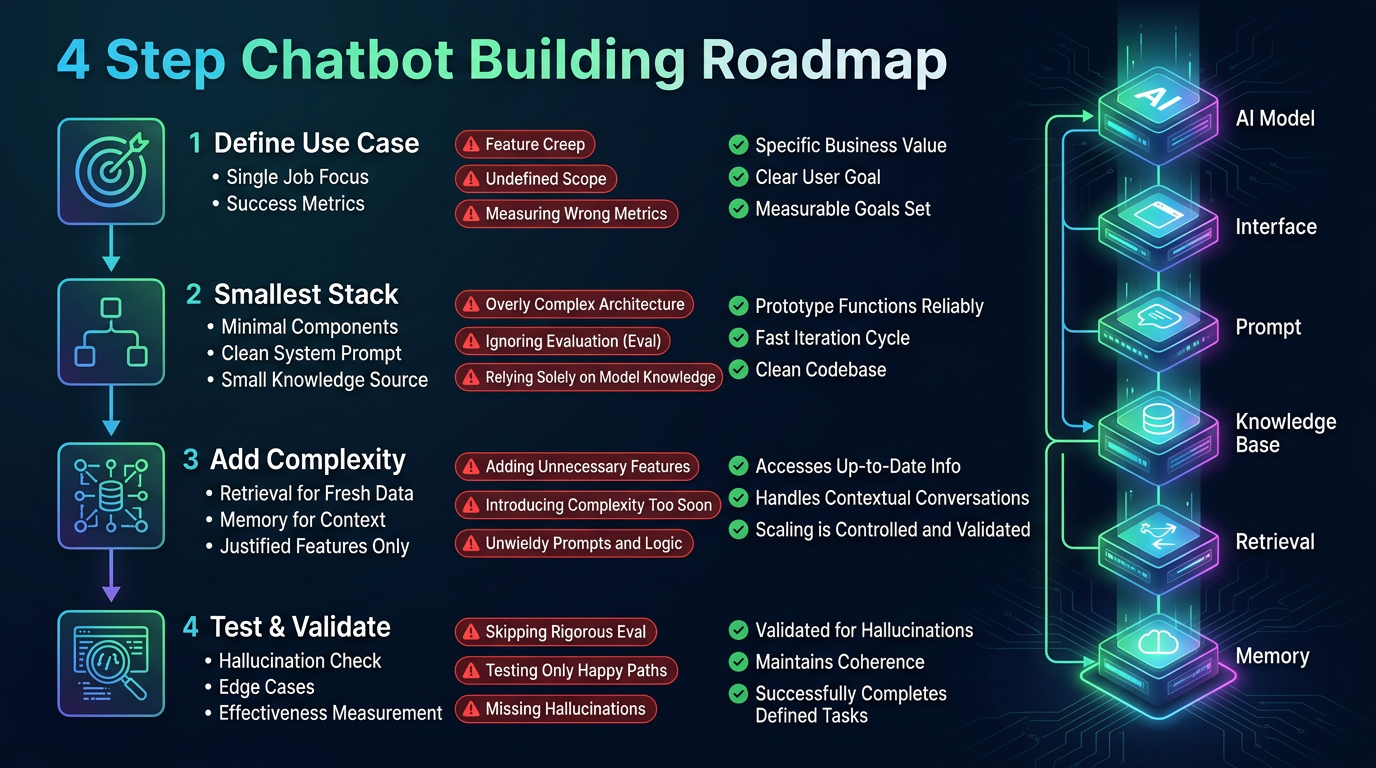
You do not need a giant architecture to get something useful working.
- Choose a model and a simple interface first.
- Add a clean system prompt that defines role, guardrails, and output format.
- Use a small trusted knowledge source before trying to index everything.
Add retrieval and memory only when the use case justifies it
A lot of beginner builds become messy because they add complexity too early.
- Use retrieval when answers need fresh or domain-specific information.
- Use memory when the conversation genuinely improves across turns.
- Avoid bolting on every feature if the first version still has not proved value.
What to test before anyone else uses it
The first release should be evaluated like a product, not like a demo.
- Check for hallucinations, tone drift, and brittle prompt behavior.
- Test edge cases where the chatbot should decline, clarify, or escalate.
- Measure whether the assistant actually saves time or improves outcomes.
How we evaluate developer workflows
This guide is attributed to Marcus Johnson, Full-Stack Developer & AI Integration Specialist at Generator AI Tools. For developer content, we judge tools by setup friction, reliability, integration fit, debuggability, and whether the workflow saves time without creating hidden maintenance cost.
- We separate demo-friendly output from code or config that can survive review and repeated use.
- We look at how well a tool fits real developer workflows instead of treating one generated snippet as proof of quality.
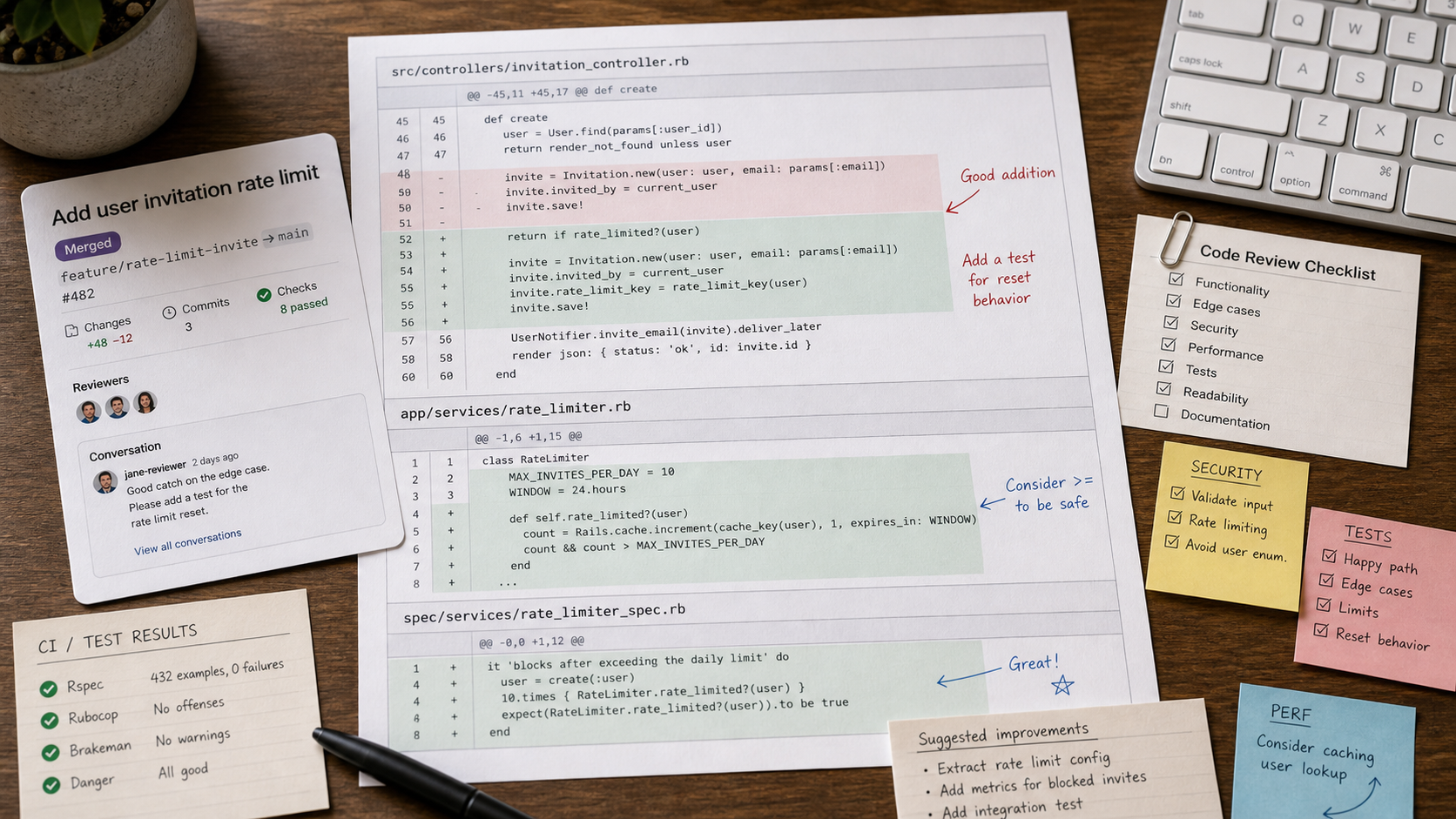
- We expect readers to validate AI-generated code, configuration, and deployment advice before using it in production.
What to verify before you choose
- Check integration support for the stack, editor, or deployment workflow you actually use.
- Validate generated code or configuration locally before trusting it in production.
- Review pricing, team features, and security expectations on the official product pages.
Bottom line
A useful generative AI chatbot is usually smaller and more specific than people expect. Start narrow, prove value, then add sophistication where the workflow clearly demands it.