Last updated May 12, 2026: This draft targets "AI code review tools GitHub" and should be checked against current product docs before publishing.
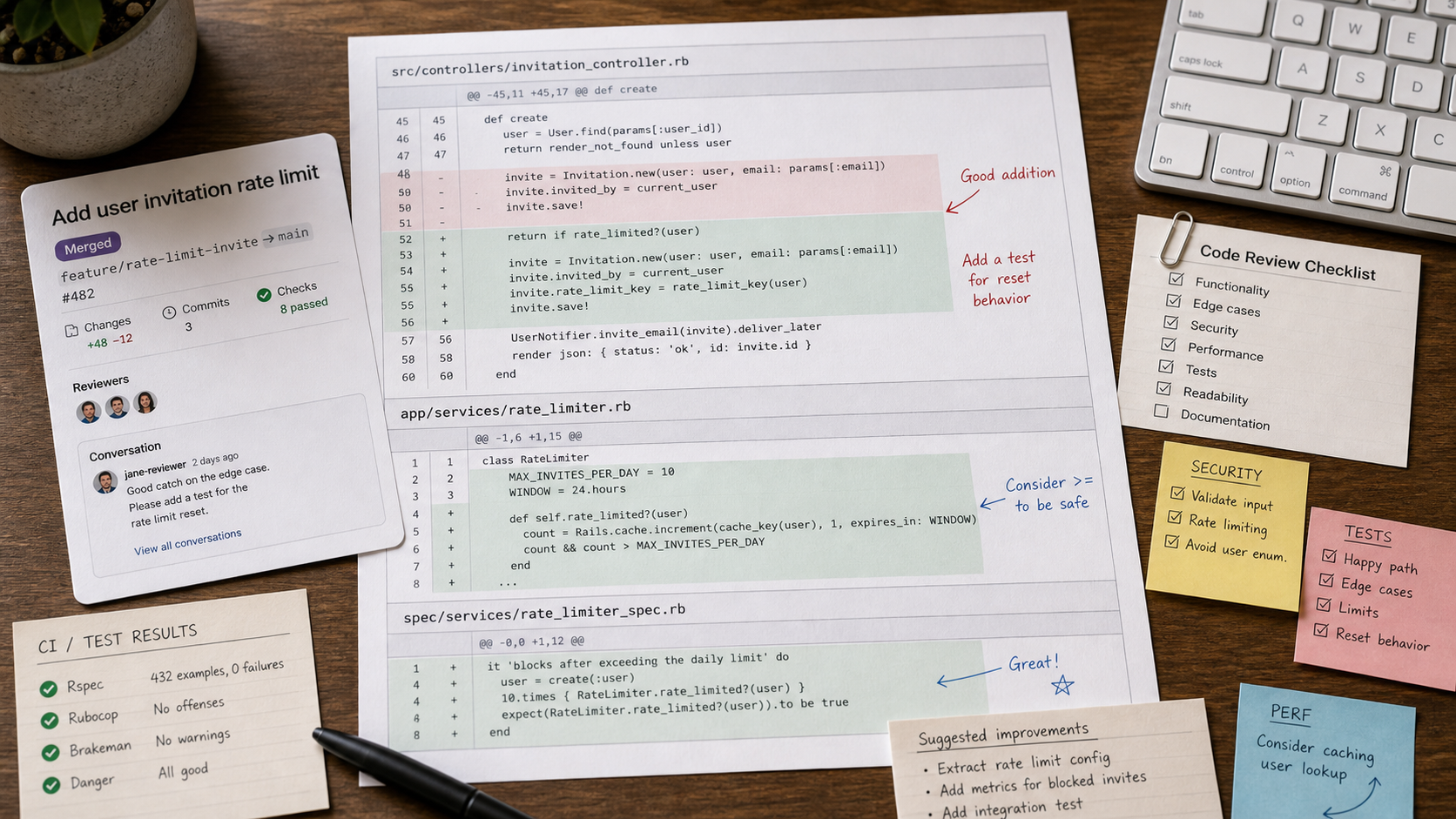
AI code review tools for GitHub can help engineering teams catch issues earlier, summarize pull requests, and enforce review standards. They are not a replacement for maintainers, but they can reduce review fatigue when configured carefully.
Start with the AI developer tools category and compare tools such as GitHub Copilot and Qodo against your real pull requests, not toy examples.
Key takeaways
- AI review tools should understand pull request context, not just isolated lines.
- False positives can slow teams down if review rules are too broad.
- The best tools let teams define coding standards, security checks, and ignore rules.
- Human reviewers still own architecture, product behavior, and merge decisions.
- Measure value by defects prevented and review time saved after cleanup.
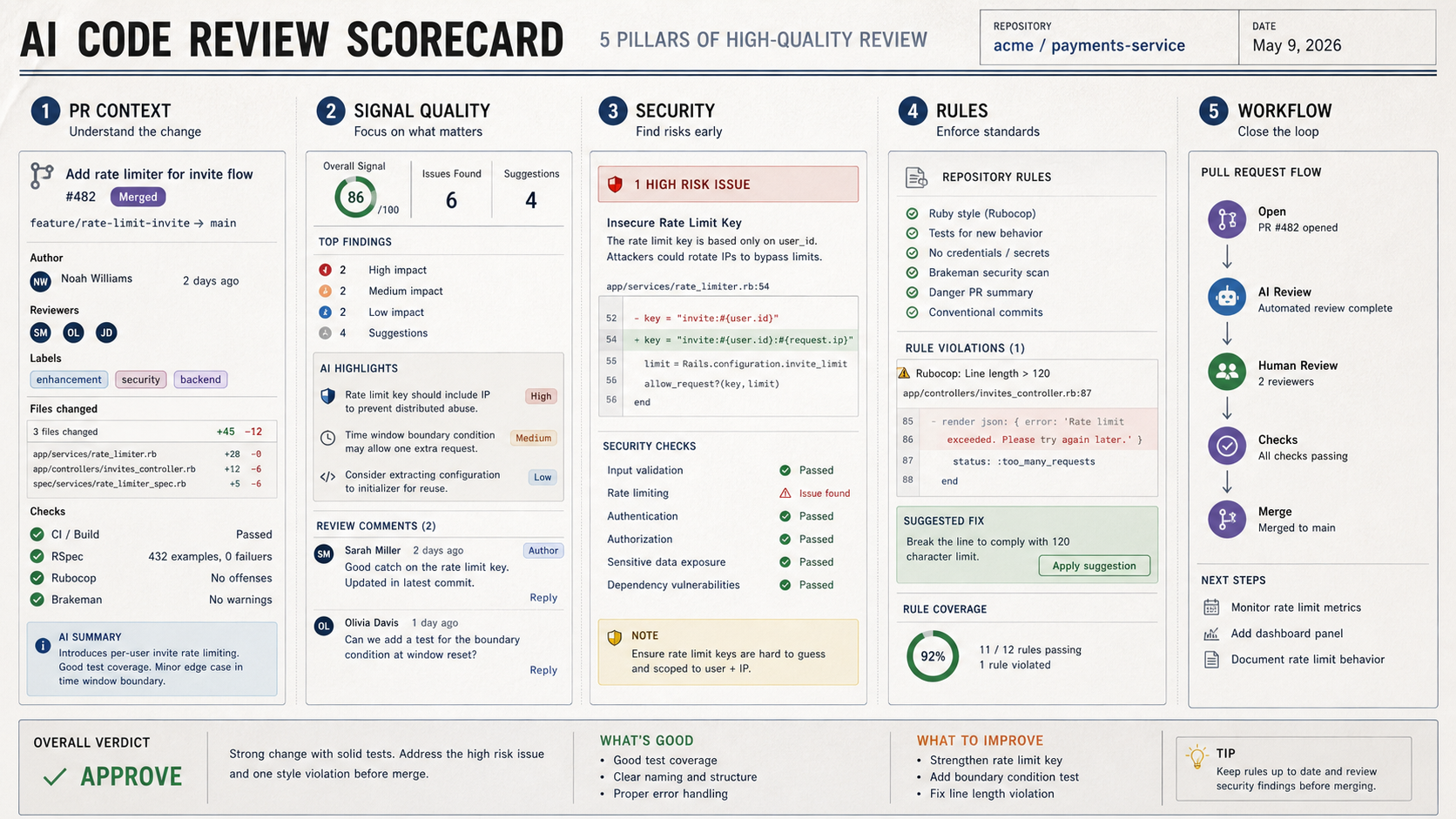
What should engineering teams compare?
| Criterion | Good sign | Risk |
|---|---|---|
| PR context | Reads diff, files, tests, and linked issue context. | Comments on changed lines without understanding the feature. |
| Signal quality | Finds actionable bugs and risks. | Produces noisy style comments. |
| Security | Flags common injection, auth, secret, and data exposure issues. | Overstates risk without explanation. |
| Rules | Supports repository-specific conventions. | Forces generic review advice. |
| Workflow | Fits GitHub checks, comments, and reviewer habits. | Creates another dashboard developers ignore. |
How should you run a pilot?
Run the tool on 10 to 20 recent pull requests. Include bug fixes, feature work, refactors, small docs changes, and at least one security-sensitive change. Compare AI comments against what human reviewers actually caught.
- Count useful comments, false positives, and missed issues.
- Check whether comments are specific enough to act on.
- Review whether the tool respects existing tests and project structure.
- Ask developers whether the tool speeds review or adds friction.
- Do not auto-merge based on AI review alone.
Where do GitHub Copilot and Qodo fit?
GitHub Copilot fits teams that already work inside GitHub and want AI help close to pull requests and coding flow. Qodo is worth reviewing when test generation, code quality, and repository-aware review are central to the workflow. The right choice depends on repository size, review process, and governance needs.
Final recommendation
Adopt AI code review tools for GitHub only after a pull-request pilot. The goal is not more comments; it is better review signal, faster feedback, and fewer defects reaching production.
E-E-A-T review notes
Experience: Before publishing, run the checklist against three real PRs and include examples of useful versus noisy comments.
Expertise: Noah Williams should keep this article focused on GitHub pull request review, developer workflow design, code quality, and AI-assisted engineering adoption.
Trust: Keep the article clear that AI code review does not replace tests, human maintainers, security review, or production monitoring.
References
- GitHub Copilot code review documentation - official GitHub docs
- GitHub pull request reviews - official GitHub PR review docs
Where to go next
Use these internal links to continue from the article into tool comparison, product pages, and related workflows.
- AI developer tools - browse coding assistants and code review tools
- GitHub Copilot - review Copilot in the directory
- Qodo - compare AI code quality and review workflows
- Claude Code vs Cursor - compare coding workflow styles