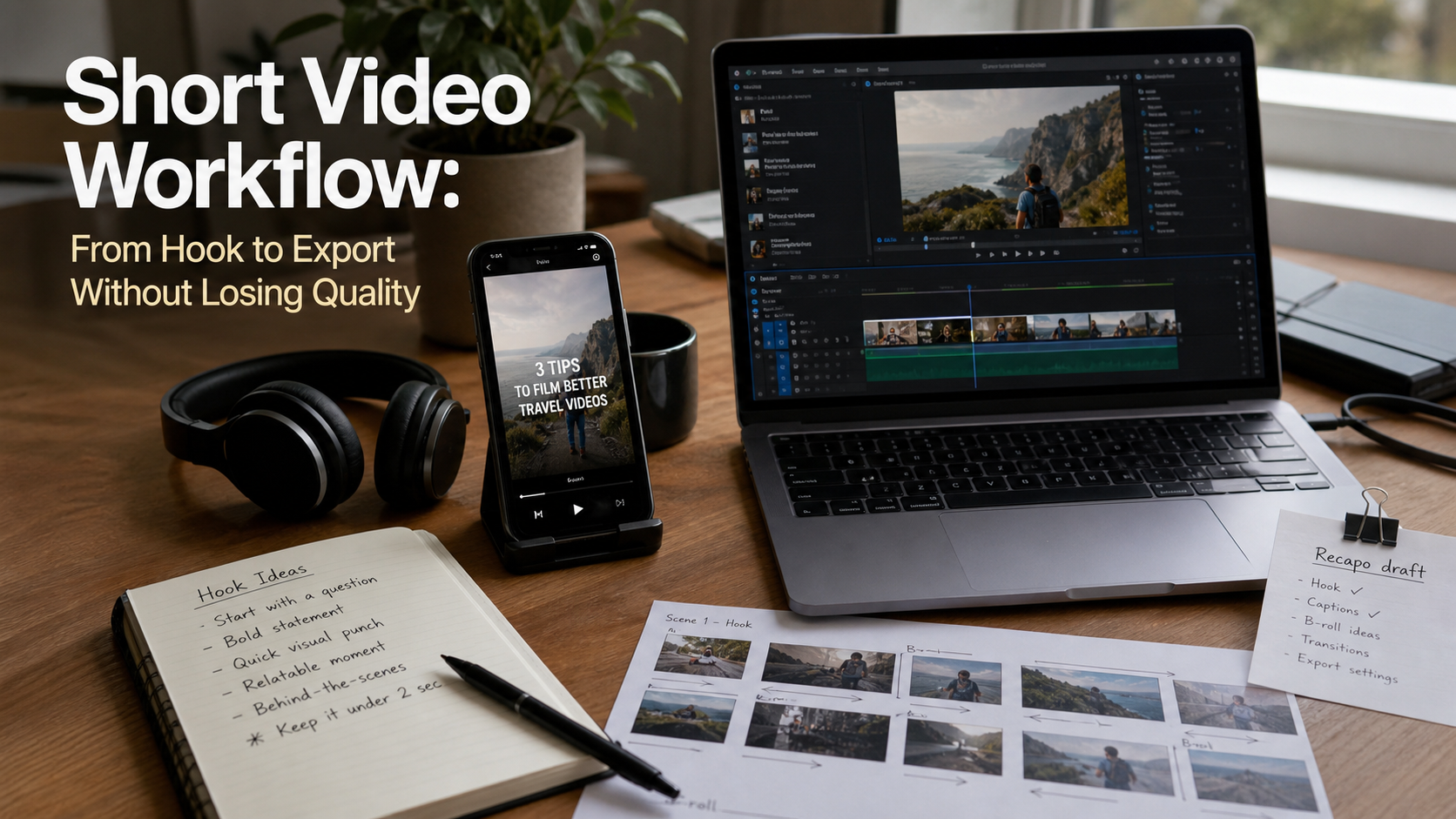
Editorial note, prepared May 9, 2026: Add original screenshots or a test clip before publishing. Use Recapo as the internal product example for recap clips, subtitles, voiceover, and script extraction.
A short video workflow fails when creators treat editing as the first step. The strongest short clips usually begin with a specific promise, a clean source asset, and a plan for how the viewer will understand the point without turning on sound.
This workflow takes you from hook to export without losing quality. It is designed for AI-assisted creators who use generation, editing, captions, and recap tools such as Recapo but still want the final clip to feel intentional.
Key takeaways
- Write the hook before choosing clips; otherwise the edit becomes a pile of interesting fragments.
- Keep one idea per short video and cut every line that does not support that idea.
- Use Recapo when the source is a longer video and you need a publishable recap clip, script, voiceover, or subtitles.
- Export quality depends on source quality, aspect ratio, caption spacing, and compression settings.
- Review the final clip once with sound and once muted before posting.
Step 1: Define the promise
A strong short video makes one promise in the first three seconds. The promise can be a result, a mistake, a comparison, or a useful shortcut. For example: "Here is the fastest way to turn a long demo into a 30-second recap."
If the promise is vague, the edit will feel vague. Write the hook as a sentence before opening your editor. Then decide whether the clip should teach, compare, warn, or demonstrate.
Step 2: Choose the right source material
Short video quality starts with the source. Screen recordings should be readable, talking-head footage should have clean audio, and AI-generated clips should match the final aspect ratio when possible. A vertical clip built from horizontal scraps can work, but it needs cropping decisions before captions and graphics are added.
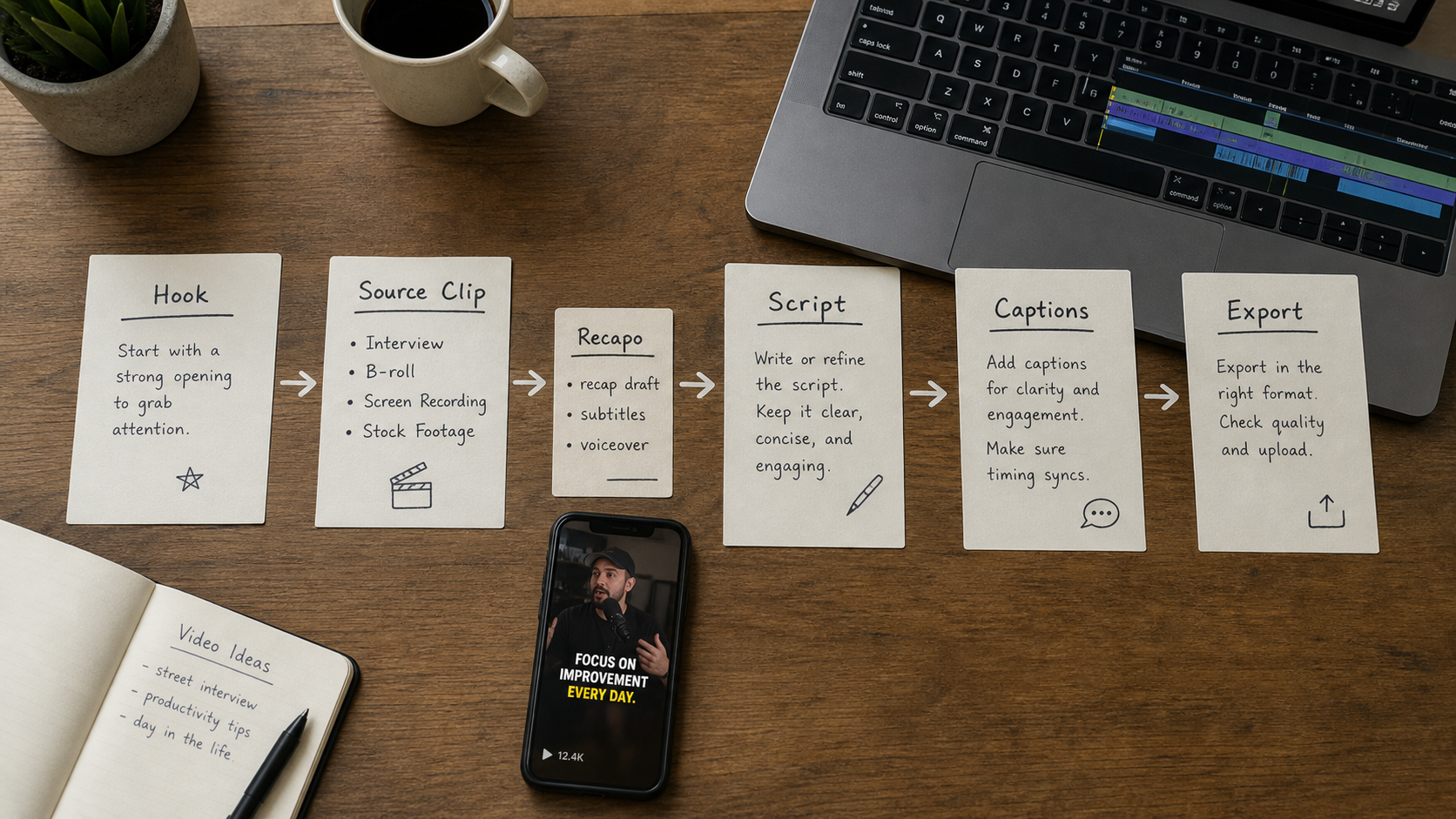
When the source is a webinar, tutorial, podcast, or long product demo, use Recapo as the first pass. The goal is not to outsource taste. The goal is to extract the best moments, draft a script, and create subtitles so the editor can spend time on pacing and clarity.
Step 3: Build a compression script
| Part | Target length | Purpose |
|---|---|---|
| Hook | 1-3 seconds | Tell viewers why to stay. |
| Context | 3-6 seconds | Explain what they are looking at. |
| Proof or demo | 10-25 seconds | Show the result, workflow, or comparison. |
| Takeaway | 3-6 seconds | Make the value memorable. |
| Next step | 2-4 seconds | Point to a tool, guide, or related page. |
Step 4: Edit for retention
Retention editing is mostly subtraction. Remove throat-clearing, repeated context, long transitions, and clips that make sense only to the person who recorded them. Add visual resets only when they help the viewer understand the next point.
- Cut on meaning, not only on silence.
- Use captions as navigation, not decoration.
- Keep product screens large enough to read on mobile.
- Avoid stacking too many stickers, arrows, and subtitles in the same frame.
- Do one final watch at phone size before exporting.
Step 5: Export without damaging the clip
Export settings cannot rescue a weak source file, but bad export settings can ruin a good edit. Match the platform aspect ratio, keep text inside safe margins, and avoid exporting the same clip through multiple apps when possible. Each extra upload and download can add compression damage.
For AI-assisted creators, the cleanest workflow is usually: generate or record source, use Recapo for recap/script/subtitle help when needed, edit the final timeline in one main editor, then export once for the target platform.
Final checklist
- The first frame is visually clear.
- The hook matches the actual content.
- Captions are readable and do not cover faces, UI, or product text.
- The clip makes sense when muted.
- The export is checked on mobile before publishing.
- The description links to the relevant tool or article, including Recapo when the workflow uses it.
E-E-A-T review notes
Experience: Before publishing, add one original mini-test: take a 3-5 minute source clip, use Recapo to create a recap script and subtitles, then show what the editor kept, rewrote, or rejected. That gives the workflow first-hand evidence instead of generic editing advice.
Expertise: Attribute the article to Sarah Miller as a short-form video creator, and keep the recommendations focused on hook design, mobile readability, caption timing, and export quality. Those are the practical areas where creator experience matters.
Trust: Make clear that AI-generated scripts, subtitles, and voiceover drafts require human review before publishing. Do not imply that Recapo or any tool guarantees a publishable final clip without editorial judgment.
- Add a before/after hook example.
- Add one screenshot or note from the Recapo recap/subtitle workflow.
- Keep the /tools/recapo link near the workflow handoff, where it helps the reader choose the next step.
Final recommendation
Use AI tools to shorten the mechanical parts of production, not to skip editorial judgment. Recapo can help turn long source material into a script, voiceover, subtitles, and recap clip, but the creator still owns the hook, pacing, and final publishing decision.
References
- Recapo tool page - internal product reference for recap clips, scripts, voiceovers, and subtitles
- AI video generators category - internal category context for video creation tools
- Short Video Tools guide - related internal guide for tool selection
Where to go next
Use these internal links to move from planning into tool selection, editing, and publishing workflows.
- Recapo - turn long videos into scripts, voiceovers, subtitles, and recap clips
- AI video generators - compare tools for source clip generation
- Short Video Tools - choose short-form creation tools faster
- Video Production Tools - compare broader AI video production workflows