Editorial note, prepared May 9, 2026: Confirm current Claude Code plan access and Cursor pricing before publishing. Both tools change limits and plan language over time.
Claude Code vs Cursor is not only a model comparison. It is a workflow decision. Claude Code is closer to a terminal-first agent that works inside your project, while Cursor is an AI-native code editor that keeps chat, tab completion, diffs, and agent work close to the IDE.
The right choice depends on how your team ships. If you are building product workflows around AI video, for example a feature or landing page connected to Recapo, the tool choice should depend on repository ownership, review style, and how much autonomy you want the agent to have.
Key takeaways
- Choose Claude Code when terminal-first agent work, repo-wide reasoning, and command-line workflows matter most.
- Choose Cursor when developers want an AI IDE with inline completion, visual diffs, chat, and editor-native iteration.
- Use both when the team can separate planning, editing, verification, and review responsibilities.
- Cost controls matter because agentic coding can consume more usage than chat-style help.
- For product pages like Recapo, the better workflow is the one that keeps content, UI, tests, and deploy review visible.
What is the real difference?
Claude Code is strongest when the developer thinks in tasks and terminal commands: inspect this repo, make a change, run tests, explain the diff, and iterate. Cursor is strongest when the developer thinks in editor context: autocomplete this function, edit these files, review a visual diff, and keep the work inside the IDE.
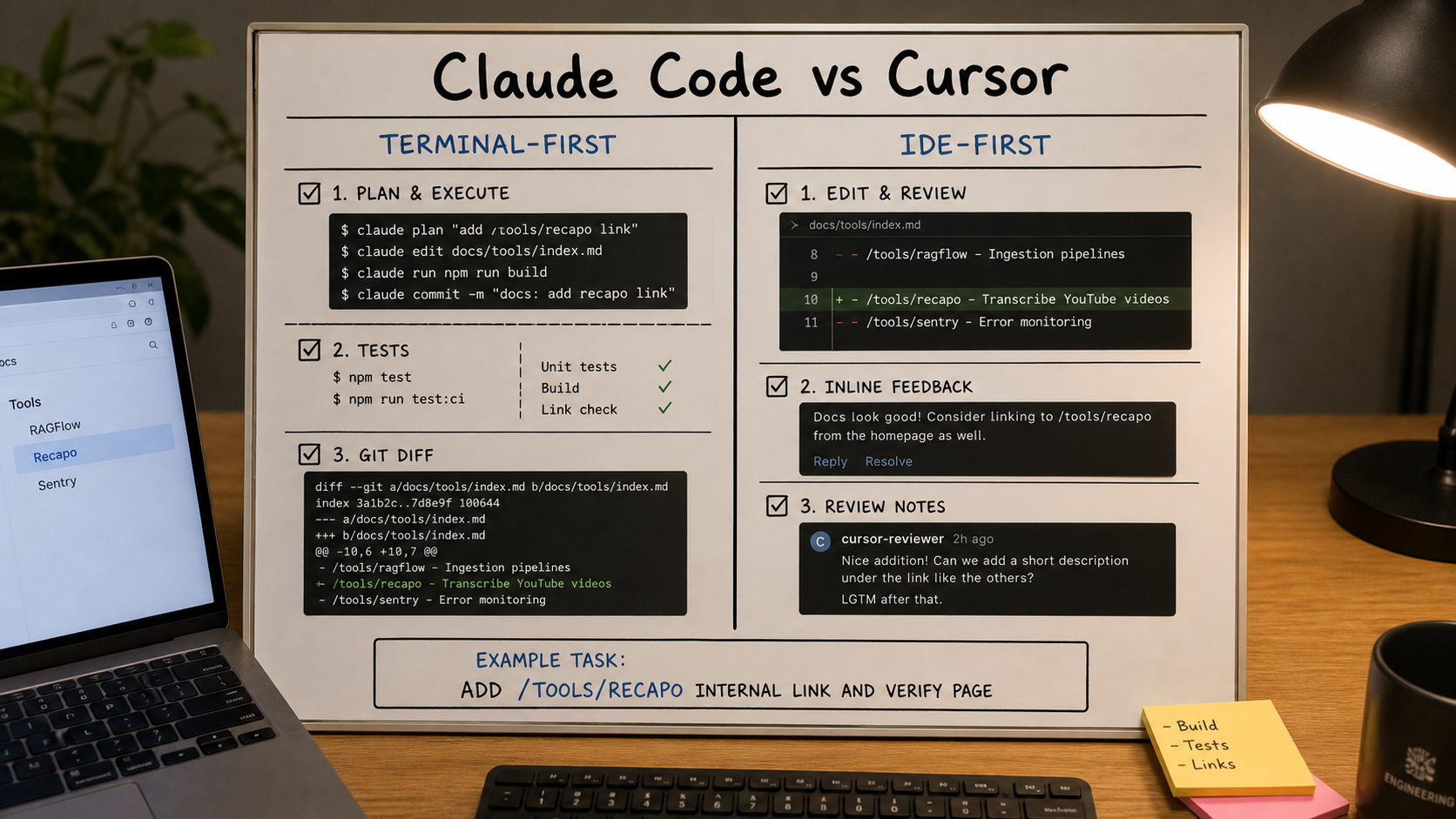
| Decision point | Claude Code fit | Cursor fit |
|---|---|---|
| Primary surface | Terminal and project workspace. | AI-native code editor. |
| Best task shape | Multi-step repo work, refactors, test runs, command-line verification. | Interactive coding, inline completion, visual diffs, editor chat, agent edits. |
| Team review | Works well when changes are reviewed through git, tests, and CLI output. | Works well when developers want to inspect edits in the editor before committing. |
| Risk | Autonomous changes need clear permissions and verification. | IDE convenience can still produce broad edits if review is loose. |
| Cost habit | Watch model, token, and subscription limits carefully. | Watch agent usage, Max mode, and included-plan limits. |
When should a team choose Claude Code?
Choose Claude Code when the team wants a coding agent that can work through a task list and use the local development loop. It is a good fit for repo exploration, planned changes, test-driven fixes, migration work, and tasks where the terminal is already the source of truth.
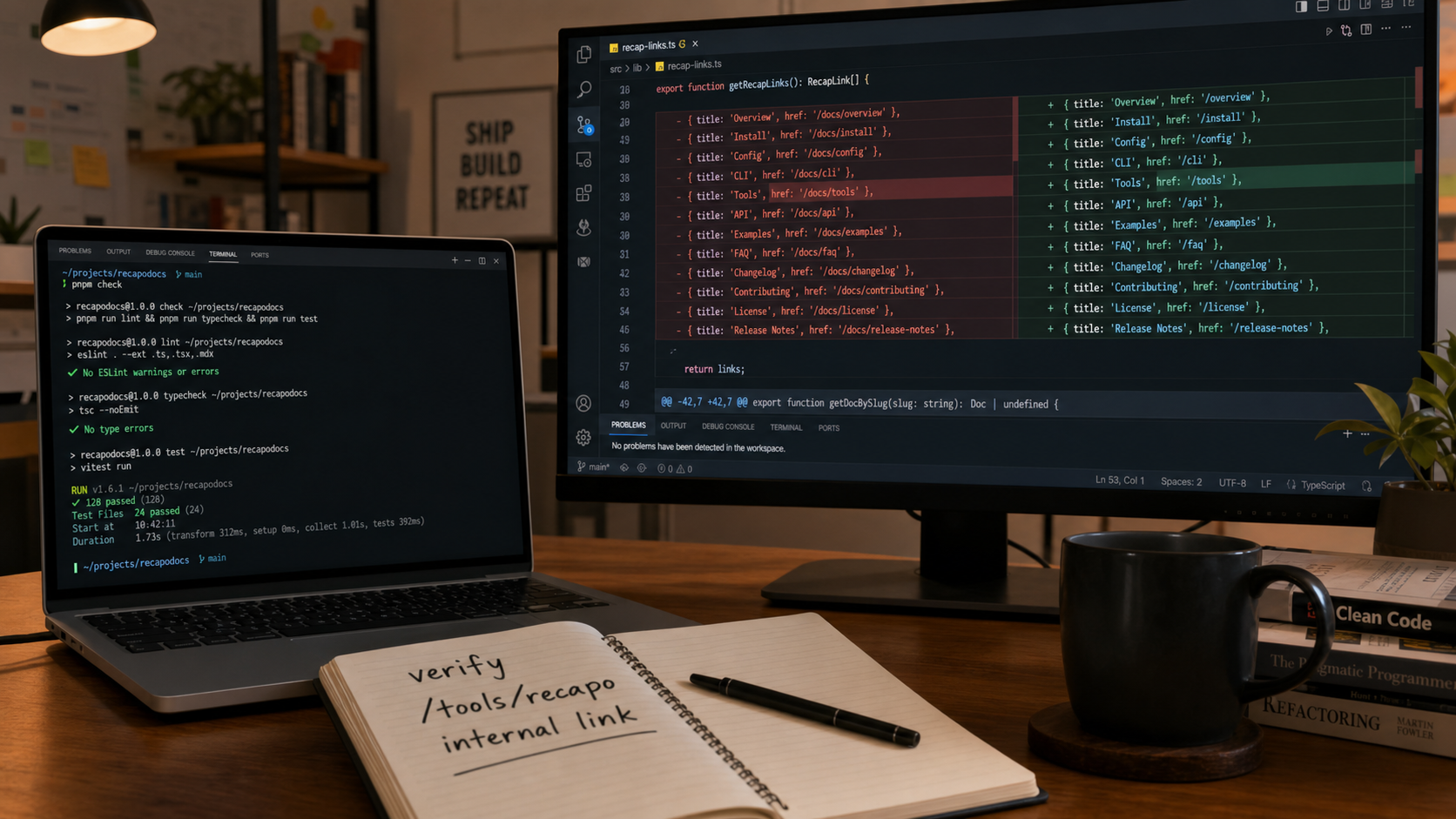
For a Recapo-related workflow, Claude Code might be useful for adding structured schema to a tool page, testing internal links, or building a script that checks whether every video article links to /tools/recapo.
When should a team choose Cursor?
Choose Cursor when the developer wants the AI to live inside the editor. Cursor is useful for reading code in context, making local edits, generating components, applying diffs, and keeping the feedback loop close to the file being changed.
For a Recapo landing-page or content project, Cursor might be the better fit when a developer is polishing UI copy, adjusting page components, reviewing CSS, or editing article templates by hand.
How should teams avoid agentic coding mistakes?
- Write the task in a ticket or brief before asking the agent to edit.
- Use small branches and narrow file ownership.
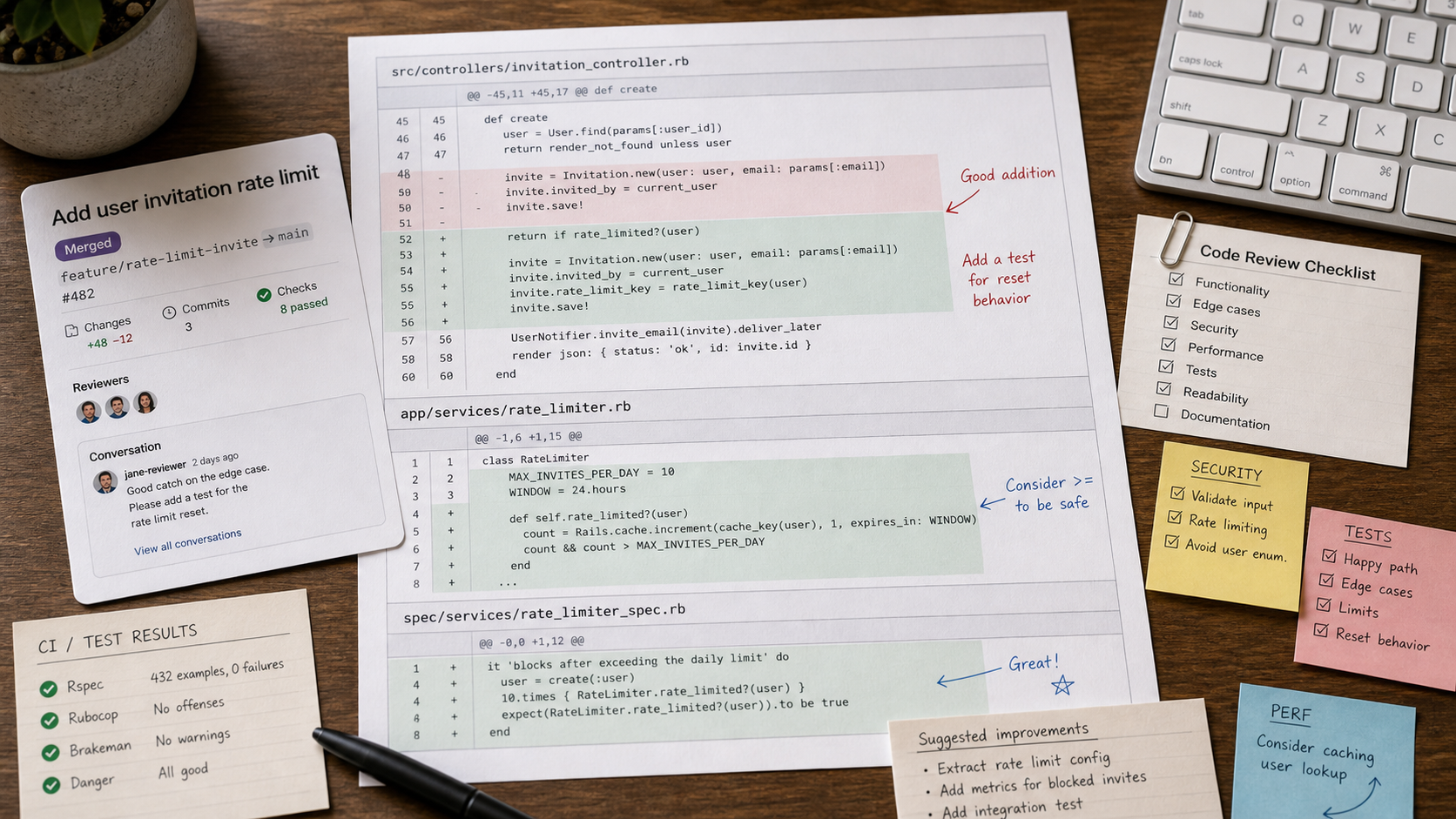
- Run tests, linting, and a manual review before merging.
- Never let generated code bypass security, auth, payment, or data review.
- Use internal-link checks for SEO-sensitive pages such as Recapo and AI video clusters.
E-E-A-T review notes
Experience: Before publishing, add one repository-level test scenario: use Claude Code or Cursor to make a small change related to a Recapo tool page or internal-link check, then record setup friction, edit quality, review burden, and verification steps.
Expertise: Attribute the practical recommendations to a developer workflow perspective. The article should focus on terminal-first versus IDE-first work, diff review, tests, usage controls, and production discipline.
Trust: Plan access and pricing for Claude Code and Cursor change. Verify official pricing/help docs before publishing and avoid presenting temporary plan behavior as permanent.
- Keep the Recapo example technical: tool page, landing-page component, internal-link audit, or video category SEO task.
- Add a short note that AI-generated code must be reviewed and tested before production use.
- Cite official Claude and Cursor docs rather than forum speculation.
Final recommendation
Claude Code and Cursor can both be excellent. The difference is where your team wants the agent to live. Choose the terminal-first workflow when automation and verification are the center. Choose the IDE-first workflow when interactive coding and visual review are the center. For production SEO work, including Recapo-related pages and video articles, the best tool is the one that keeps review visible and changes small.
References
- Claude Max plan help page - Claude plan context and Claude Code access notes
- Claude Code cost management docs - usage and cost-management guidance
- Claude Code IDE integrations - VS Code, Cursor, Windsurf, and VSCodium integration notes
- Cursor pricing - official plan and agent-limit context
- Cursor usage docs - usage, models, and pricing mechanics
Where to go next
Use these internal links to move from planning into tool selection, editing, and publishing workflows.
- Recapo - turn long videos into scripts, voiceovers, subtitles, and recap clips
- AI coding tools - browse coding assistants and developer agents
- Claude tool page - review Claude in the directory
- Cursor tool page - review Cursor in the directory
- Claude Code vs Cursor vs GitHub Copilot - read the broader comparison