Editorial note, reviewed April 17, 2026: “Free” can mean a free plan, a student offer, a limited trial, or free access through a school account. This guide focuses on tools that are useful before paying, but you should verify current limits, eligibility, and academic rules on the official sites.
Students looking for free AI tools for students usually do not need the most advanced model on the market. They need tools that are reliable enough for schoolwork, easy to learn, and useful without immediately forcing a paid upgrade.
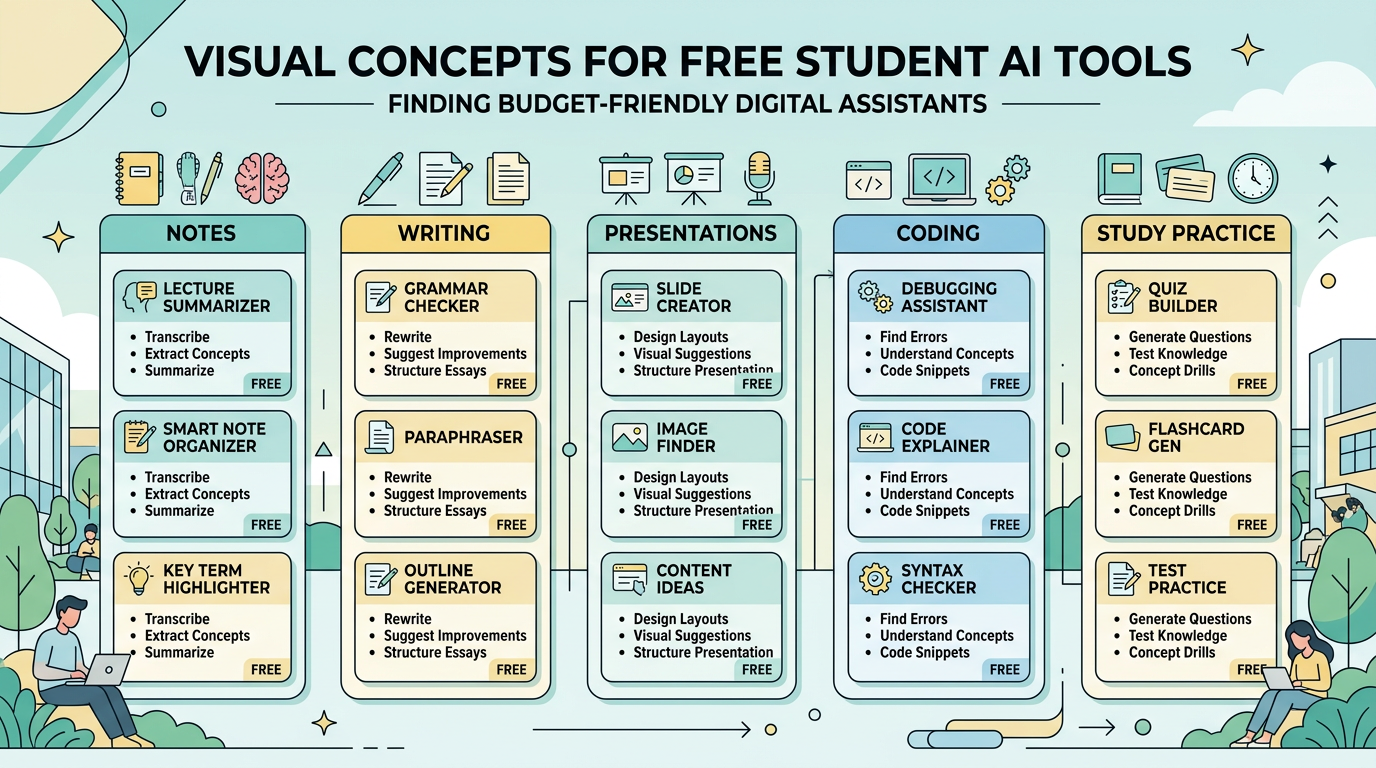
The strongest free starting stack is NotebookLM for source-based study, ChatGPT or Claude for explanations and writing feedback, Canva AI for presentations, Microsoft Copilot for everyday help inside Microsoft workflows, and GitHub Copilot Student for coding if you qualify. For the broader paid-and-free comparison, see best AI tools for students in 2026.
Best free student tools at a glance
| Tool | Best For | Free Access Type | Key Strength | Main Limitation | Choose It When |
|---|---|---|---|---|---|
| NotebookLM | Study notes and source Q&A | Free access with limits | Grounded in uploaded materials | Best only after you collect sources | You study from PDFs, notes, or readings |
| ChatGPT | Homework help and brainstorming | Free plan with limits | Flexible general assistant | Can make unsupported claims | You need explanations, outlines, or practice |
| Claude | Writing and revision | Free plan with limits | Natural editing and long-draft feedback | Usage limits vary | You want cleaner essays and better structure |
| Canva AI | Presentations and visuals | Free and education access vary | Fast editable deck drafts | Slides need cleanup | You need a class presentation fast |
| Microsoft Copilot | General productivity | Free access varies by account | Familiar for Microsoft users | Features differ by account | You already use Word, Edge, or Microsoft tools |
| GitHub Copilot Student | Coding coursework | Student eligibility required | In-editor coding support | Only useful for coding-heavy students | You write code for class or projects |
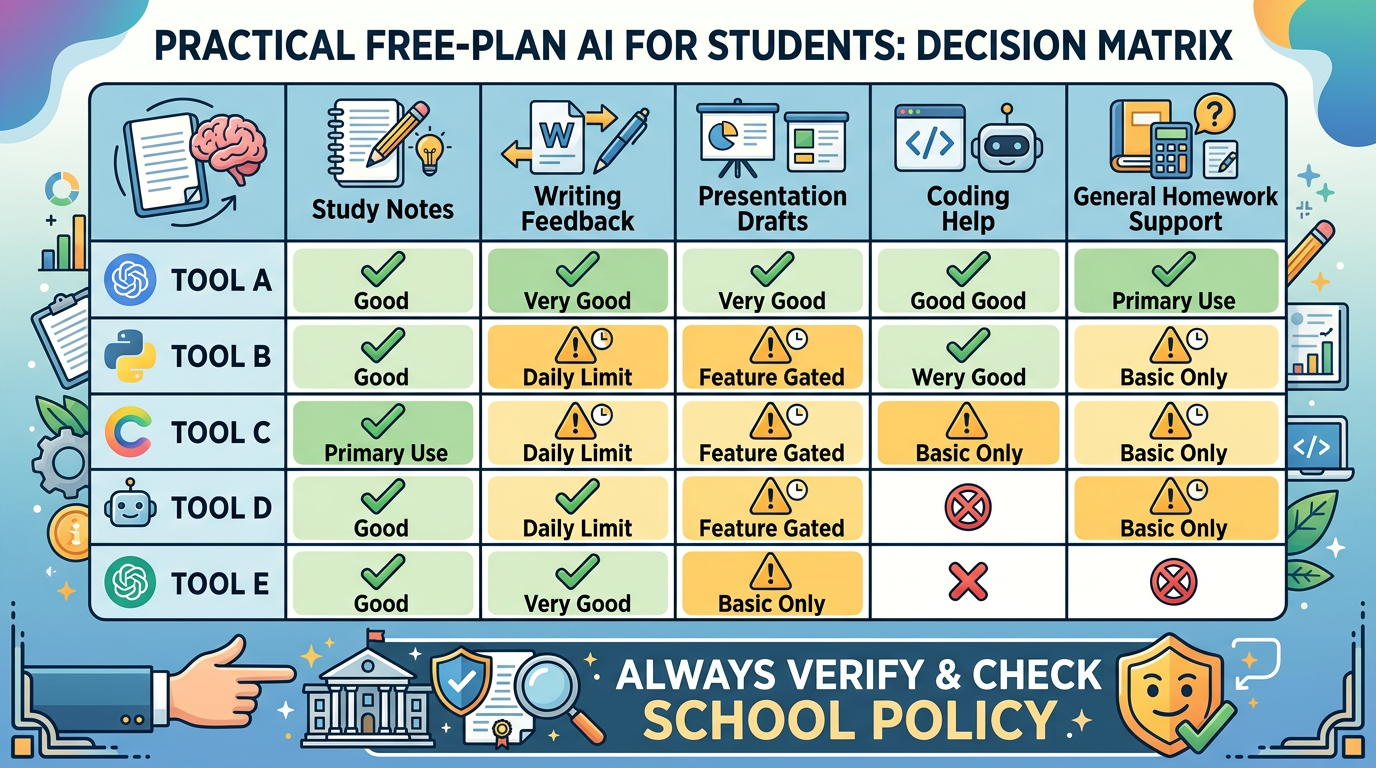
A good free tool should pass one practical test: can it help with a real assignment in the first week without making the student dependent on fake answers or hidden paid limits?
Free AI study tools
For free AI study tools, NotebookLM is the first tool I would test. It works best when your class already gives you readings, lecture slides, or source documents. Upload the material, then ask for summaries, comparisons, terms, and quiz questions based on that source set.
A useful workflow looks like this:
- Upload lecture slides, a syllabus, and two assigned readings.
- Ask for the five recurring concepts across all sources.
- Ask for 12 quiz questions with hints before answers.
- Mark the questions you missed and ask for a second quiz only on those topics.
That workflow is better than asking for a generic summary because it turns passive reading into retrieval practice. If your assignment depends on research rather than class notes, use the AI research tools directory or the full guide to best AI research tools.
Free AI note taking for students
The best free AI note taking for students is not just transcription. For most schoolwork, the real value is turning messy notes into a study system.
NotebookLM is strong when the notes are tied to documents. Microsoft Copilot can be useful if your school already uses Microsoft tools. ChatGPT and Claude can help clean notes, but you need to paste enough context and ask for structure.
Try this prompt:
Turn these lecture notes into a study guide. Separate definitions, formulas, examples, likely exam questions, and topics I should ask the professor about. Do not add facts that are not in the notes.
That last sentence matters. Free tools are useful, but they can still invent tidy-sounding details. Keeping them bounded makes the output safer.
Free writing help
For writing, ChatGPT and Claude are the two easiest tools to test. ChatGPT is flexible for brainstorming, outlines, counterarguments, and plain-English explanations. Claude often feels more natural when revising awkward paragraphs or reading a longer draft.
A responsible writing workflow is simple:
- Write your rough idea first.
- Ask the tool to identify missing logic, weak transitions, and unsupported claims.
- Rewrite in your own voice.
- Check every citation yourself.
Avoid prompts that outsource the entire essay. They usually produce generic writing, and worse, they leave you unable to defend the argument. AI should make the draft easier to improve, not replace your thinking.
Free AI presentation tools
For free AI presentation tools, Canva AI is the simplest first test. It can turn a topic and audience into a rough slide structure, visual direction, and editable deck. That is useful when the hard part is starting.
But do not submit the first deck it gives you. AI slide drafts often contain too much text, generic icons, and visuals that look polished but say very little. Trim the deck, replace vague slides with examples from class, and make sure your spoken notes carry the argument.
If your class project combines research and presentation, pair NotebookLM for source notes with Canva AI for the deck. One keeps the content grounded. The other speeds up the visual layout.
Free AI coding tools for students
For coding classes, start with GitHub Copilot Student if you qualify. If not, compare free access or trials from GitHub Copilot, Cursor, Replit, ChatGPT, and Claude. The best free coding assistant depends on where you code and what kind of help you need.
Use AI coding help for explanations, small examples, debugging hints, and test ideas. Be careful with full solutions. If the assignment is meant to teach loops, recursion, SQL joins, or API basics, accepting a full generated solution may get you through one deadline and leave you lost on the exam.
For a deeper developer shortlist, read best free AI coding assistants or browse the AI coding assistant directory.
Limits of free plans
Free plans are valuable, but they are not stable. Common limits include message caps, file upload limits, smaller context windows, slower speed, limited model access, blocked advanced features, and student eligibility checks.
My practical rule: treat free AI tools as a way to test fit. If a tool becomes central to your weekly study workflow, check whether the paid plan, student plan, or school-provided access is worth it. If it only helps occasionally, the free version may be enough.
Which free AI tool should you use?
- Choose NotebookLM if your class has PDFs, readings, slides, or source packs.
- Choose ChatGPT if you want one general assistant for explanations, outlines, and practice questions.
- Choose Claude if your main problem is revising long text into clearer writing.
- Choose Canva AI if presentations are the bottleneck.
- Choose Microsoft Copilot if your school workflow already lives in Microsoft apps.
- Choose GitHub Copilot Student if your coursework is code-heavy and you qualify.
You can also browse the free AI tools collection and AI productivity tools hub on AI Generator Tools.
FAQ
What are the best free AI tools for students?
NotebookLM, ChatGPT, Claude, Canva AI, Microsoft Copilot, and GitHub Copilot Student are practical starting points. The best one depends on whether you need study notes, writing feedback, slides, coding help, or general explanations.
Are there good free AI study tools for exams?
Yes. NotebookLM is especially useful when your exam prep depends on lecture notes, readings, and PDFs you can upload. ChatGPT and Claude can also generate practice questions if you provide the material.
What is the best free AI note taking for students?
NotebookLM is the strongest fit for source-grounded notes. For general note cleanup, ChatGPT, Claude, and Microsoft Copilot can help if you give them enough context.
Are free AI presentation tools good enough for class?
They are good for first drafts. Canva AI can save time on structure and visuals, but students should still edit the deck, reduce text, and check the accuracy of every claim.
What free homework AI tools are safe to use?
Safe uses include explanations, practice questions, outlines, feedback, and debugging support. Riskier uses include generating final answers, fake citations, or work you cannot explain.
Final verdict
If you want free AI tools for students that are actually useful, start with NotebookLM for studying, ChatGPT or Claude for writing and explanations, Canva AI for presentations, and GitHub Copilot Student for coding if you qualify. That stack is practical, low-friction, and less likely to turn into a pile of unused accounts.
Official sources checked: NotebookLM, ChatGPT plans, Claude pricing, Canva for Education, GitHub Education, Microsoft Copilot.