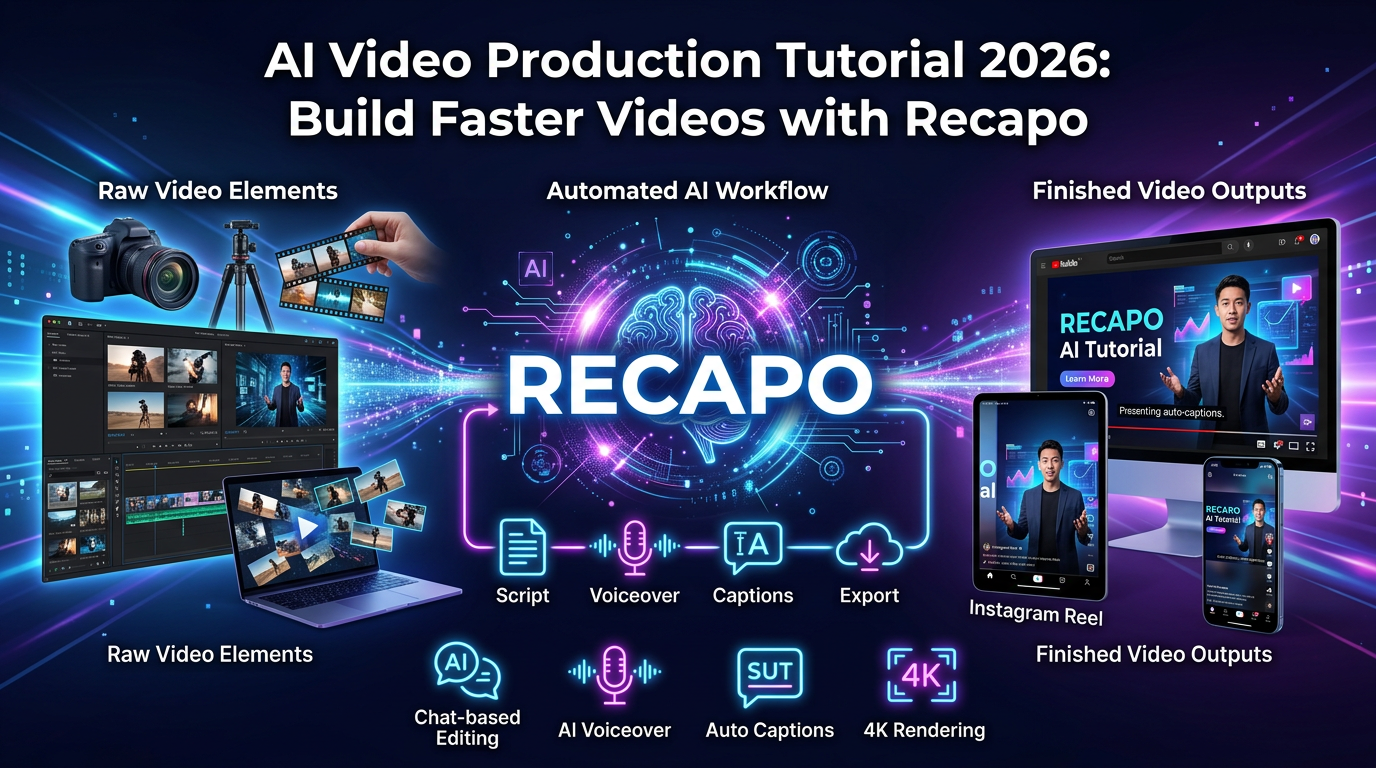
AI video production in 2026 is not just text-to-video prompting. For most creators and operators, the faster workflow is more practical: start with real footage, shape a usable script, tighten the edit, fix subtitles, choose the right narration layer, and export for the platform you actually publish on.
That matters because the biggest waste in video production usually happens before the final polish. Teams lose time in logging footage, finding the usable narrative, building readable subtitles, and producing first drafts that still need structure. A recap-first workflow reduces that waste much earlier.
TL;DR: If your use case is recap, commentary, or source-to-summary short-form content, Recapo is usually a better starting point than a blank timeline. If you need more manual transcript editing, Descript is often the cleaner choice. If you want simpler browser-based social editing, Veed is the easier fallback.
Who this AI video production tutorial is for
- Creators building recap, commentary, or explainer videos from long-form source footage.
- Teams trying to reduce time from raw material to publishable short-form output.
- Operators comparing AI-first workflows with manual editors before locking a stack.
- Buyers who want a repeatable workflow, not just another vague “AI video” feature list.
How we approached this tutorial
This tutorial is written as a workflow guide, not a vendor landing page summary. We looked at where time is usually lost in AI video production, which steps still need a human editor, and how different tools fit recap-style versus general social-editing jobs.
- Workflow speed: how quickly you can move from source footage to a coherent draft.
- Editability: how easy it is to fix pacing, scenes, and subtitle issues without restarting.
- Output fit: whether the workflow still works for Shorts, Reels, TikTok, and YouTube.
- Cost logic: whether the workflow saves real operator time rather than adding another tool layer.
If you want the buyer-side view after this, read Video Production Services in 2026: A Practical AI Workflow With Recapo. If you want more editing-specific advice, go next to Video Editing Tips for Short Videos That Convert.
What AI video production means in practice

In 2026, AI video production usually refers to using software to automate the slowest parts of the job:
- logging and summarizing long footage
- turning source material into a usable script
- matching scenes to narration faster
- creating readable subtitles
- adapting exports for multiple destinations
That is why AI video production is not one category. Some tools are strongest at generation. Others are strongest at editing. Recapo is more useful when the job starts from existing footage and ends with recap-ready output rather than pure prompt-based creation.
Recapo vs general editors: where each one wins
| Workflow need | Recapo | Descript | Veed | Adobe Premiere Pro |
|---|---|---|---|---|
| Best starting point | Recap, commentary, source-to-summary draft building | Transcript-led editing and spoken-word cleanup | Fast browser-based social edits | Manual finishing, detailed timeline control |
| Main strength | More structure before the timeline gets messy | Fast text-based editing once the transcript is solid | Lightweight subtitle-heavy social production | Precise control over pacing, sound, and final polish |
| Main weakness | Still needs human QA for pacing, names, and scene logic | Less helpful when the visual edit is the hardest part | Can feel limited for heavier narrative workflows | Slowest route for building the first draft |
| Choose it when | You publish recap-style content often and care about throughput | You edit interviews, explainers, or voice-led videos | You want simple browser editing without much setup | You are finishing client work or need exact manual control |
Why Recapo is the right comparison point
Recapo is relevant because it starts from a real bottleneck: turning long source material into short, structured output faster. That is different from a generic editor, where you often begin with a blank sequence and still have to figure out story, pacing, and the first working draft on your own.
For recap and commentary formats, that structural head start matters more than another transition pack. It gives you a usable editorial spine earlier in the workflow, which is why Recapo fits better for movie recap, reaction, summary, and explainer-style production than a tool designed mainly for general-purpose social editing.
Step-by-step AI video production workflow
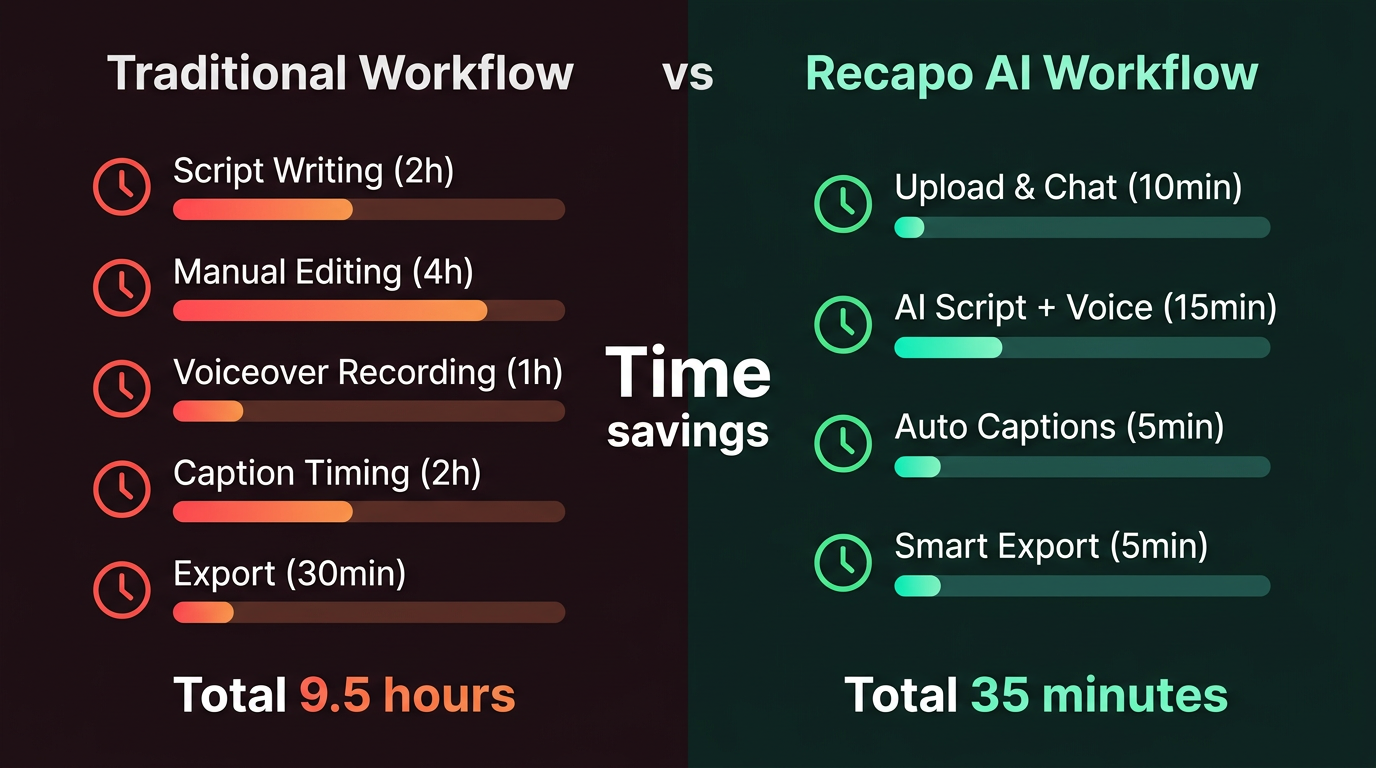
1. Define the final job before upload
Before you touch the upload button, define the actual job of the video in one line. For example: “Create a 60-second movie recap with suspense pacing, large subtitles, and a spoiler-safe hook.”
This step matters because vague briefs create vague structure. If the tool has to guess the platform, tone, and audience at the same time, the first draft usually comes back too broad.
2. Upload source footage and wait for a usable project state
Once the source footage is ingested, the goal is not to admire the interface. The goal is to move quickly into a structured draft that you can actually evaluate. If processing fails, clean source audio and standard codecs usually solve more problems than repeated retries.
3. Generate the first recap or commentary draft
The first draft should answer three questions immediately:
- Is the hook clear in the first few seconds?
- Does the script move forward fast enough?
- Can the lines be spoken cleanly without subtitle clutter?
If the result feels bloated, shorten the target runtime before you manually rewrite every sentence. Runtime constraints usually improve structure faster than endless prompt tweaks.
4. Set runtime before polishing visuals
A 45-to-60 second cut behaves very differently from a 3-minute recap. Set the intended length before you start fixing subtitles and scene choices. That keeps the edit honest about what it is trying to achieve.
5. Replace weak scene matches instead of restarting the whole draft
The most common AI video production failure is not that the entire draft is unusable. It is that a few scene choices do not match the narration beat. Manual swaps at the scene level usually produce better results than full regeneration.
6. Fix subtitles for phone-first viewing
Good subtitle settings do more for retention than decorative effects. Keep most subtitle blocks to one or two lines, split them at natural phrase boundaries, and preview them at phone size. If you want more detail on readable short-form editing, go to Video Editing Tips for Short Videos That Convert.
7. Decide whether the voice should stay original or become synthetic
Use the original audio when the dialogue is clean and the source carries emotional weight. Use AI narration when you need clarity, compression, and consistency. In either case, short sentences and cleaner punctuation usually improve the result faster than dramatic voice settings do.
8. Export for the destination, not for the archive
| Use case | Aspect ratio | Resolution | Why it matters |
|---|---|---|---|
| Shorts, Reels, TikTok | 9:16 | 1080x1920 | Best default for mobile-first distribution |
| YouTube long-form | 16:9 | 1920x1080 | Better for explainers and longer recap formats |
| Internal review copy | Match destination | 720p or 1080p | Fast enough for QA without wasting export time |
If you need a deeper guide to workstations, export trade-offs, and post-production stacks, read Best Setup for AI Video Generation: GPUs, Workflows, and Export Tips.
What free vs paid actually changes
| Capability | Free or trial behavior | Paid behavior |
|---|---|---|
| Upload and preview | Usually available | Available |
| Export duration | Often limited | Higher or full-length export options |
| Watermark | Often present | Usually removed |
| Resolution | May be capped | Usually fuller export options |
| Batch or team workflow | Rare | More likely included |
The right way to compare plans is not by headline price alone. It is by how many publishable videos you can ship per month without creating a new bottleneck in review or export.
What to verify before you commit
- Pricing transparency: can you see the real export and collaboration limits before you buy?
- Subtitle quality: do names, titles, and line breaks hold up on mobile?
- First-draft speed: are you actually getting to a usable draft faster than in a manual editor?
- QA burden: how much cleanup still lands on the operator?
- Scale fit: does the workflow still make sense when you move from one test video to a weekly pipeline?
Related internal resources
- Video Production Services in 2026: A Practical AI Workflow With Recapo
- Video Editing Tips for Short Videos That Convert
- AI Video Editor vs Traditional Software: Which Is Better in 2026?
- Best Free AI Video Generators in 2026: A Hands-On Guide
- Best Free AI Image to Video Generators in 2026
References
- Clutch: Video Production Pricing Guide
- Adobe Premiere Pro official product page
- Recapo official site
Bottom line
A strong AI video production workflow is not about replacing every editor. It is about shrinking the slowest part of the process. Recapo makes the most sense when you need structure early, especially for recap and commentary formats. Use it to get from long source material to a coherent short-form draft faster, then decide whether the last layer of finishing belongs in a general editor or a more detailed manual tool.